

Ranking automated patch management tools based on their overall popularity and high-level feature lists overlooks what really matters: that they can actually protect you from critical vulnerabilities. Every IT environment is unique, combining different operating systems and apps, and mixed-environment patching must cover the operating systems and third-party software that your organization relies on.
This guide helps you understand the factors you should consider when comparing automated patch management tools, with a comparison of advanced features and how they impact vulnerability patching automation, mixed-OS patching pitfalls, and handling patch deployment failures.
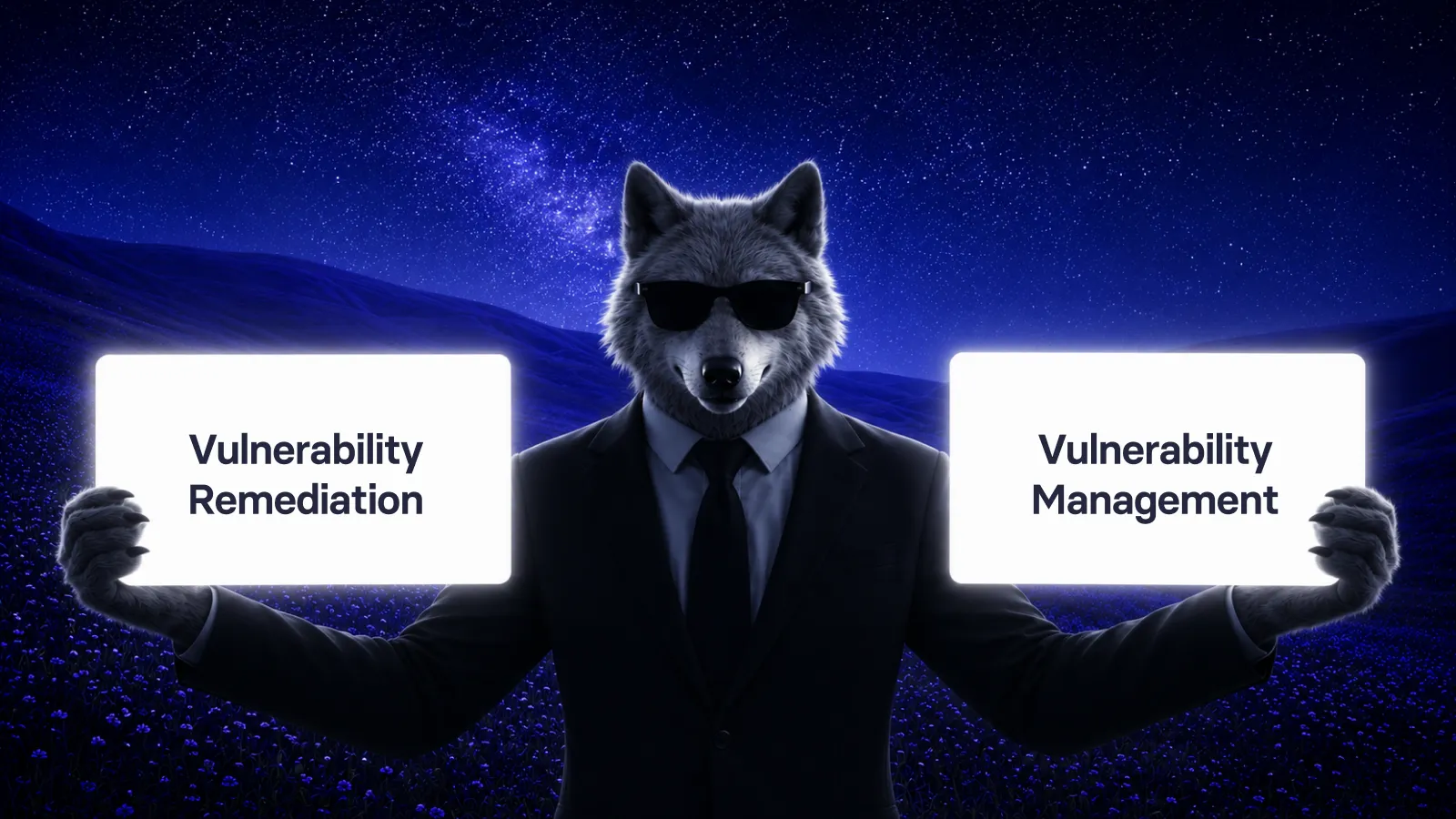
Patch management starts with vulnerability management (but it's not always included)
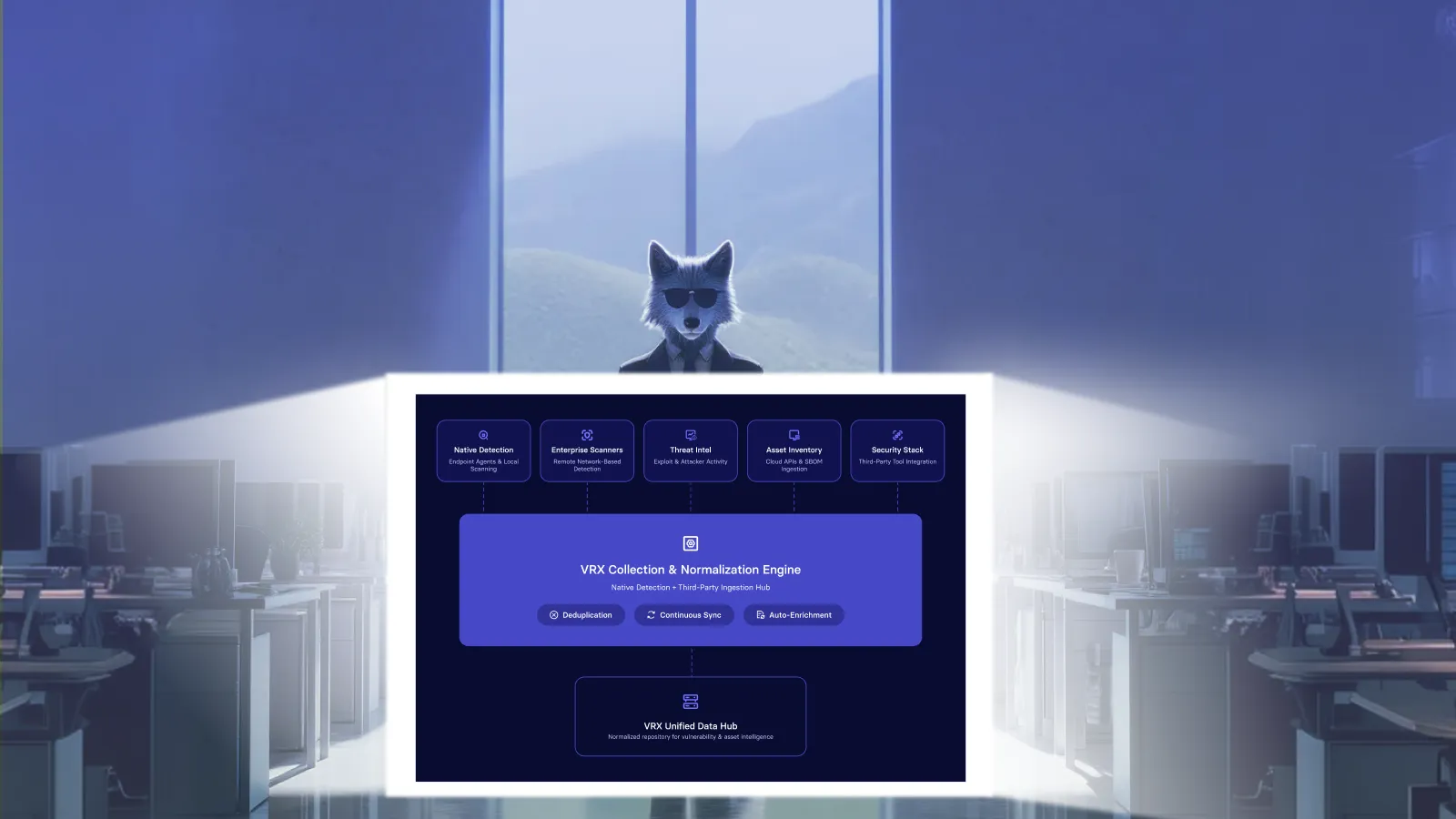
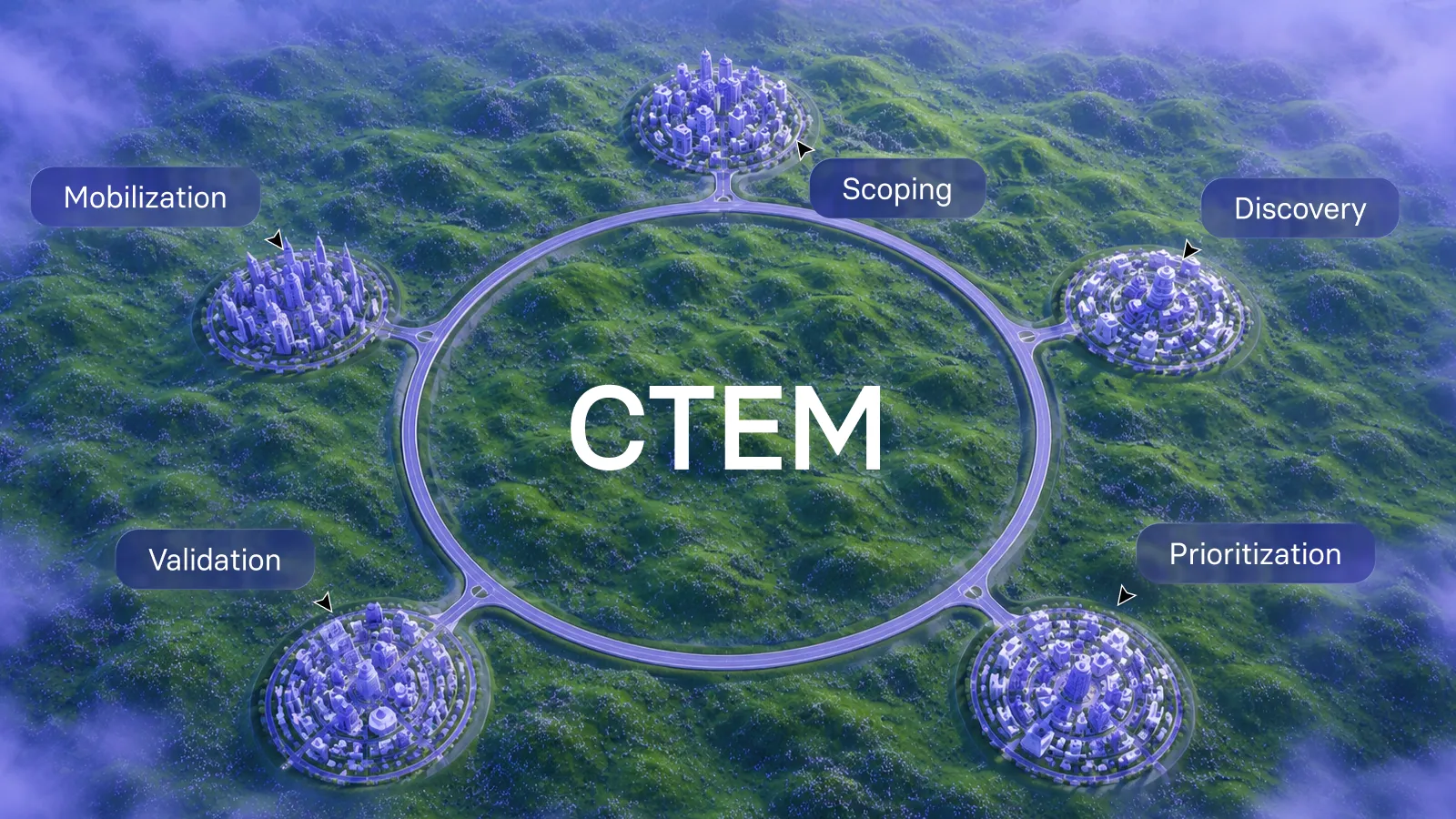
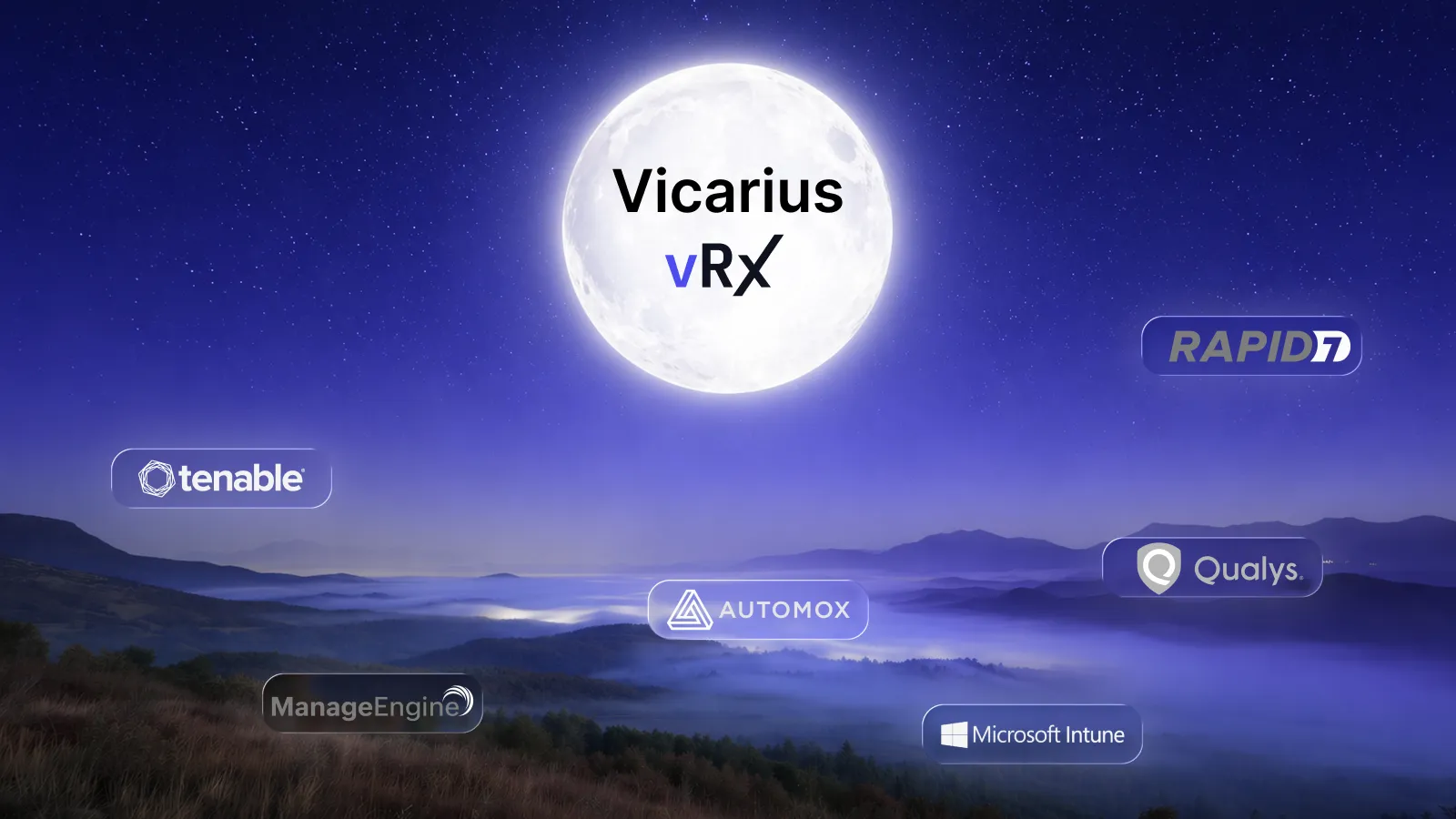
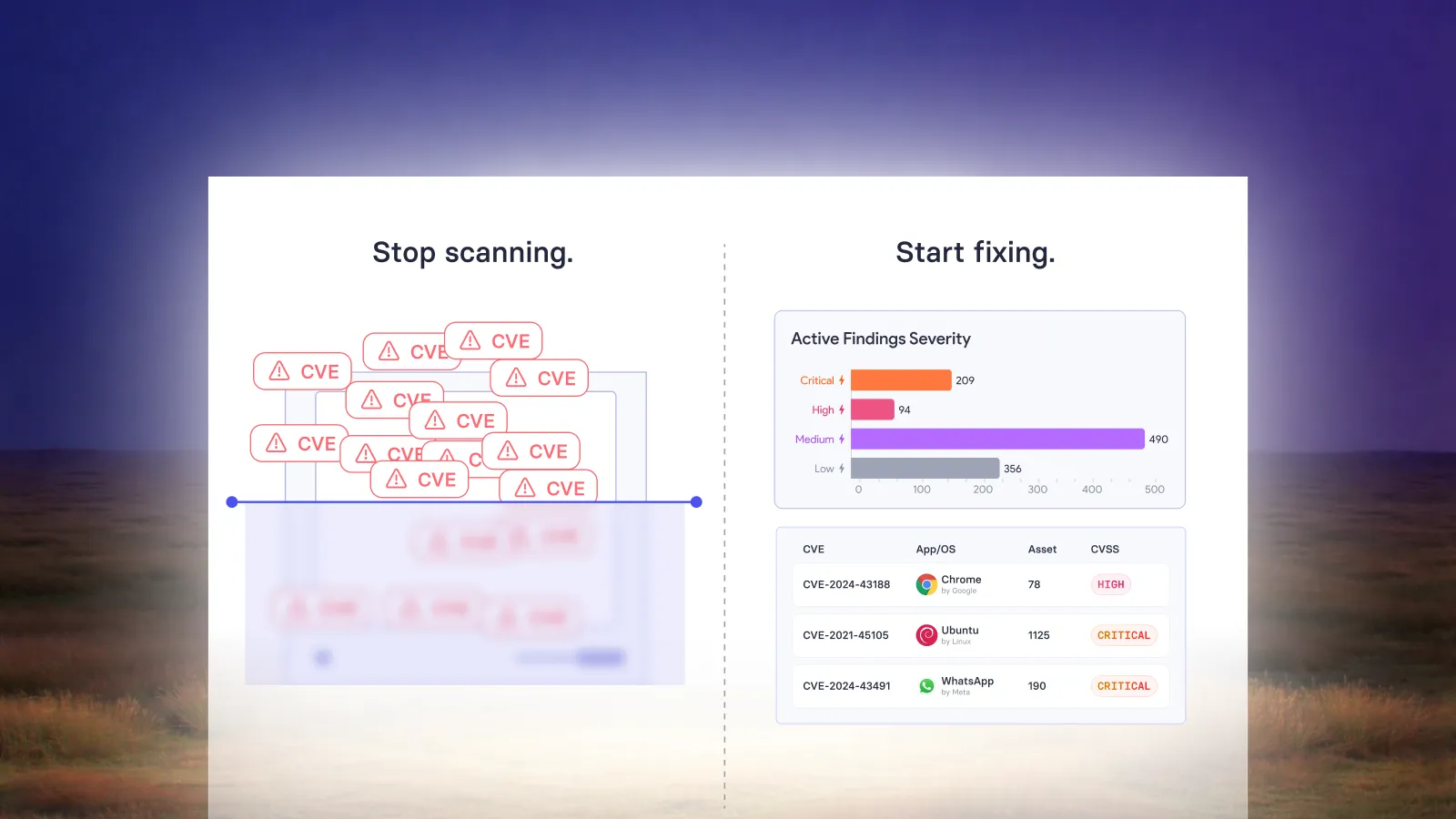
Visibility, governance, and coverage are vital to the success of enterprise vulnerability management. Vulnerability management tools generally focus on these factors, providing inventory, vulnerability scanning, and prioritization features.
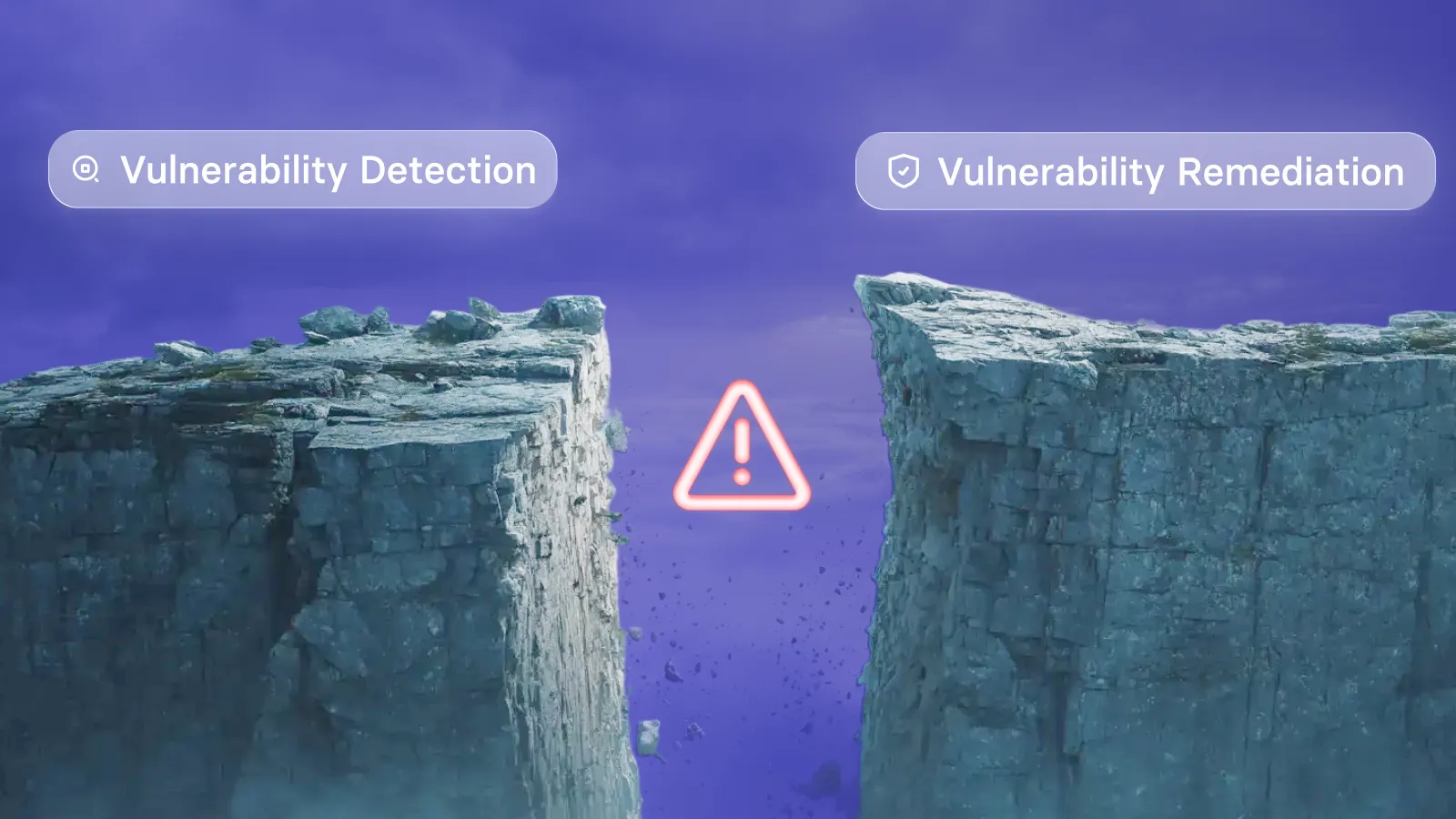
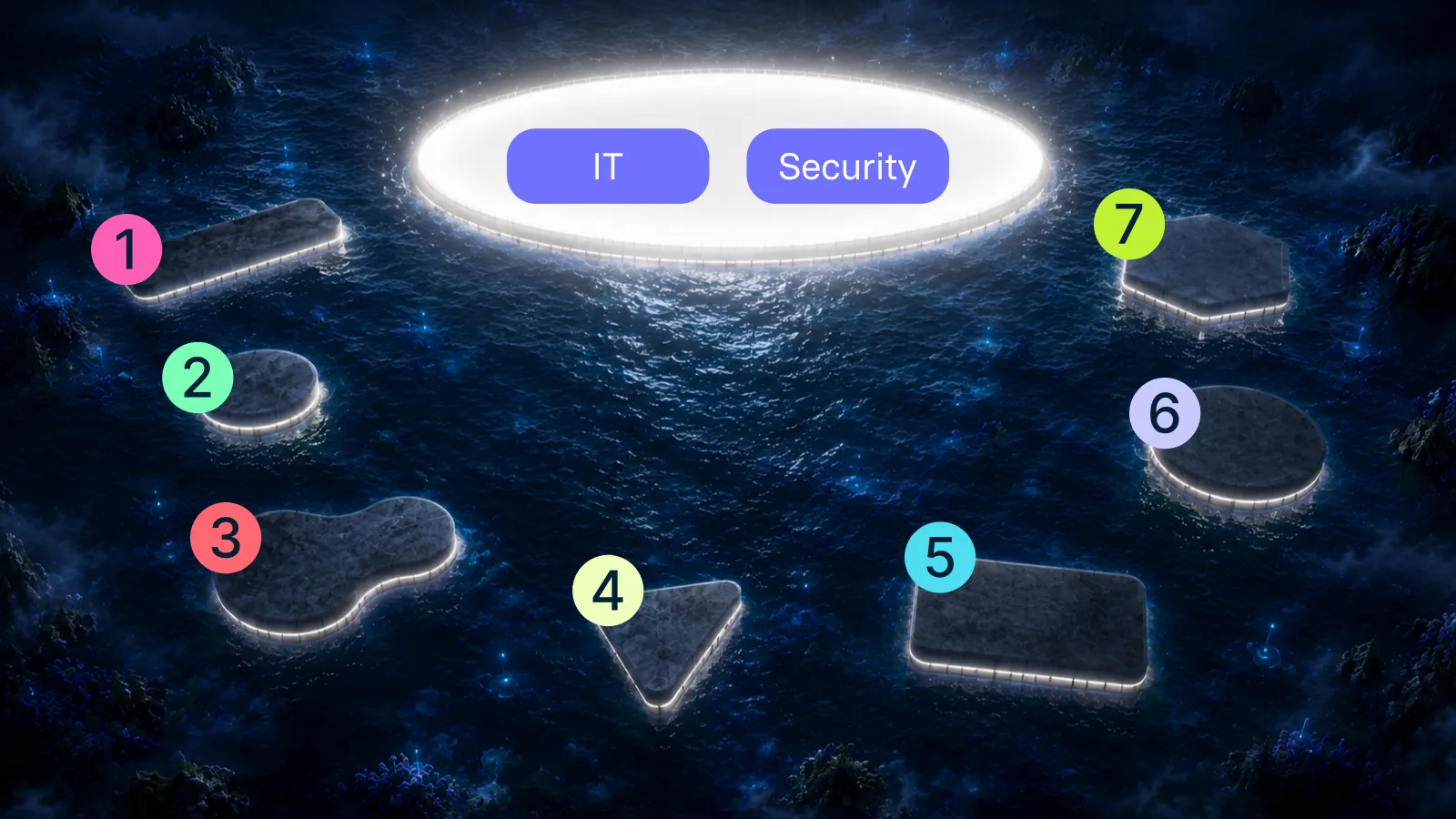
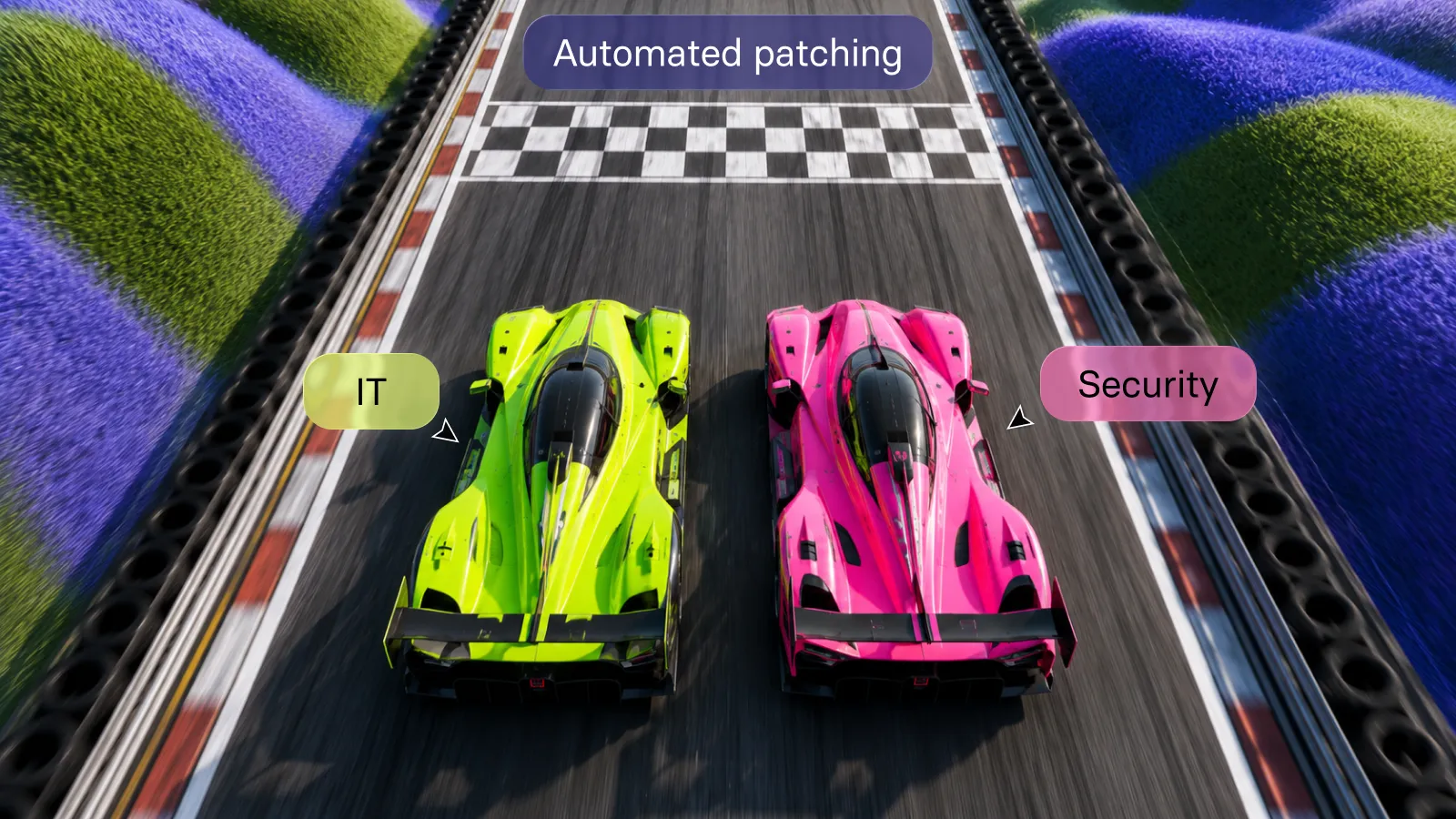
Once your IT and security teams have been made aware of the potential threats present in your infrastructure, patchable vulnerabilities are then left to separate automated patch management tools and processes. This fragmentation can lead to gaps.
The vulnerability prioritization and remediation challenge
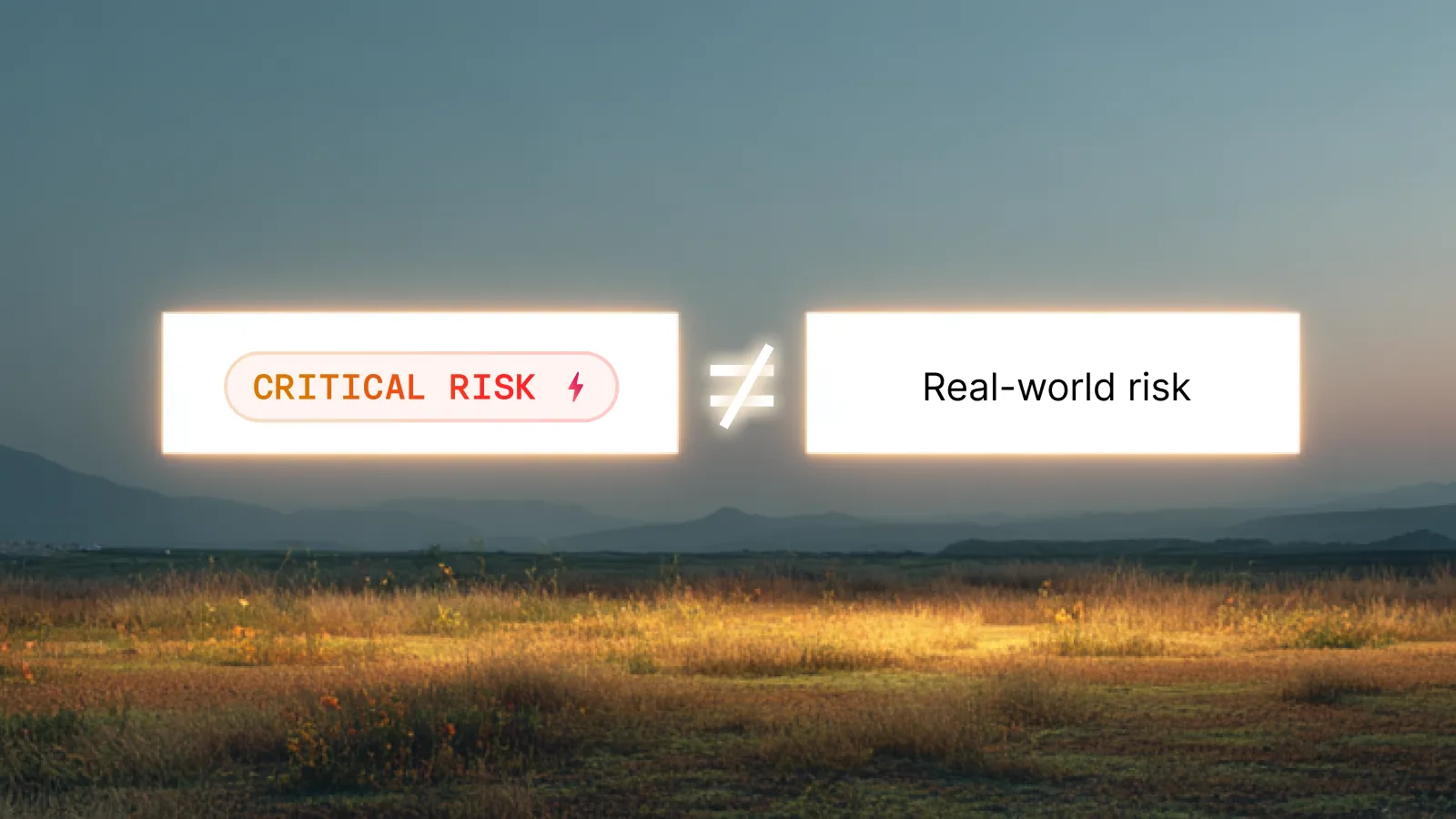
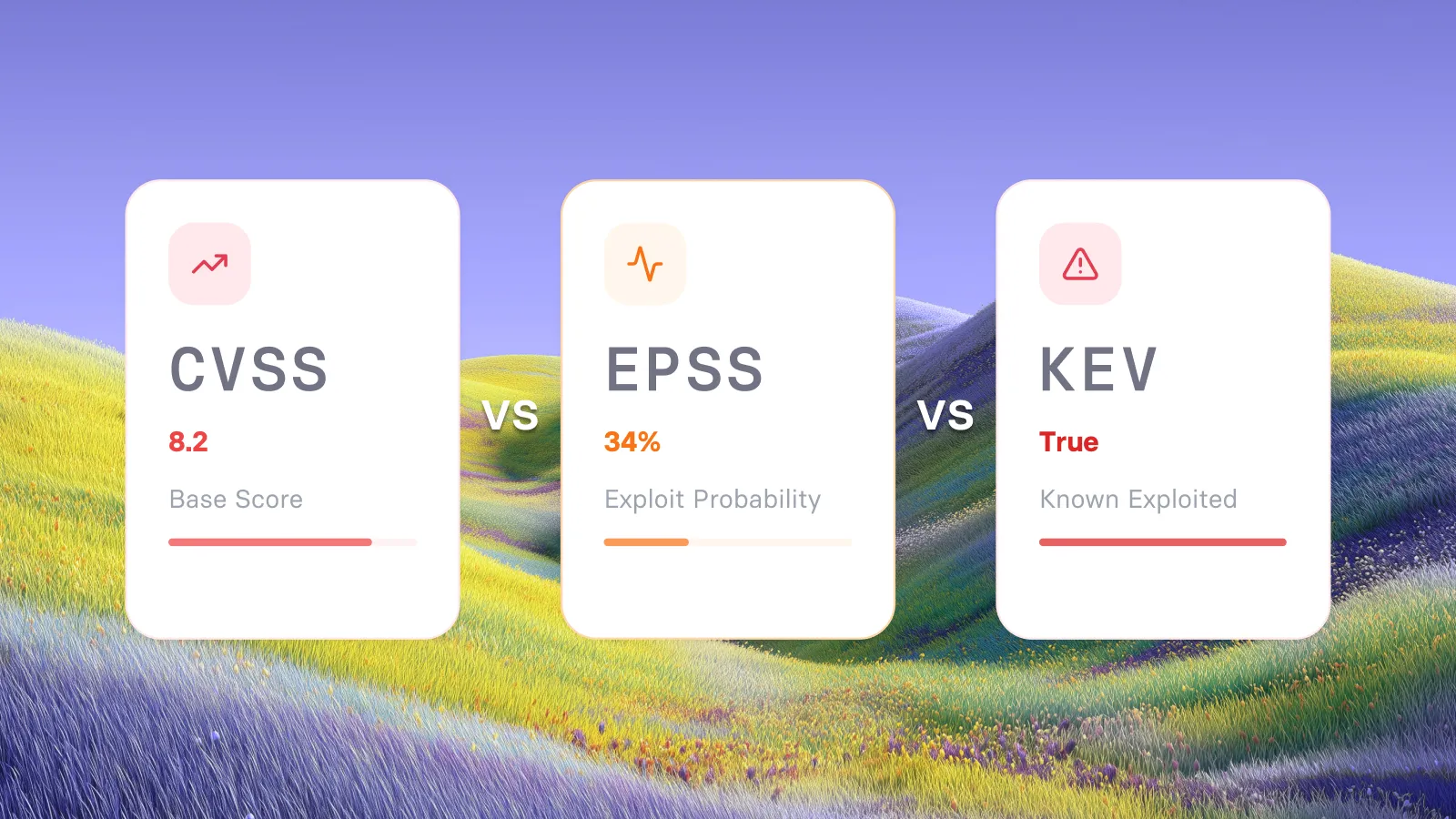
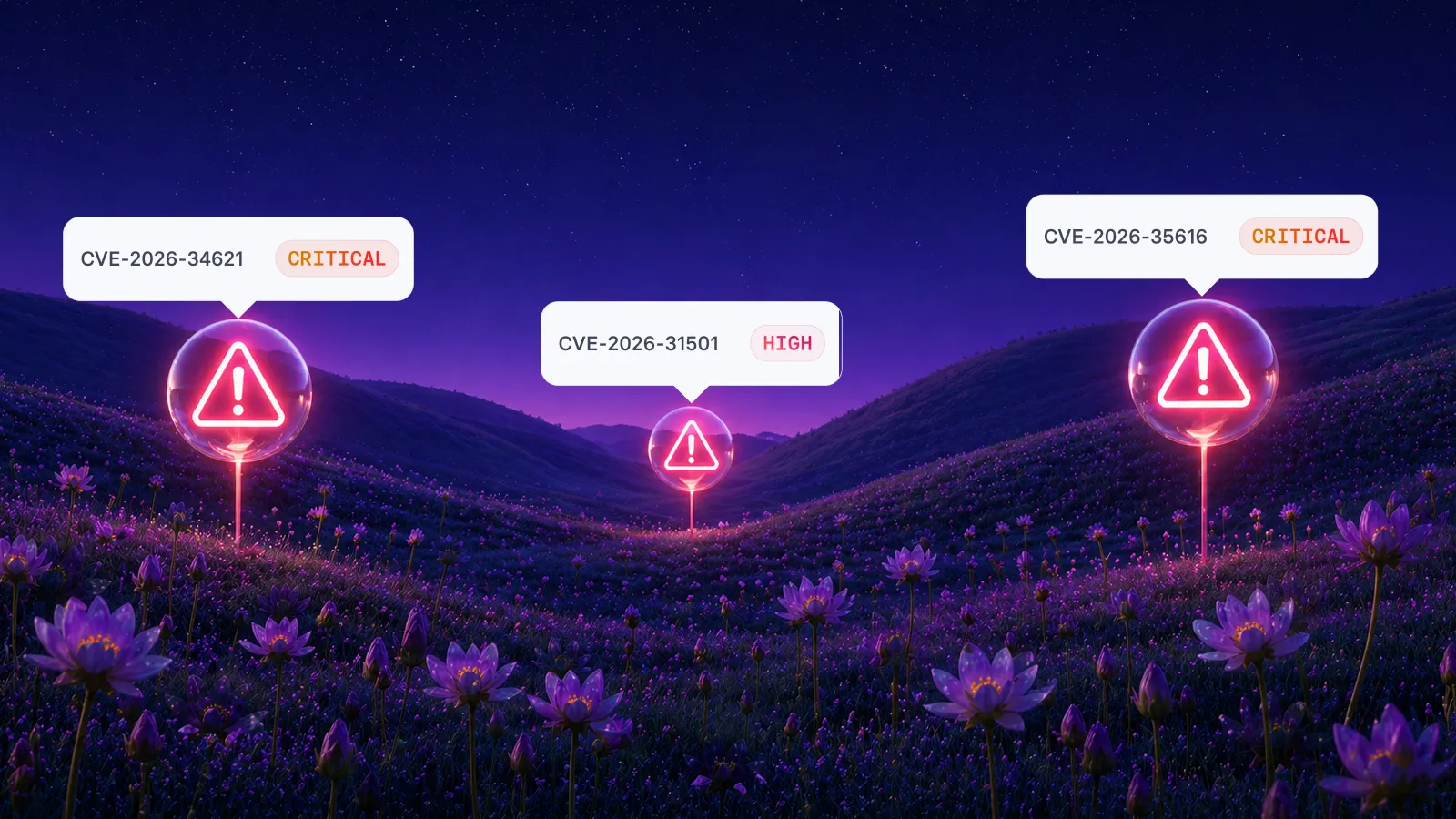
There's also the matter of what constitutes a 'critical vulnerability': an exploitable vulnerability with a high CVSS score may seem urgent, but present no threat on your specific infrastructure (e.g., it isn't present on internet-facing endpoints). While it must be fixed, prioritizing it over other vulnerabilities that pose a direct threat to your specific configuration, would be a misstep.
You don't want a tool that just creates alarm; you want one that will also help you fix issues and prevent future incidents.
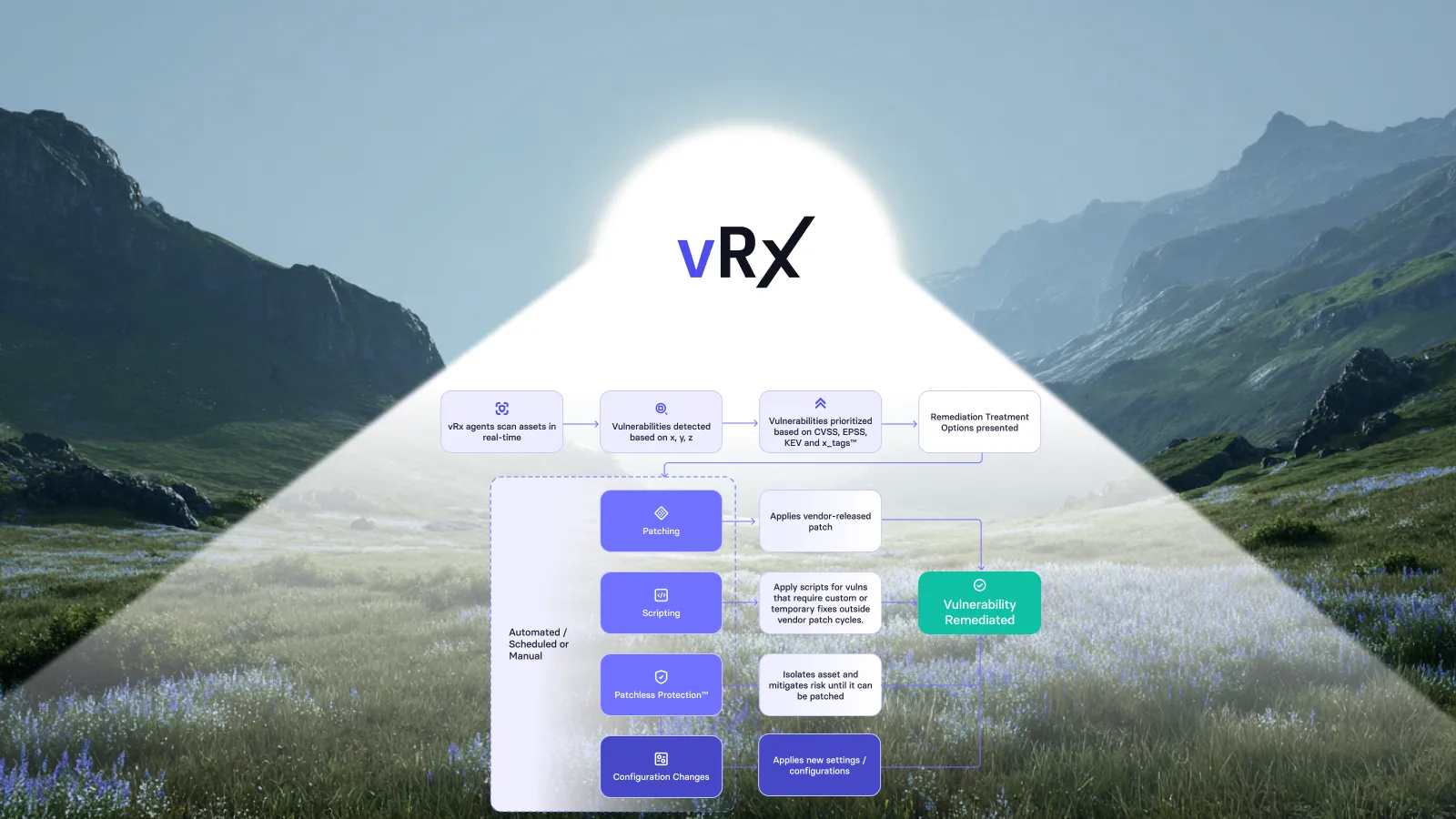
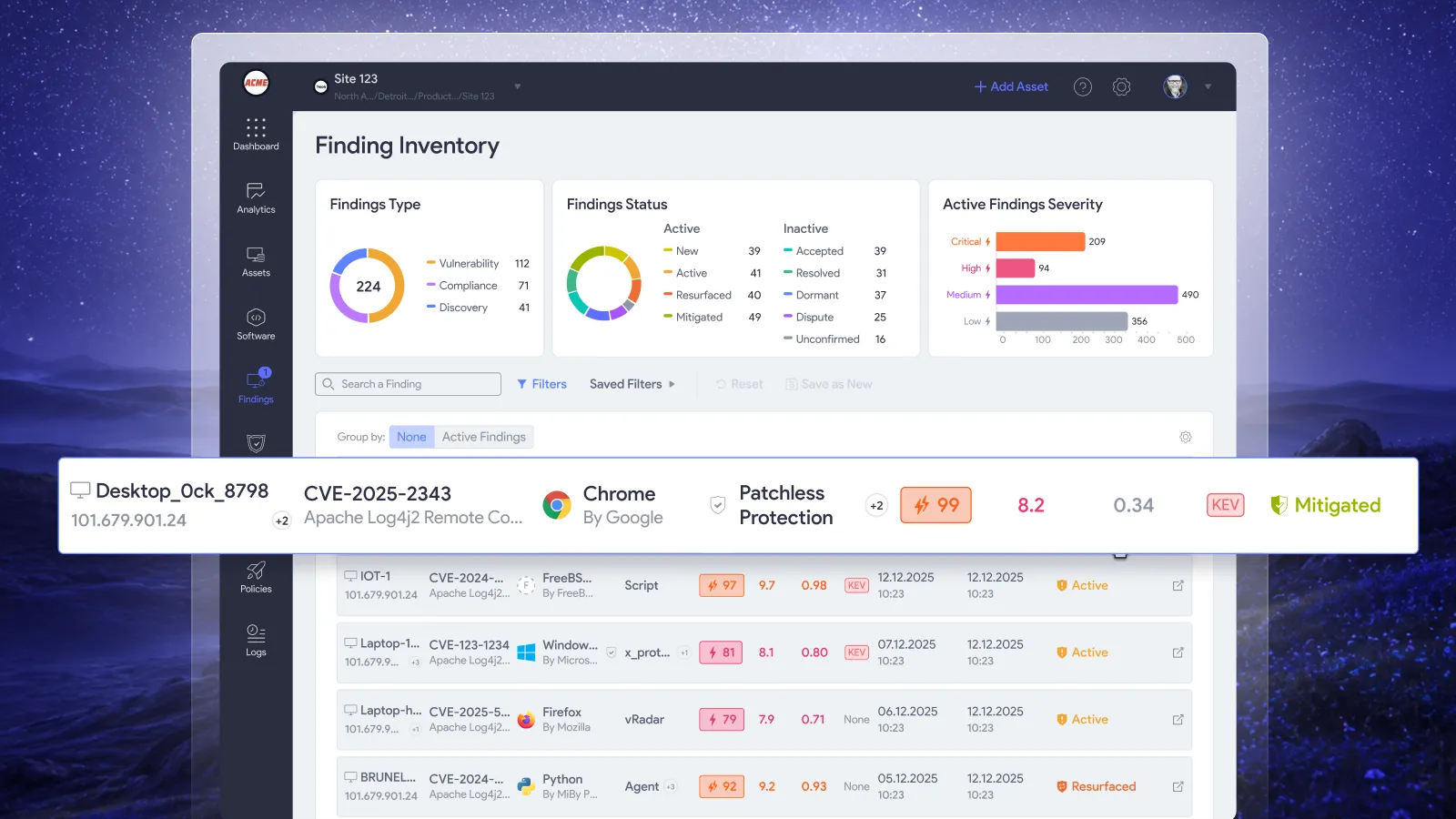
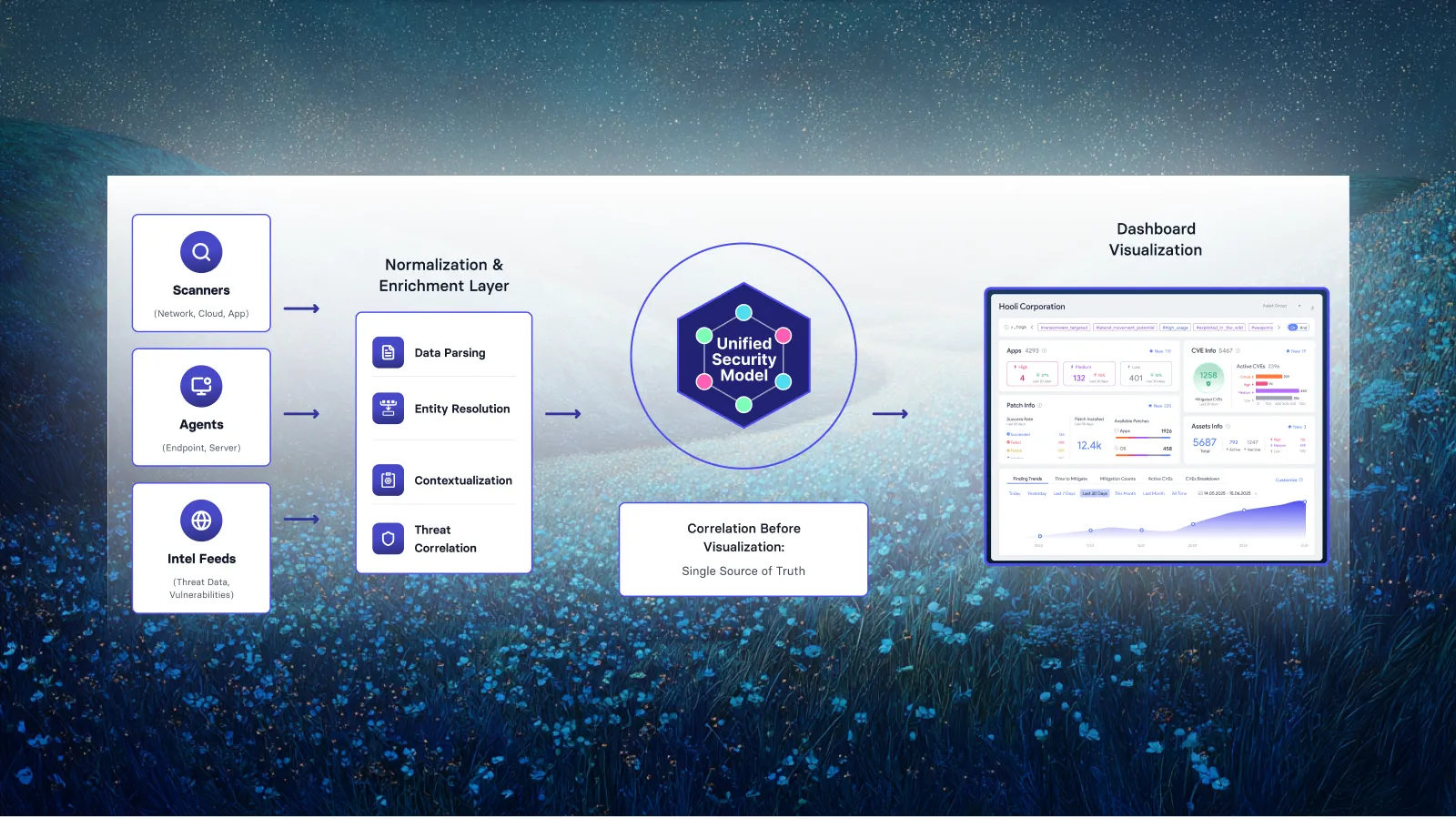
This requires context and automation provided by unified vulnerability and patch management workflows that provide a seamless path from vulnerability identification to remediation. AI can be increasingly relied on to understand your infrastructure and use this context to effectively prioritize patching vulnerabilities beyond aggregating vulnerability scores.
Automation, however, does not replace governance, and security team members must be alerted to critical vulnerabilities, potentially risky patches, and have full view into how vulnerability and patch management tools, as well as remediation steps, are functioning.
Top automated patch management tools: comparing advanced proprietary features
Automated patch management tools all provide baseline functionality that defines their category of cybersecurity products. It's important to confirm the presence and reliability of these core features, as well as the reputation of the product and vendor. However, the final tool choice will come down to the coverage of the software assets in your organization, and how the proprietary features enable their ready, timely patching.
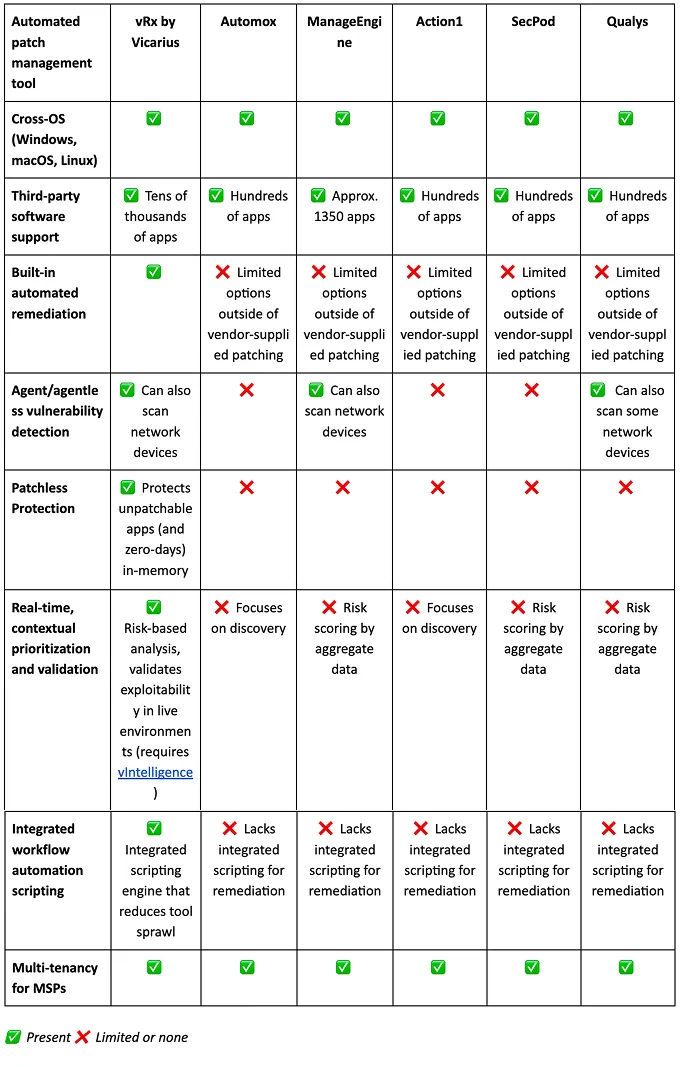
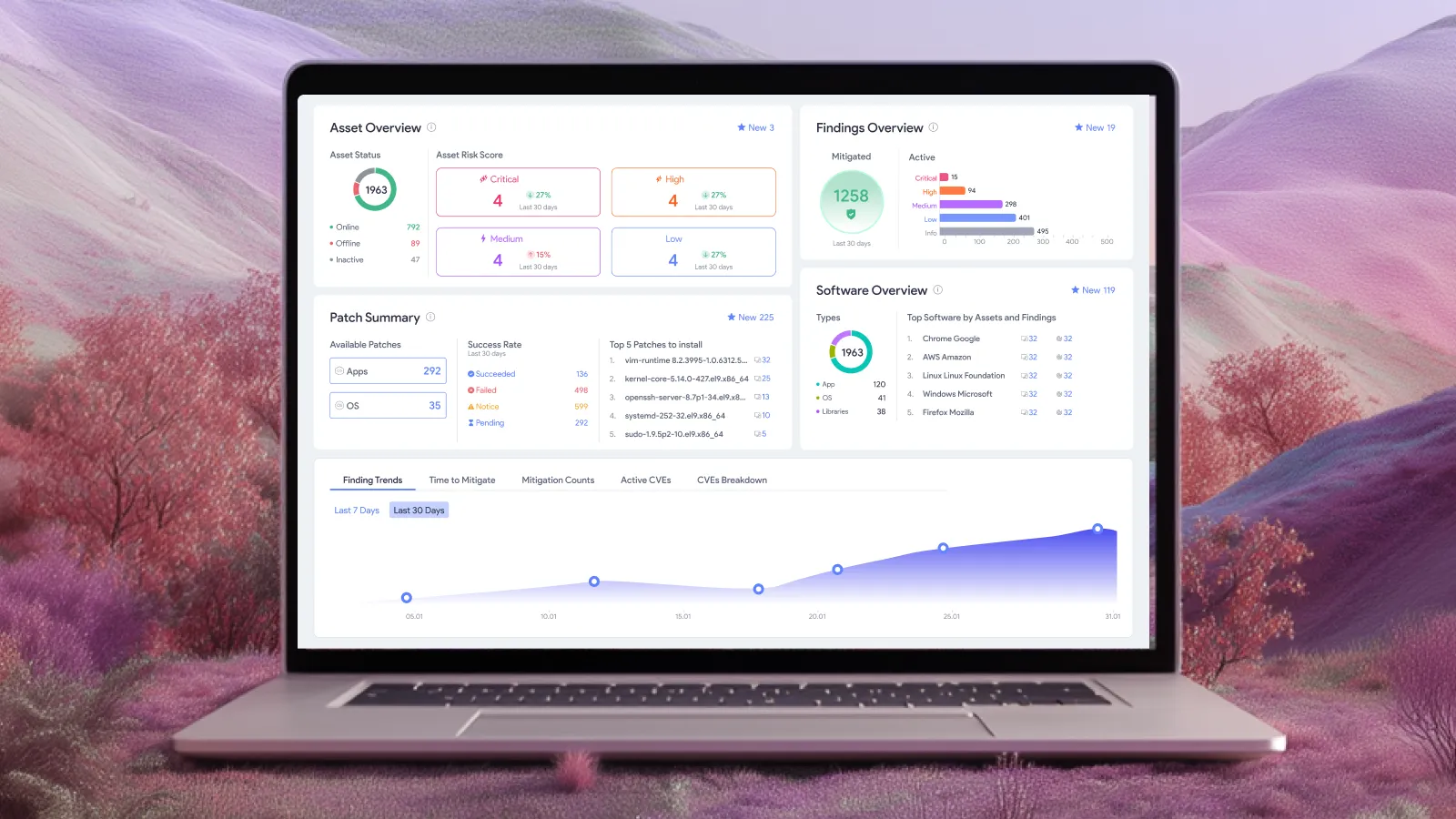
Evaluating the built-in remediation and advanced patch management features of vRx by Vicarius
The common theme across this comparison is not just coverage of cross-OS and third-party apps, but enabling efficient patching workflows and providing additional compensating controls.
Avoiding mixed environment patching pitfalls with agent and agentless vulnerability detection
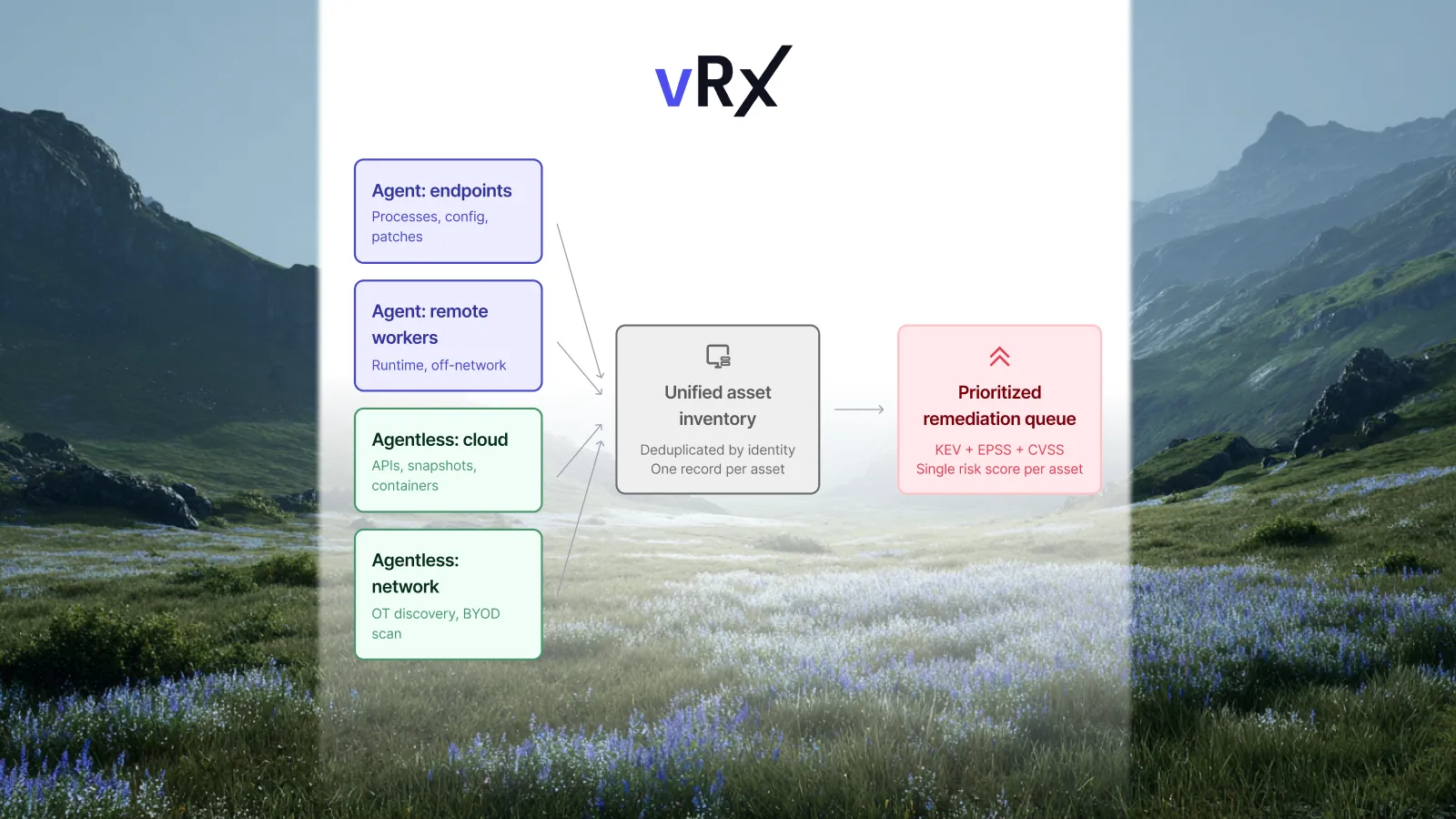
Combining agent and agentless scanning increases visibility in mixed OS environments. While agent-based tools can provide detailed information about the status of devices that they can be installed on, not all devices are compatible (for example, you can't install an agent on a network switch or embedded device). Agentless scanning in vRx collects data from the outside (which may include software version information that informs patch management), increasing the knowledge you have about your attack surface.
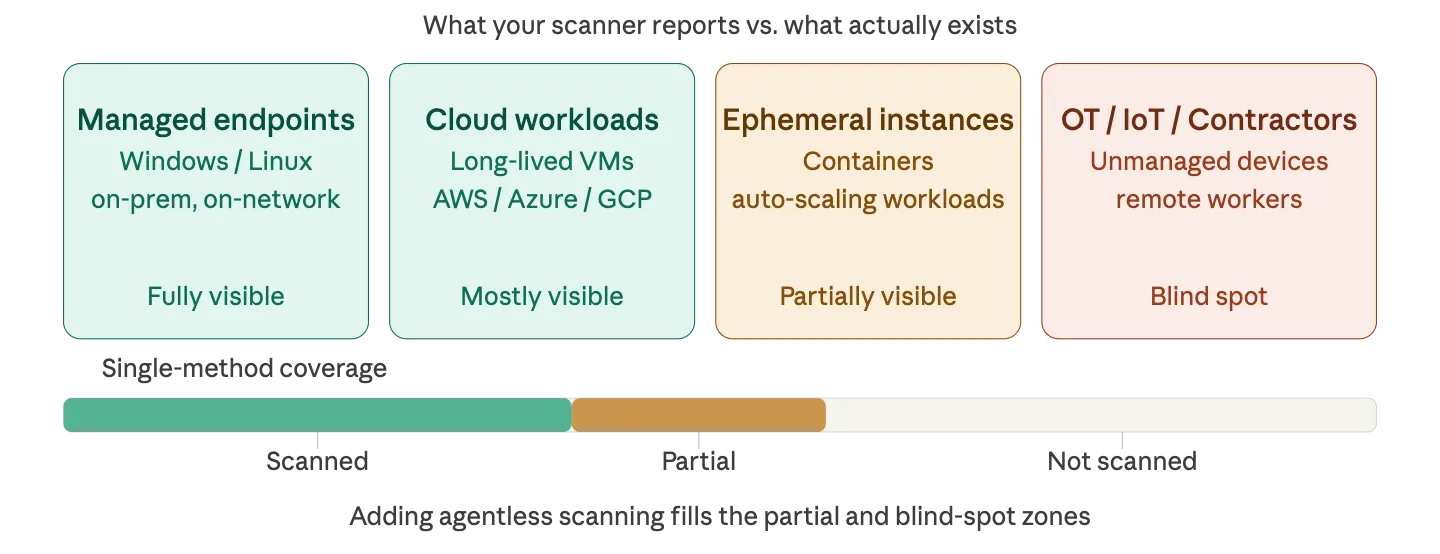
Fixing what matters first with real-time patching prioritization and validation
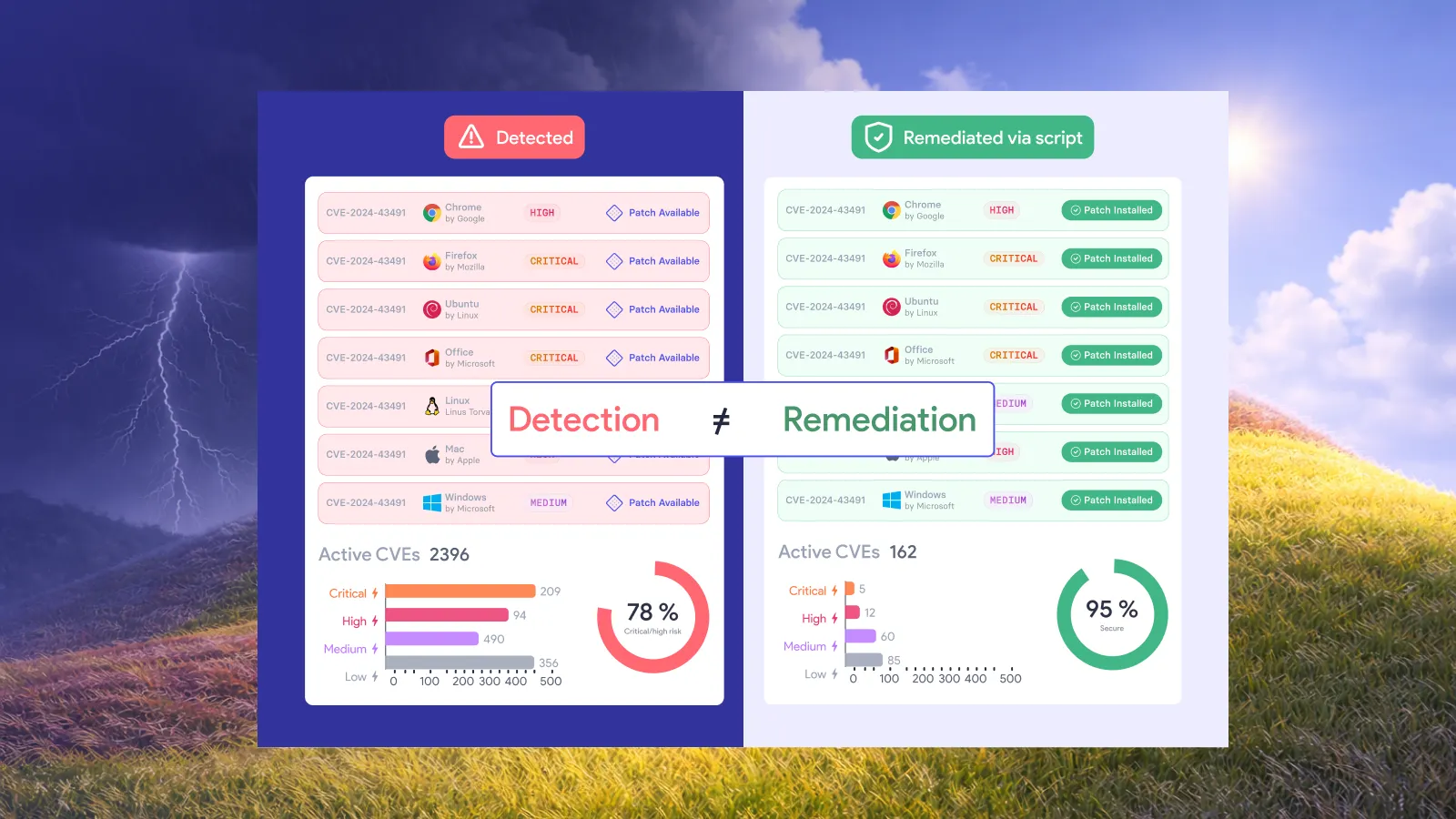
Prioritization and built-in automatic remediation helps to make sure that the most urgent vulnerabilities for you, at this moment, are fixed first. However, most tools then fail to take the initiative, delaying remediation by passing the baton from vulnerability to patch management. This gap does not need to exist.
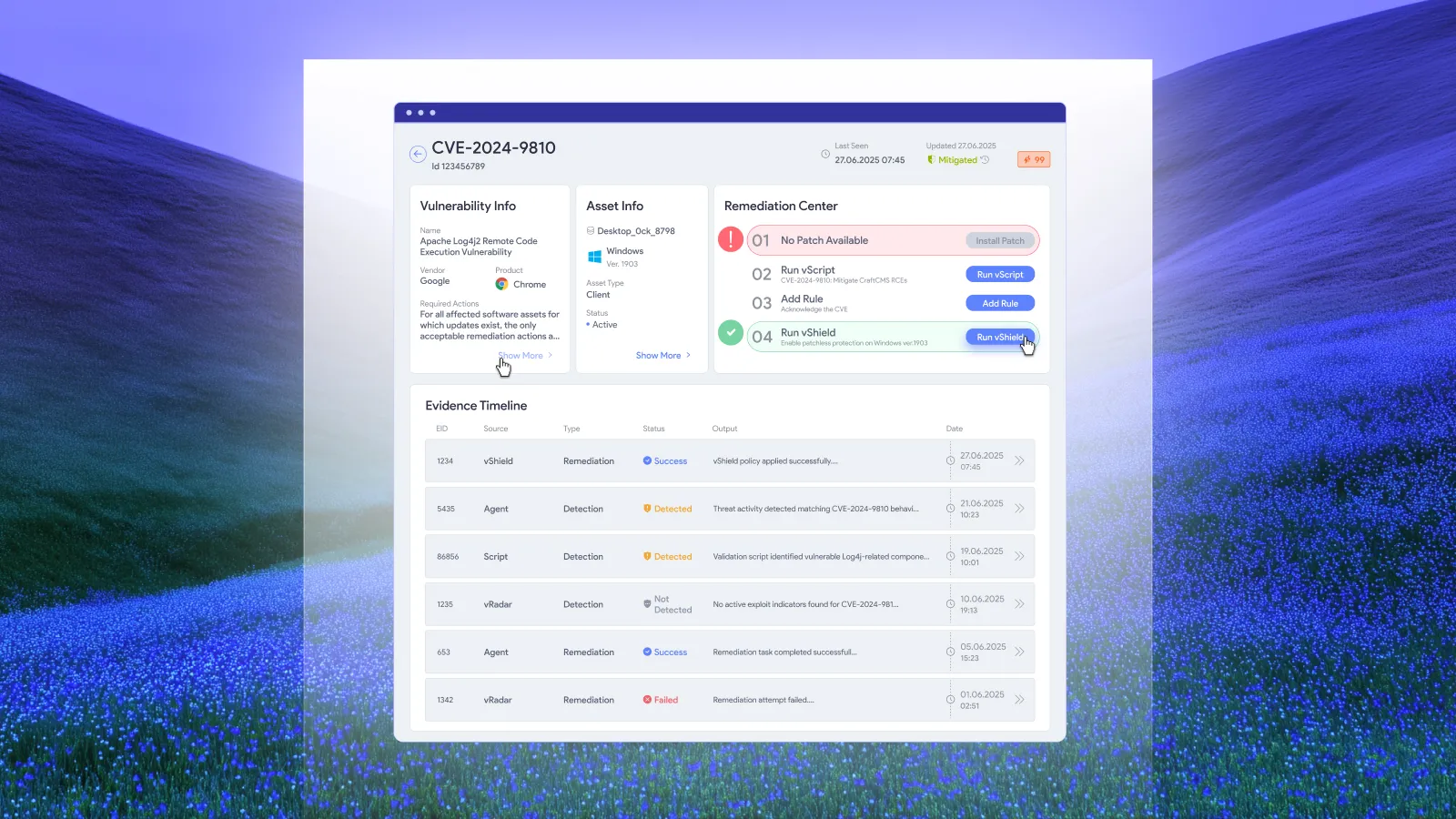
After remediation, verification must occur: you must be able to confirm that a patch was successfully deployed and that the vulnerability is resolved. vRx uses a two-stage deployment verification process that works on all platforms and provides auditable evidence, checking the patch installation return code as well as re-checking the detection profile to ensure the vulnerability no longer appears.
Covering additional third-party software and in-house tools with patchless protection
Restricting your business to using tools covered by your automated patch management tool makes sense from a strict security perspective, but may conflict with business objectives.
Being able to confidently secure almost any third-party app, including end-of-life (EOL) tools and legacy internal business code, as well as apps that may need to run a specific unpatched version (common for compatibility with industrial or medical device control), is vital for businesses that rely on software beyond popular productivity and communication tools.
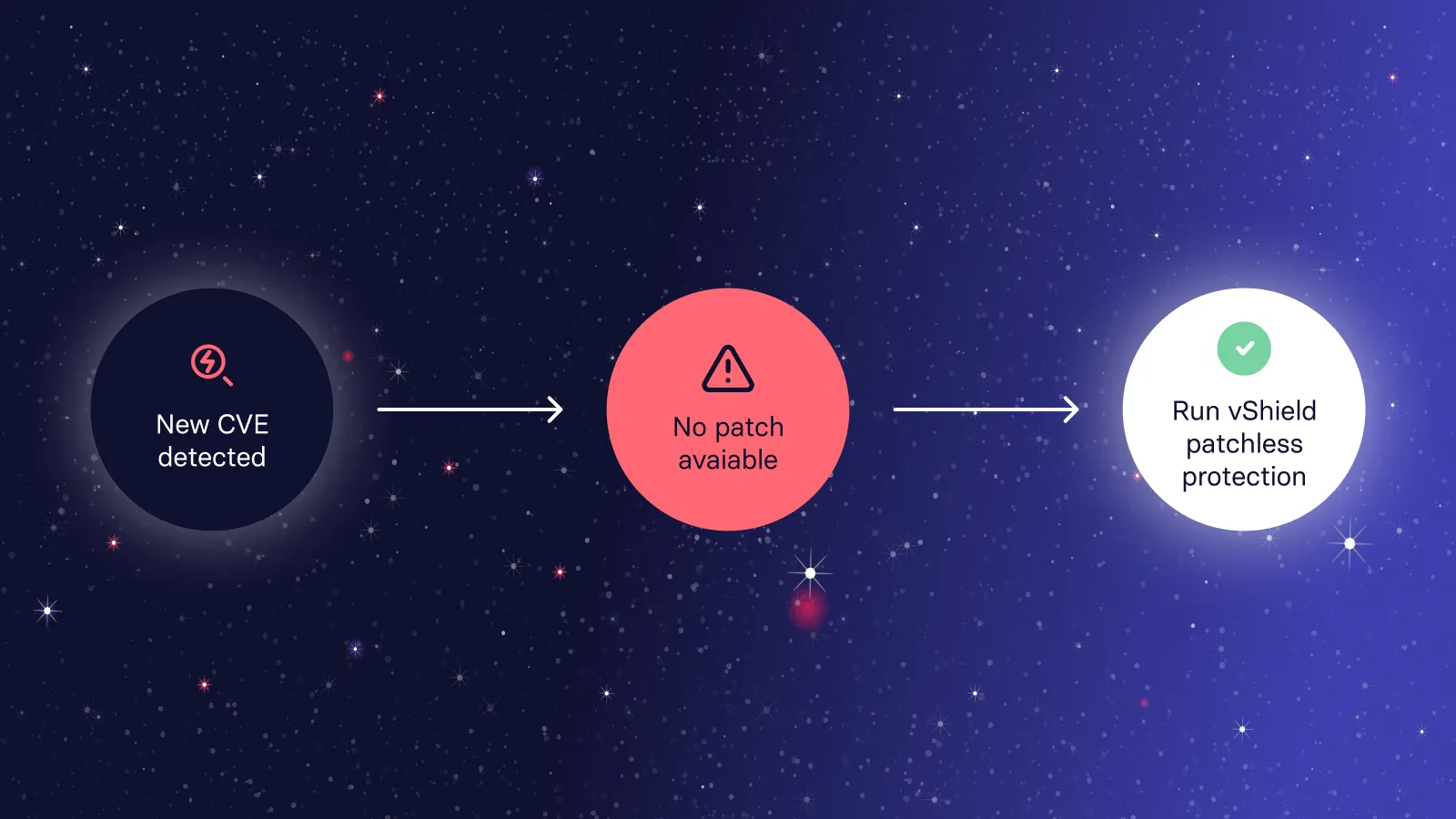
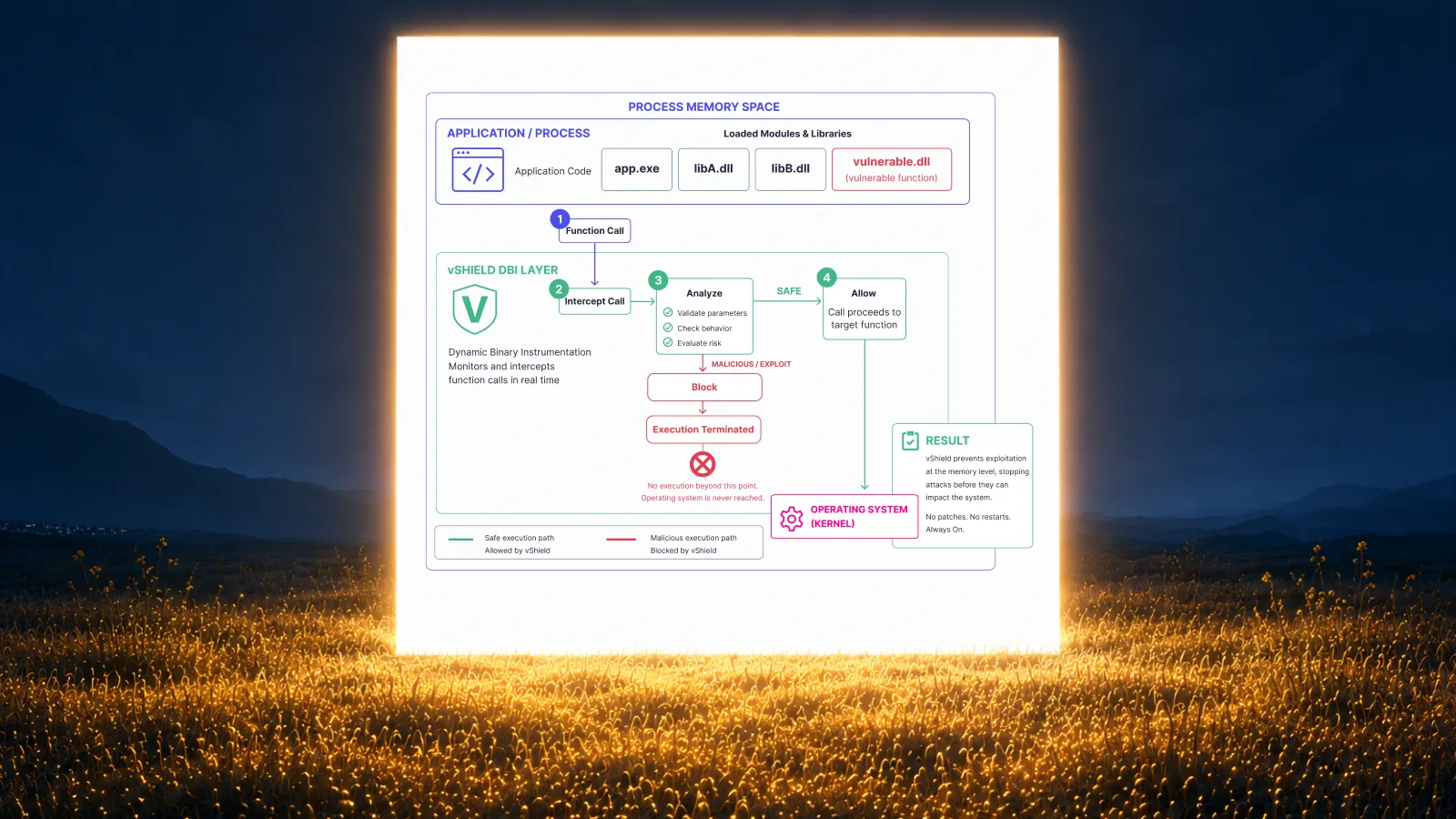
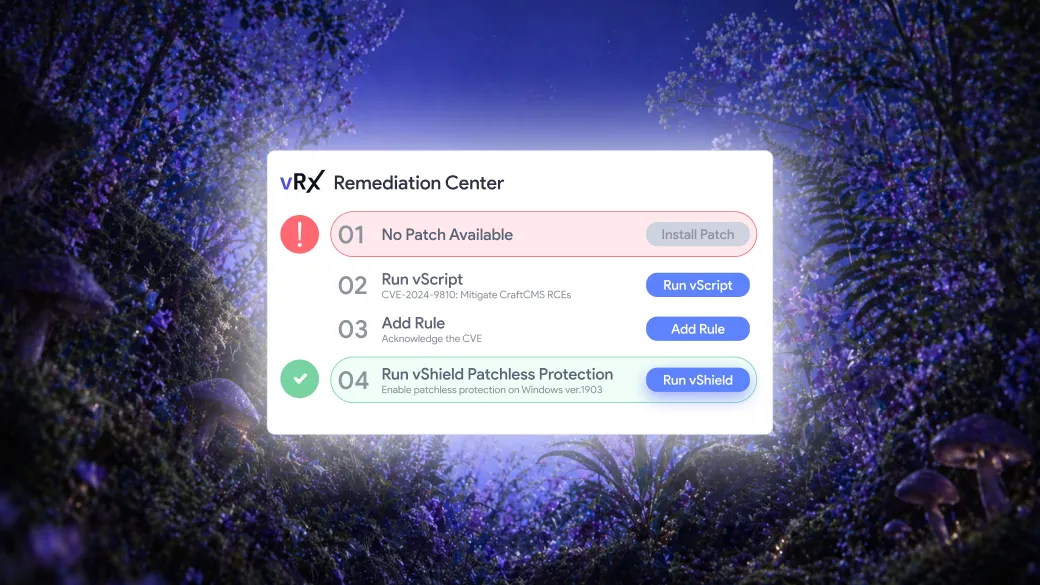
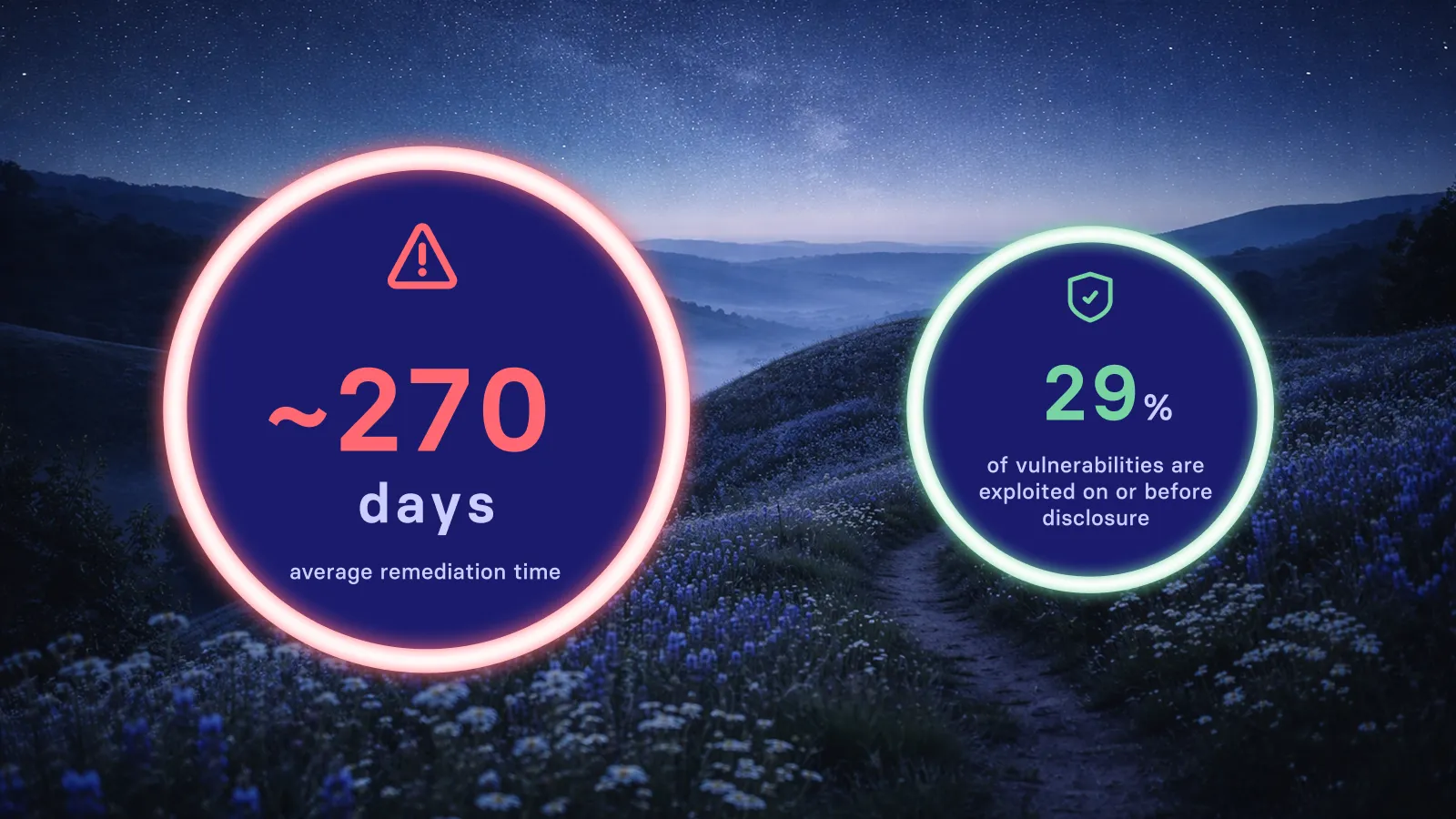
vRx Patchless Protection provides this, guarding vulnerable running executables without interfering with their operation. This can protect against zero-days too – often there is a significant and exploitable gap between when a vulnerability is disclosed and when it is fully patched.

Handling patch deployment failures and edge cases with vulnerability patching automation
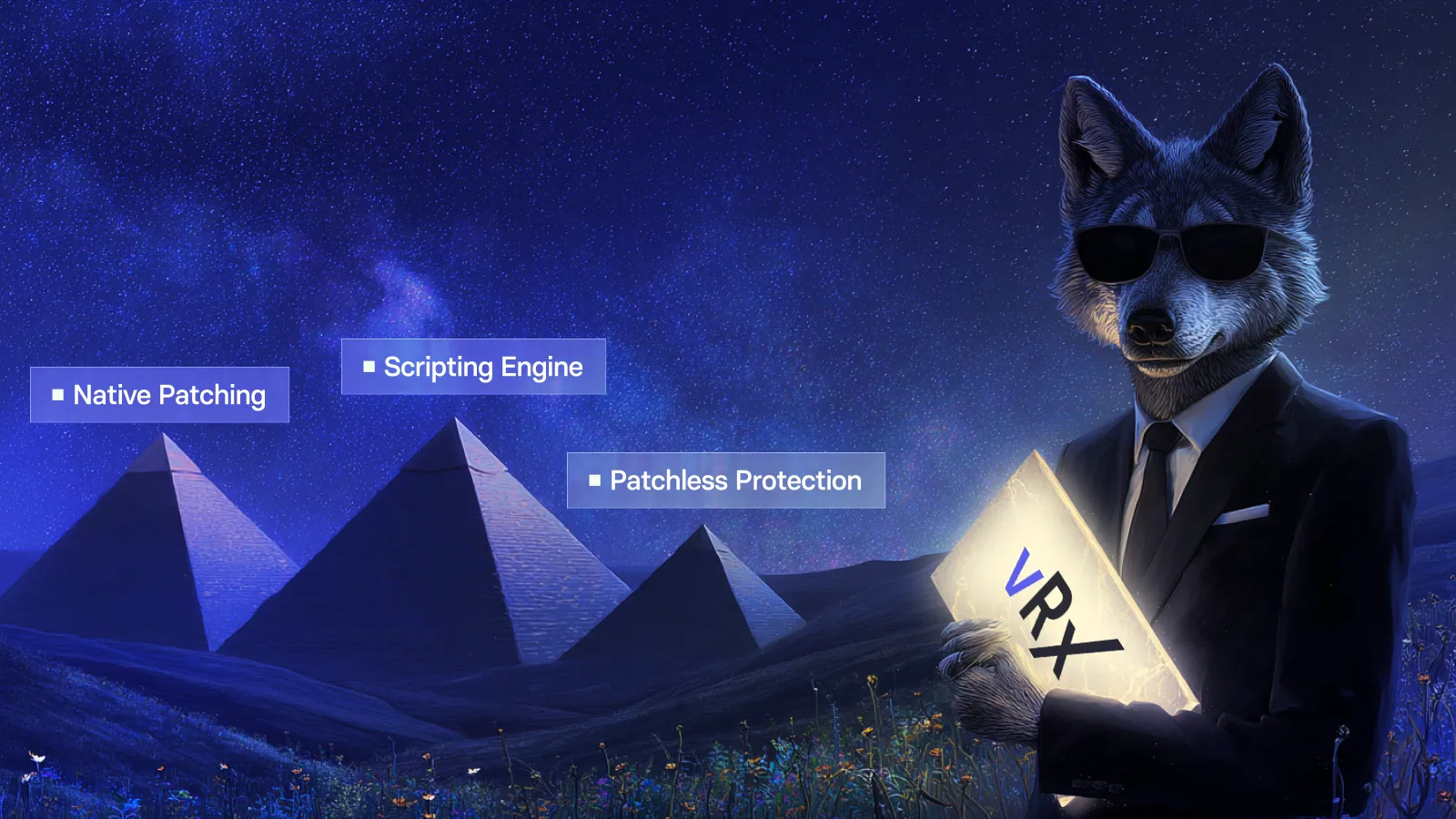
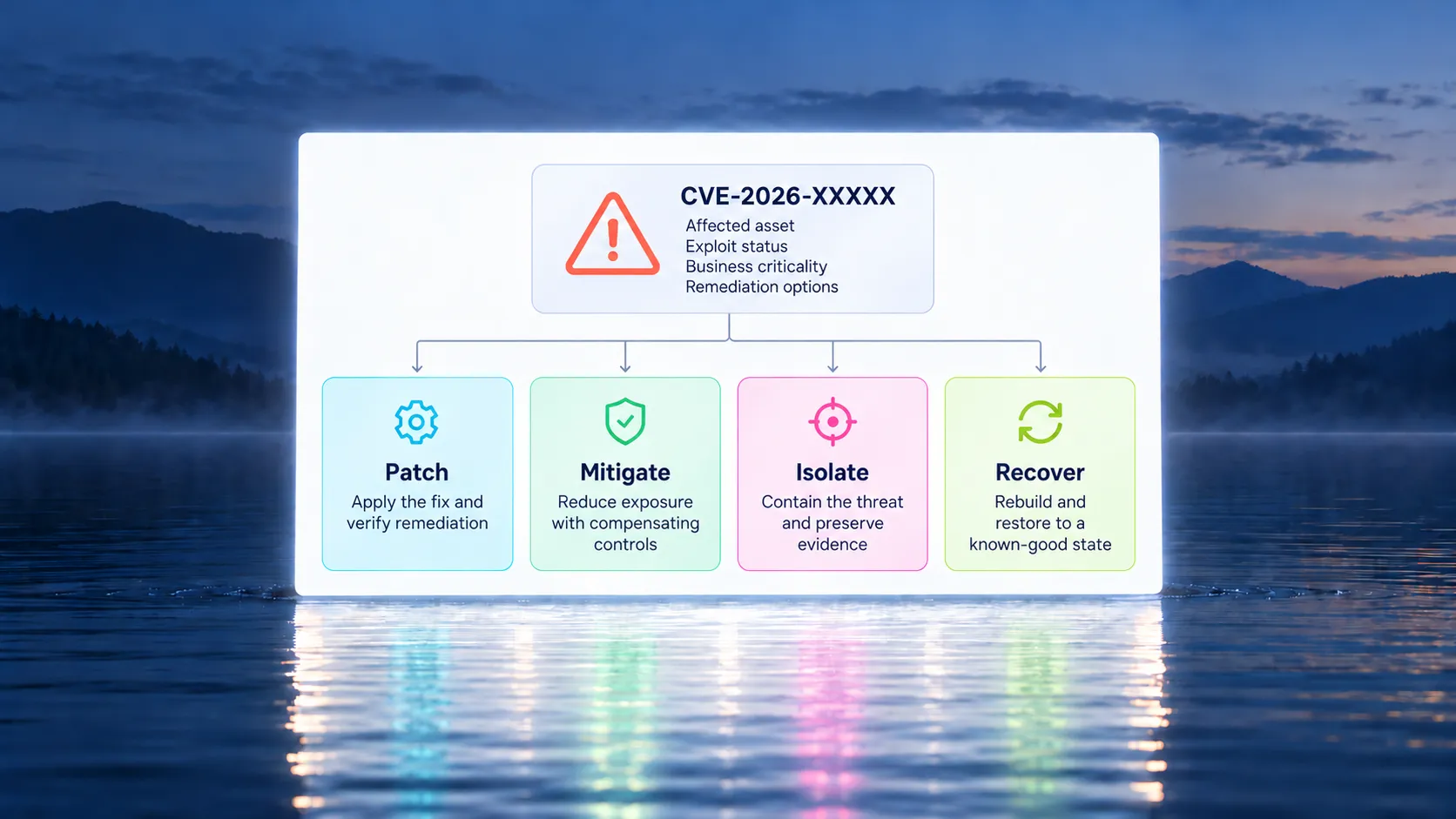
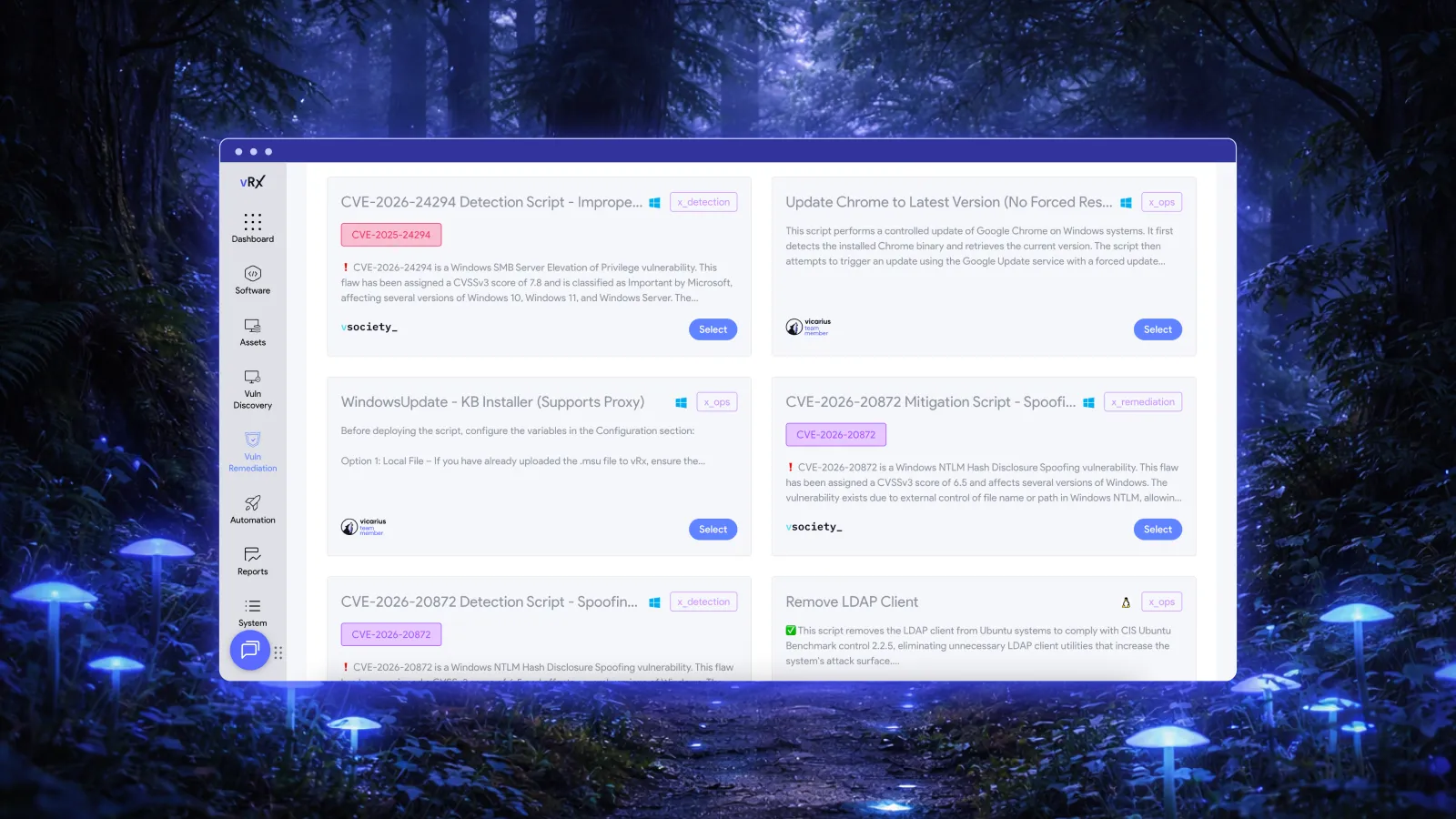
vRx includes its own proprietary scripting engine that can execute Bash, PowerShell, and CMD batch scripts. These can be used to update configurations, modify files, and implement other compensating controls. When a patch fails, apps can also be temporarily protected using Patchless Protection.
Securing managed service providers (MSPs) and their clients with multi-tenancy
The challenges of mixed-OS and third-party patch management are amplified for MSPs. Just as each additional endpoint multiplies the number of software assets that need to be patched, each client that an MSP onboards increases the number of endpoints.
Patch management tools must be scalable and run on 100% managed infrastructure to allow MSPs to grow. You can't be expending time and resources running individual instances or accounts for each client – multitenancy with tenant isolation and a single consolidated portal with role-based access control is a necessity.
Patch compliance and reporting tools are also critical for both internal IT teams and MSPs: you must be able to prove the effectiveness of your security tools and the competence of your team to stakeholders, clients, and auditors.
From critical vulnerability coverage to full exposure management
Patch management is part of remediation efforts that follow vulnerability management, which identifies lurking and novel threats in your infrastructure. While maintaining these as separate processes, supported by separate toolchains, is still standard in some organizations, it leads to observability and operational gaps.
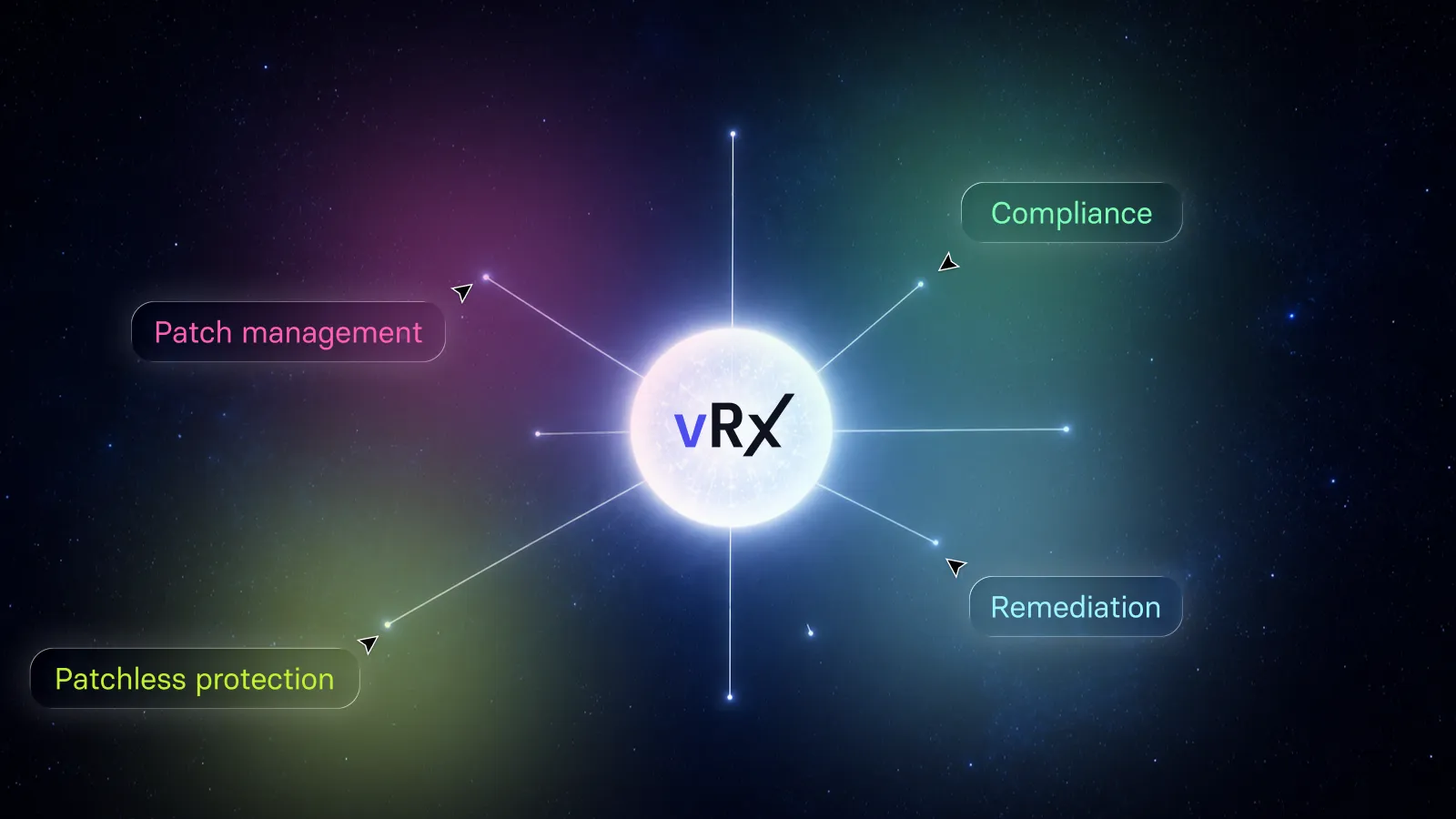
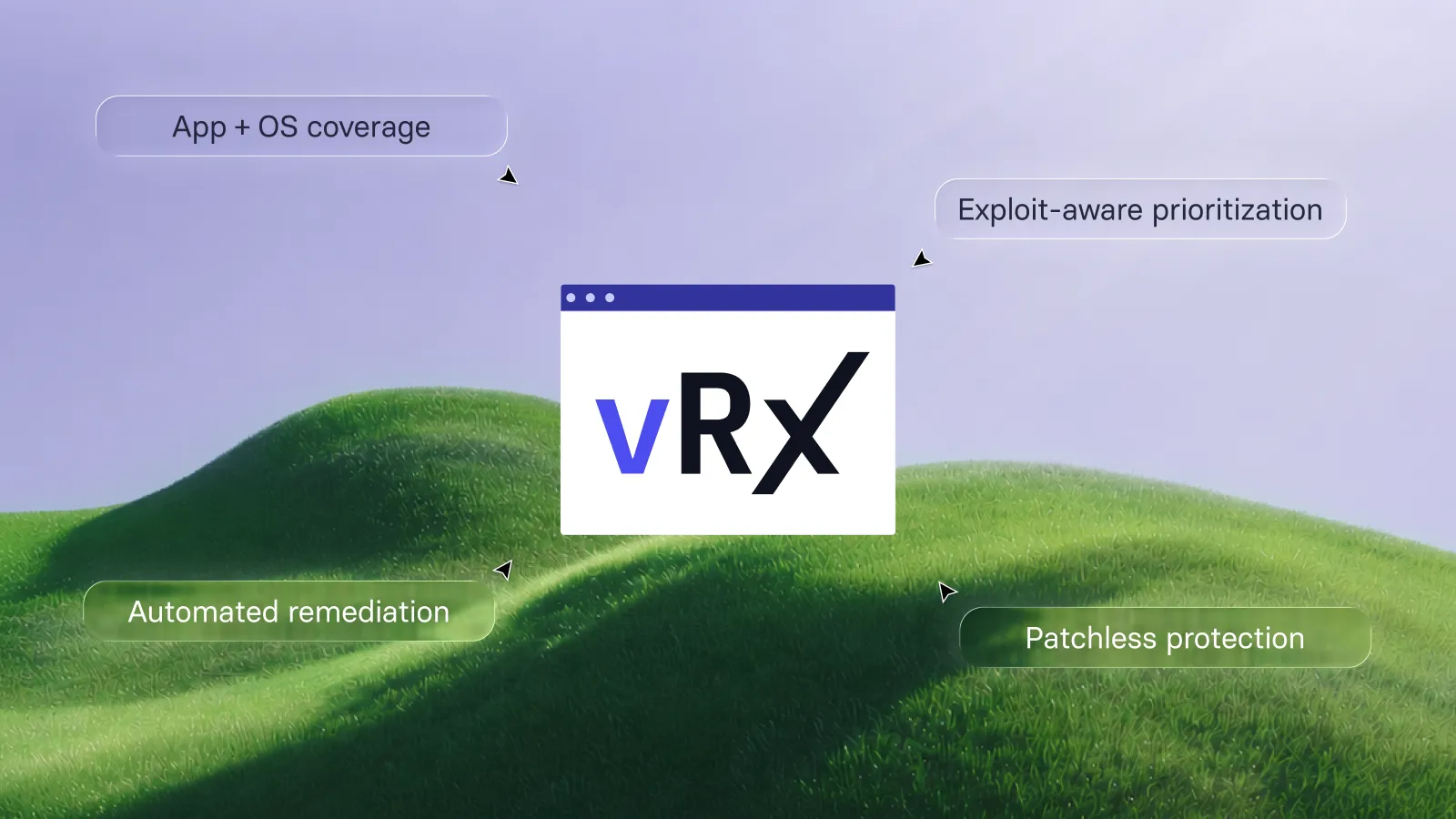
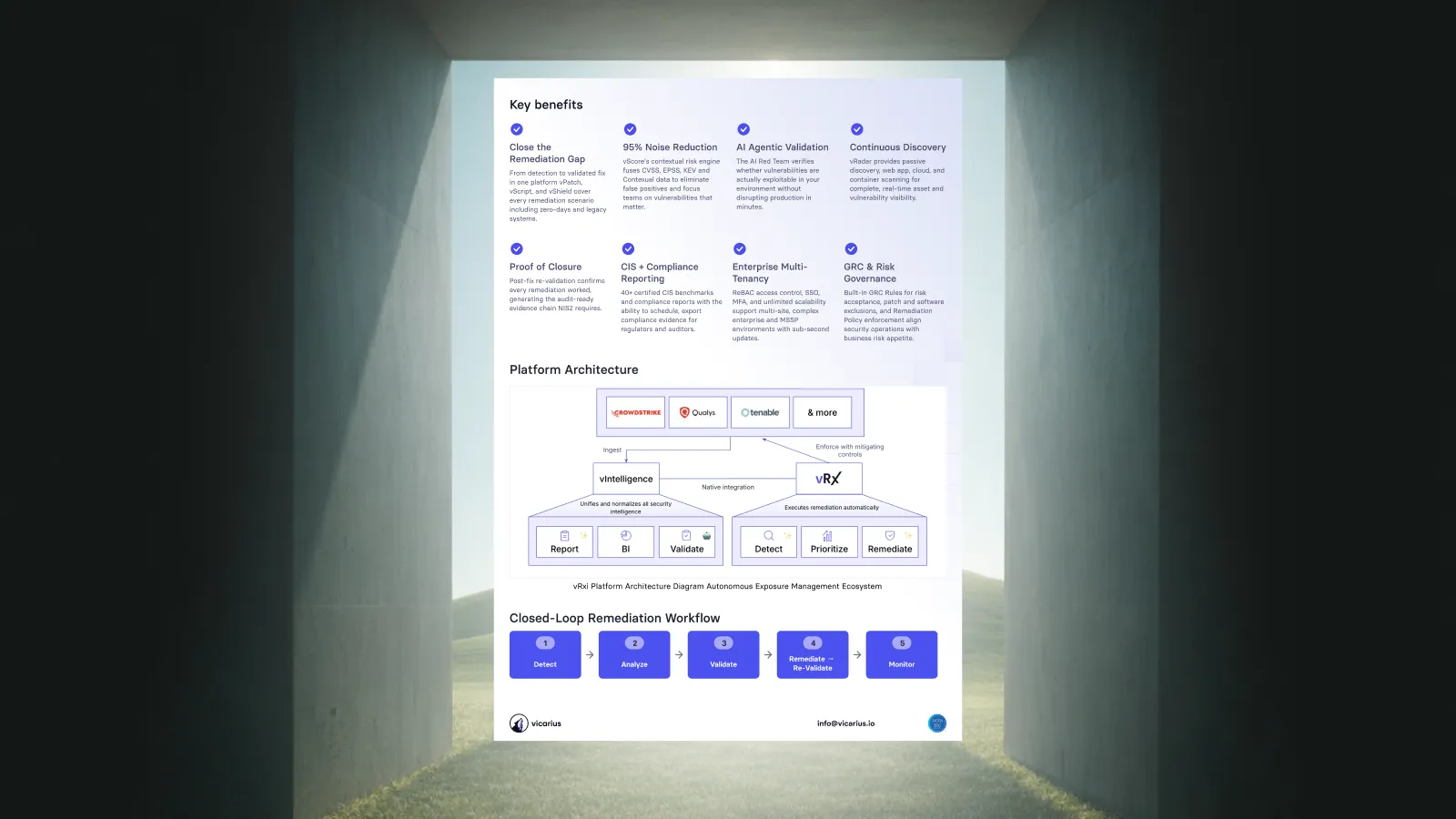
Rather than treating vulnerability management, patch management, and risk mitigation as separate processes, vRx brings them together in one platform: it identifies exposures, prioritizes them based on context and understanding of your unique infrastructure, and automates remediation, including protecting 'unpatchable' apps and zero-day exploits. It focuses on outcomes and doesn't stop at just identifying potential threats.
FAQ
How do automated patch management tools improve security in mixed OS environments, including Windows, macOS, Linux, and specialized systems?
Automated patch management significantly reduces the resources to support thousands of endpoints running different operating systems by actively scanning for new assets and vulnerabilities. This can include vulnerabilities in the operating systems themselves, third-party software, and internal tools.
What is the biggest challenge of automated third-party application patching?
The primary challenges of automated third-party patch management is covering all assets, mapping patches to vulnerabilities, and verifying patch compliance.
How do you secure mission-critical legacy apps that cannot be patched?
Not every identified software vulnerability can be patched: end-of-life software can remain critical to your business's operation, software updates that break compatibility with other software or hardware (especially industrial control and medical devices) may need to be held back indefinitely, and custom internal tools may include outdated dependencies. vRx by Vicarius includes Patchless Protection that blocks exploits without modifying the unpatched application binary or requiring a reboot.
How do you prioritize vulnerabilities in large-scale environments?
Enterprise IT environments consist of thousands of endpoints, running different operating systems (and often different versions thereof), each with their own software stack. While IT teams usually work hard to keep deployments consistent, exceptions need to be made for operational reasons, or for remote workforces and BYOD. This complex, mixed environment makes AI automation an ideal tool for prioritization.
How do you close the gap between vulnerability detection and remediation?
Closed loop tools like vRx eliminate this gap in most cases by automatically handling everything from scanning to remediation (and verifying the successful application of patches). However, where manual remediation and validation is required, a smooth handoff that transfers the required context and information is vital for bridging the gap between security and IT teams.
Related resources:
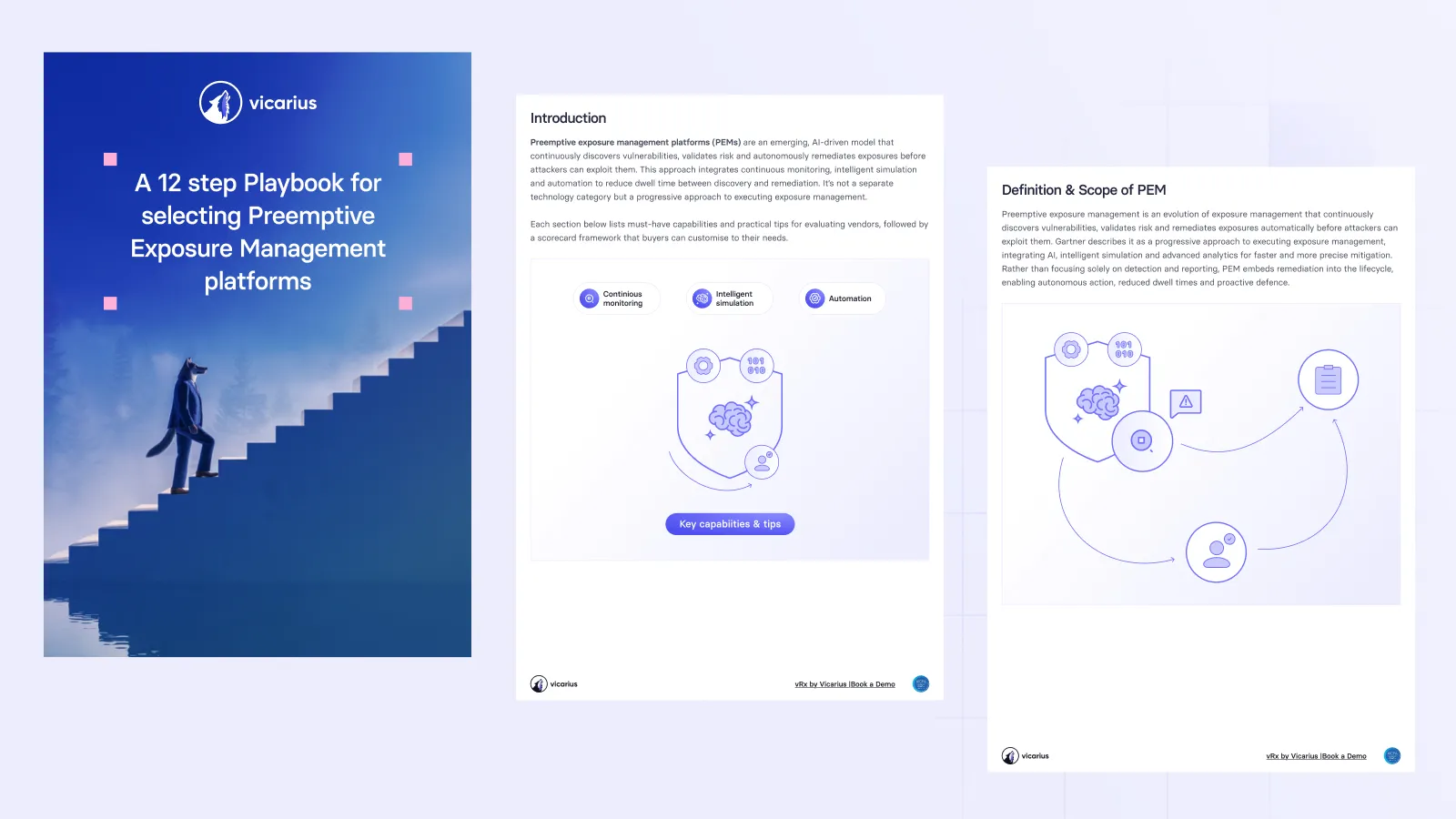
Download trusting automated vulnerability patching whitepaper







































.webp)















%20Signals%20a%20New%20Era%20of%20Supply%20Chain%20Risk.webp)