

Google's October 1 Chrome security update credits an Anthropic researcher, assisted by Claude, with finding a high-severity vulnerability. For security teams, the useful question is what to do with that finding across the browsers they manage.
Start with the vendor fix. Then decide how to handle systems that need testing, cannot update immediately, or have already received an update but still require a browser restart. Those are different situations, and they need different actions.
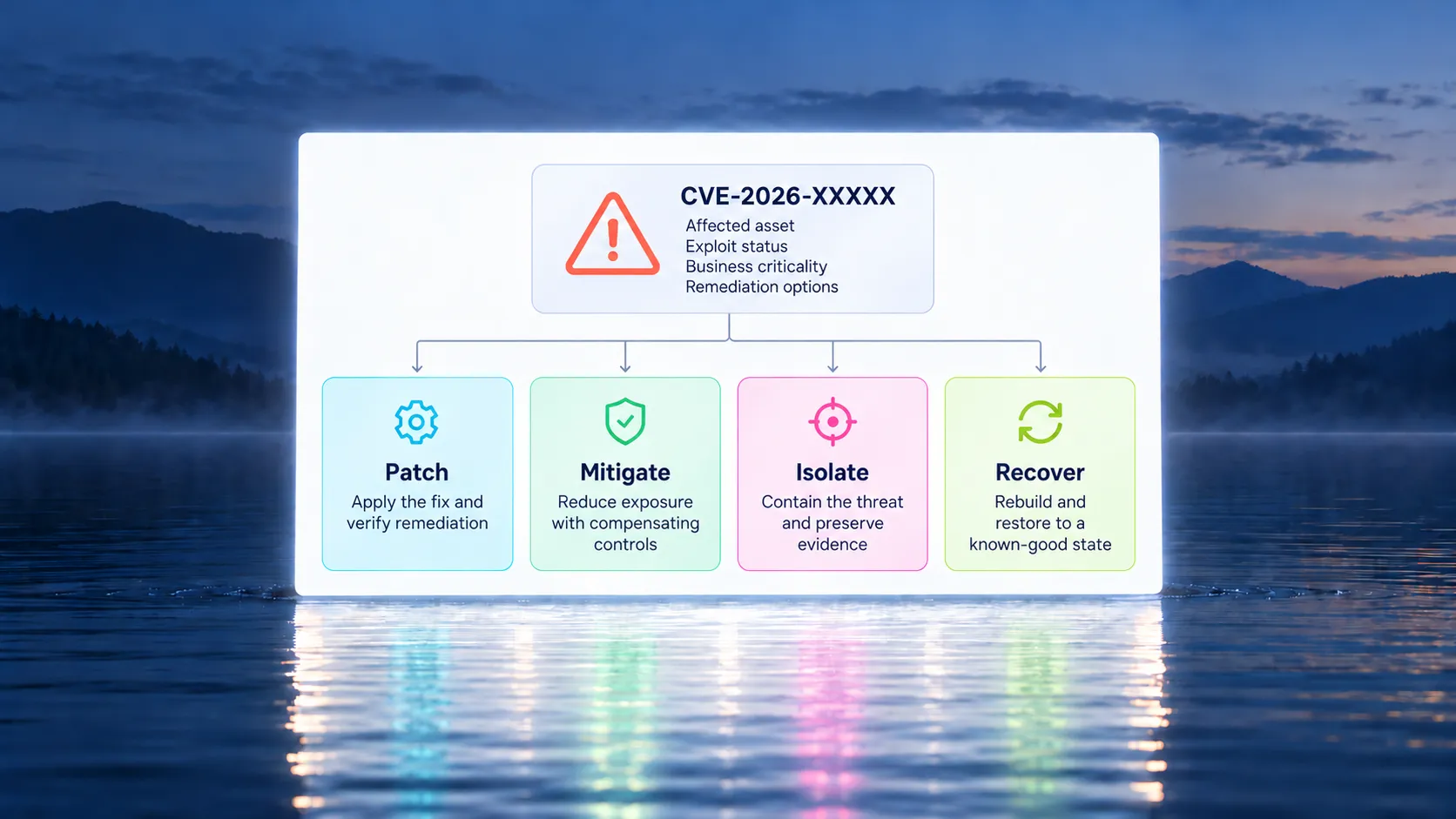
Remediation is about having options and knowing when each one applies. A vendor patch addresses the underlying defect. A validated mitigation can reduce exposure while a fix is deployed. A script can carry out an approved change consistently. The job is to choose an effective response for the affected system, then establish what changed.
What happened in the Chrome security update?
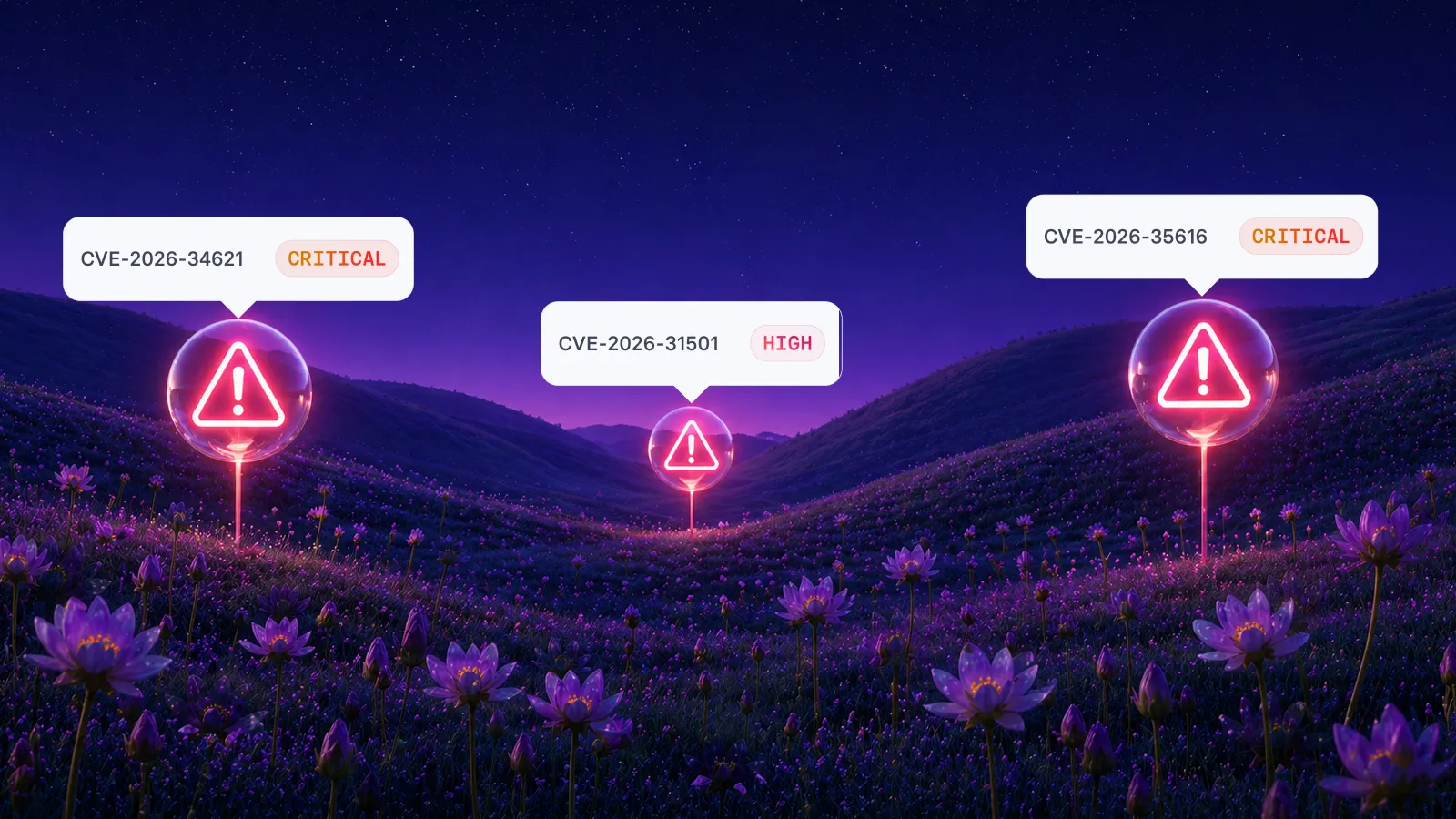
Google's release includes 11 security fixes. One is CVE-2026-103631, a high-severity buffer overflow in WebRTC, reported on September 28 by Xinyang Ge of Anthropic with assistance from Claude. The release also fixes CVE-2026-103628, a critical out-of-bounds write in WebGL.
The announced Stable versions are 154.0.8037.97/.98 for Windows and Mac, and 154.0.8037.97 for Linux. These are the versions listed in this advisory, not a substitute for checking the latest applicable release when deploying.
Google does not report active exploitation of these vulnerabilities in the announcement. The AI attribution is evidence of assistance in vulnerability research, not evidence of an AI-driven attack campaign. Source: Google Chrome release announcement.
That distinction should shape the response. Use the advisory, affected software, business context, and available threat evidence to set urgency. The researcher's choice of tools does not tell you which of your endpoints needs attention first.
Remediation starts with a choice for each affected system
An operationally useful response connects a specific exposure to an action the team can carry out.
For Chrome, an available security update gives you a clear starting point. But a fleet-wide response still needs to account for different operating systems, release channels, application dependencies, and user sessions. Build the action around those conditions rather than treating every installation as identical.
Use a short decision record for each affected group:
• Which browser version and release channel are present?
• What business activity depends on this browser?
• Can the approved update be deployed now?
• If deployment is delayed, what specific exposure-reduction measure is justified?
• Who owns the action, and what evidence will show it worked?
Keep the decision record close to the deployment work. A reason for delaying an update should produce a next action, an owner, and a review time. Otherwise, an exception becomes a place where the response stops.
NIST's enterprise patch-management guidance includes verification as part of the patching process. Its companion implementation guidance also covers emergency patching and temporary alternatives to patching. That provides a useful basis for planning more than one response route. Sources: NIST SP 800-40 Rev. 4, NIST enterprise patch-management guidance.
Which response fits the situation?
The following table is an operational decision aid, not a list of vendor-confirmed workarounds for CVE-2026-103631. Any mitigation needs evidence that it addresses the particular vulnerability and environment.
A script is a delivery method. Its security value comes from what it changes. Likewise, a policy being enabled is evidence of a configuration state, not automatic proof that a particular vulnerability is mitigated.
For this Chrome release, keep the vendor update as the permanent-fix destination. Any temporary measure should have a defined purpose and a route back to that destination.
Make Chrome restarts part of the plan
A browser update can be installed without immediately replacing the browser process a user is running. Google documents that users need to restart Chrome for an applied update to take effect. Administrators can recommend a relaunch or require one after a specified period. Source: Google Chrome Enterprise update management.
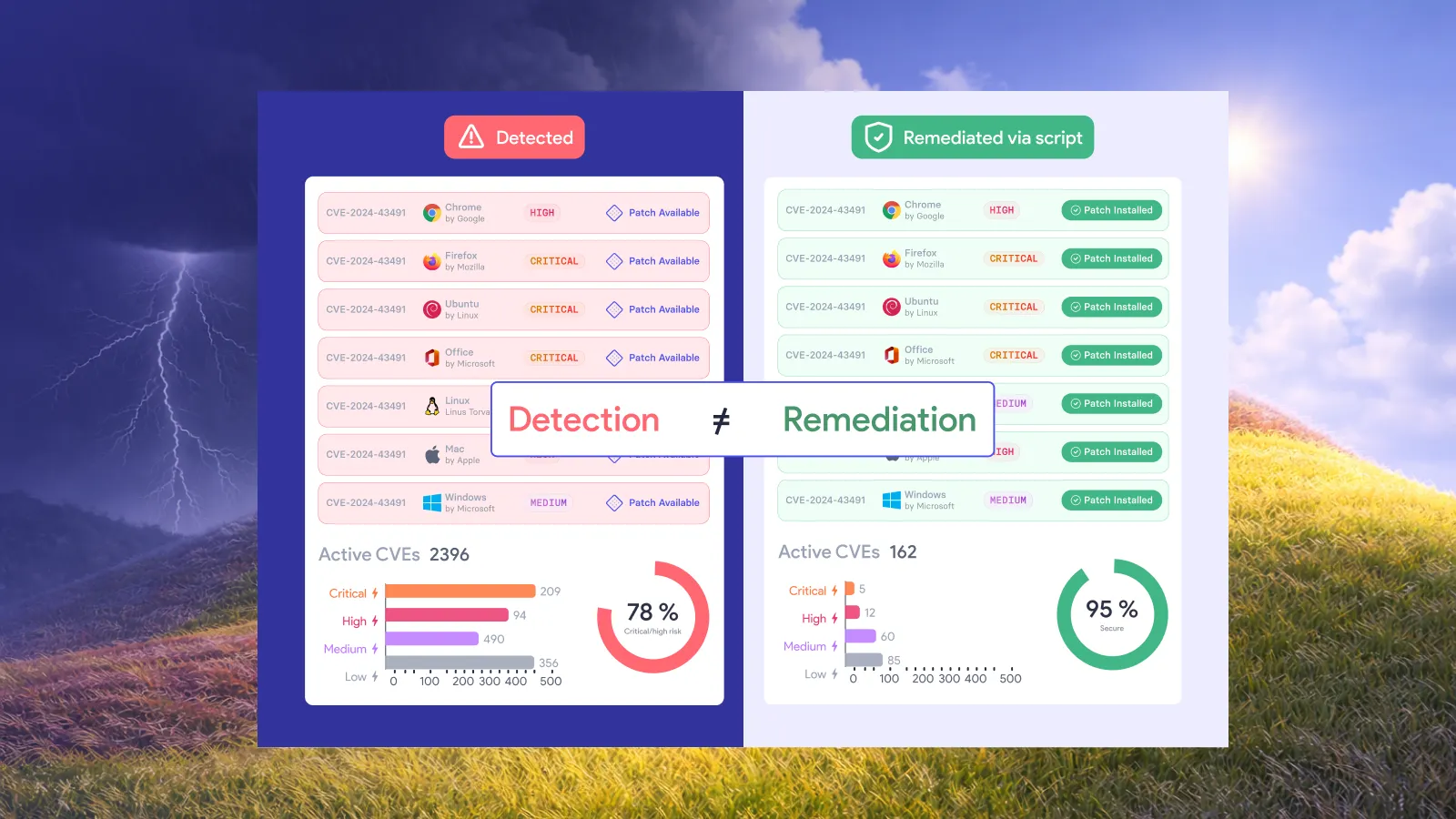
This matters for the way teams communicate the change. “The update was deployed” and “the user is running the updated browser” are different statements.
Tell users what will happen, when the browser must restart, and how to avoid interrupting work. For shared workstations or business-critical browser applications, agree on the restart arrangements with the service owner before the deadline arrives.
Then check the running version after relaunch. If an endpoint has not checked in, keep it in a pending category rather than counting it as successfully remediated.
Release channels need attention too. Google documents that Extended Stable receives security updates despite its slower feature cadence. Check the advisory and release applicable to the channel in use instead of applying one version rule to every browser. Source: Google Chrome release channels.
What should happen when an update is blocked?
Name the blocker precisely. A compatibility issue, an unreachable laptop, a deployment failure, and an unapproved maintenance window need different follow-up work.
Consider a hypothetical organization with three affected groups. Office laptops pass compatibility checks and can update immediately. A smaller group runs a browser-dependent business application that needs testing. Several remote devices have not connected.
Move the first group forward. Give the application owner a defined test and decision deadline for the second group. Queue the third group for action on reconnect and retain visibility of its unresolved status. Do not let one group's constraint determine the pace of the entire rollout.
Where a temporary control is proposed, ask what it prevents and how that has been established. Record its limitations in operational terms. If a control reduces only one exposure route, the record should say so.
Avoid turning a component name into a guessed workaround. A WebRTC vulnerability does not, by itself, establish that changing a particular browser setting will protect the endpoint. Select measures from applicable vendor guidance or validated technical evidence.
The broader lesson is to prepare these decisions before the next alert: who can authorize an urgent update, who can validate an alternative, and who accepts any remaining risk.
Vicarius's approach: remediation is about options
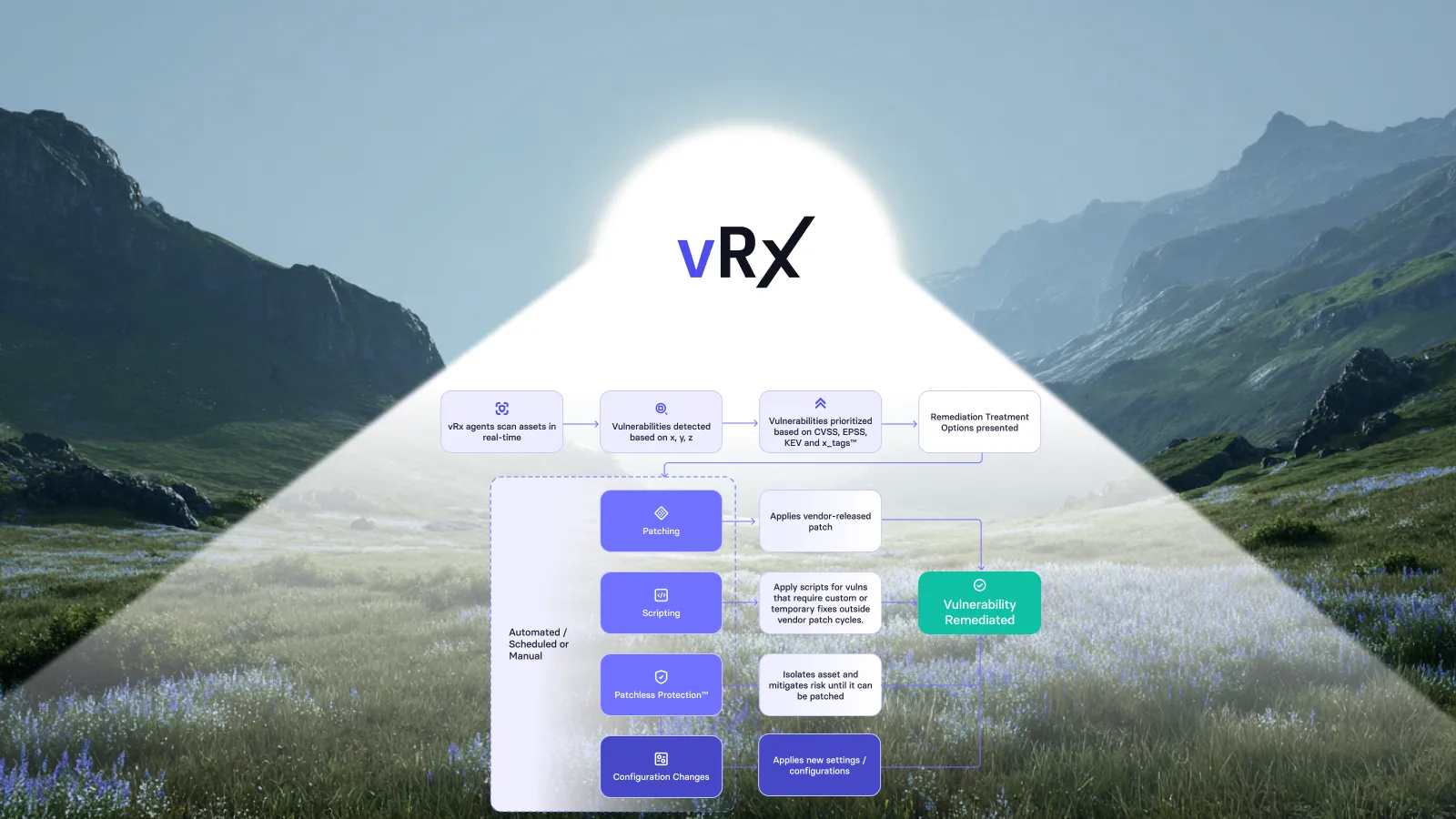
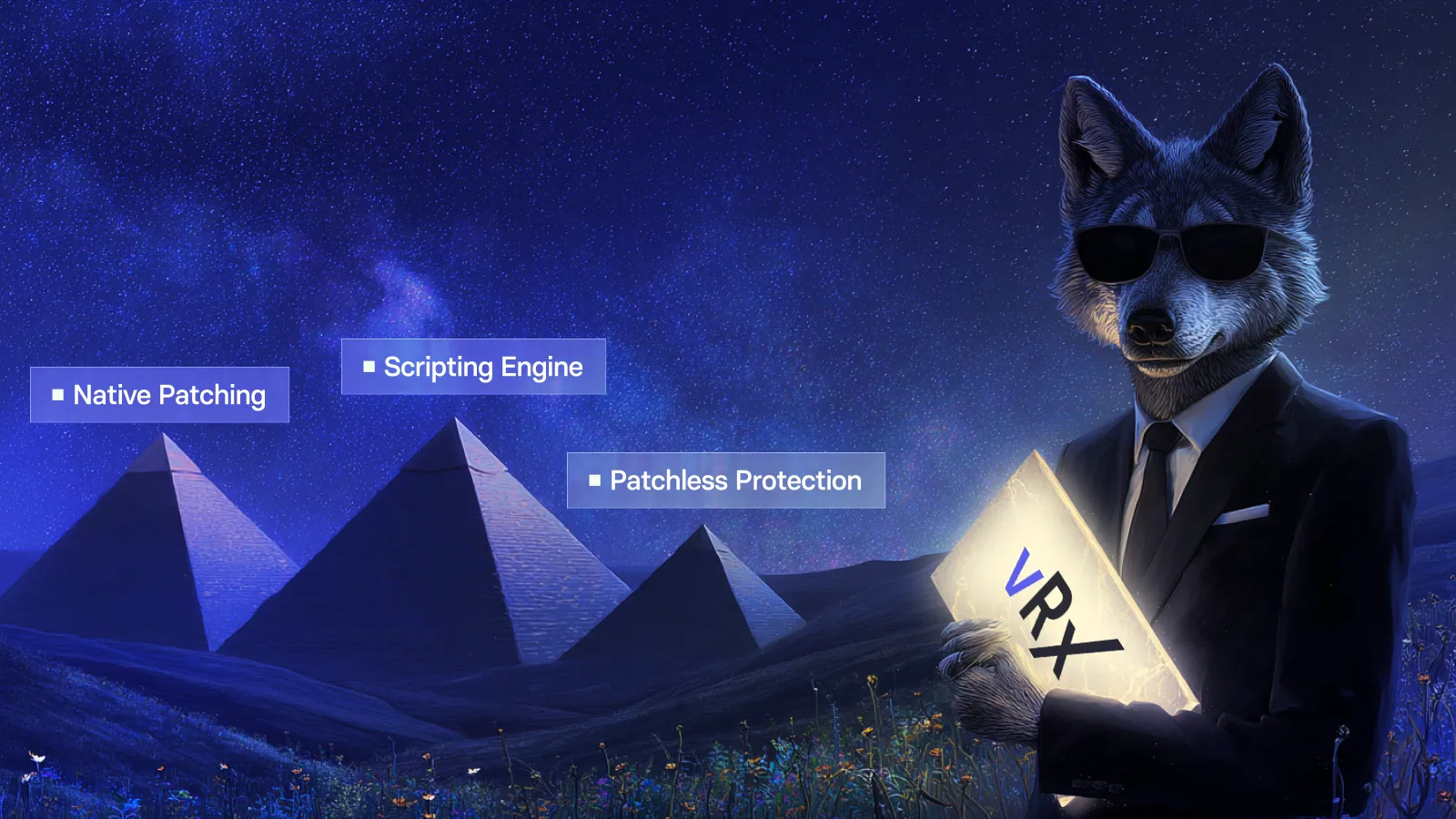
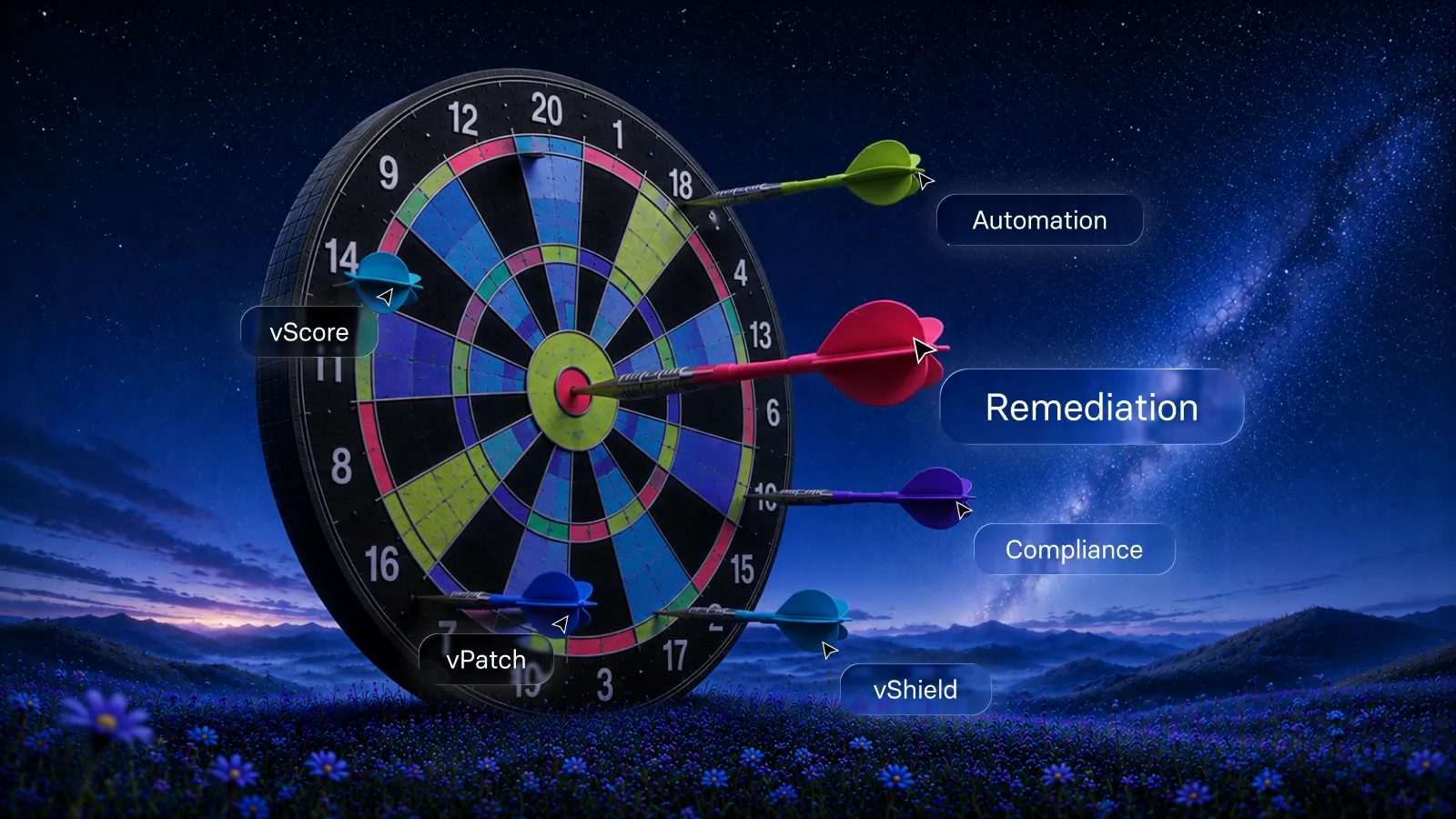
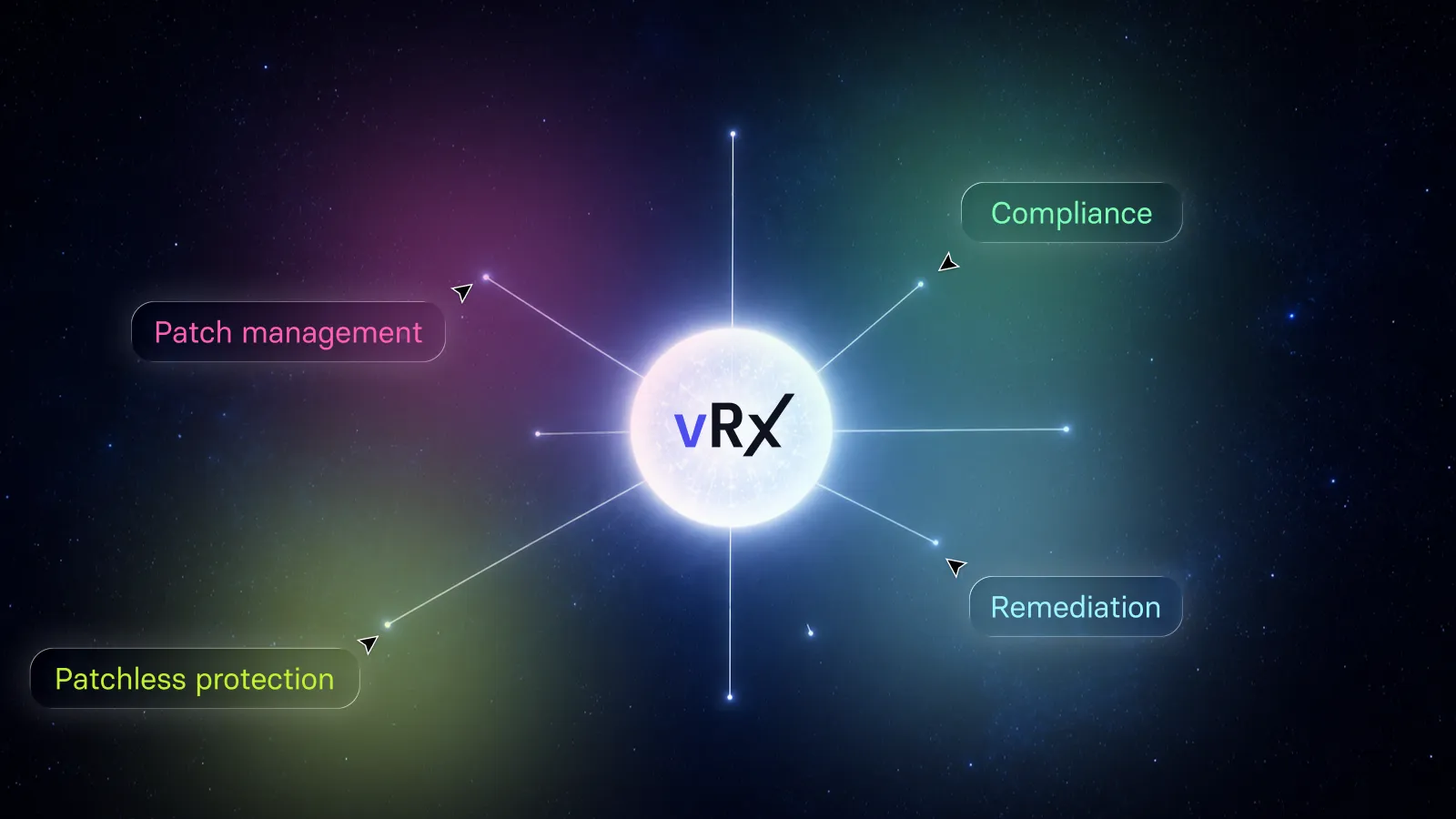
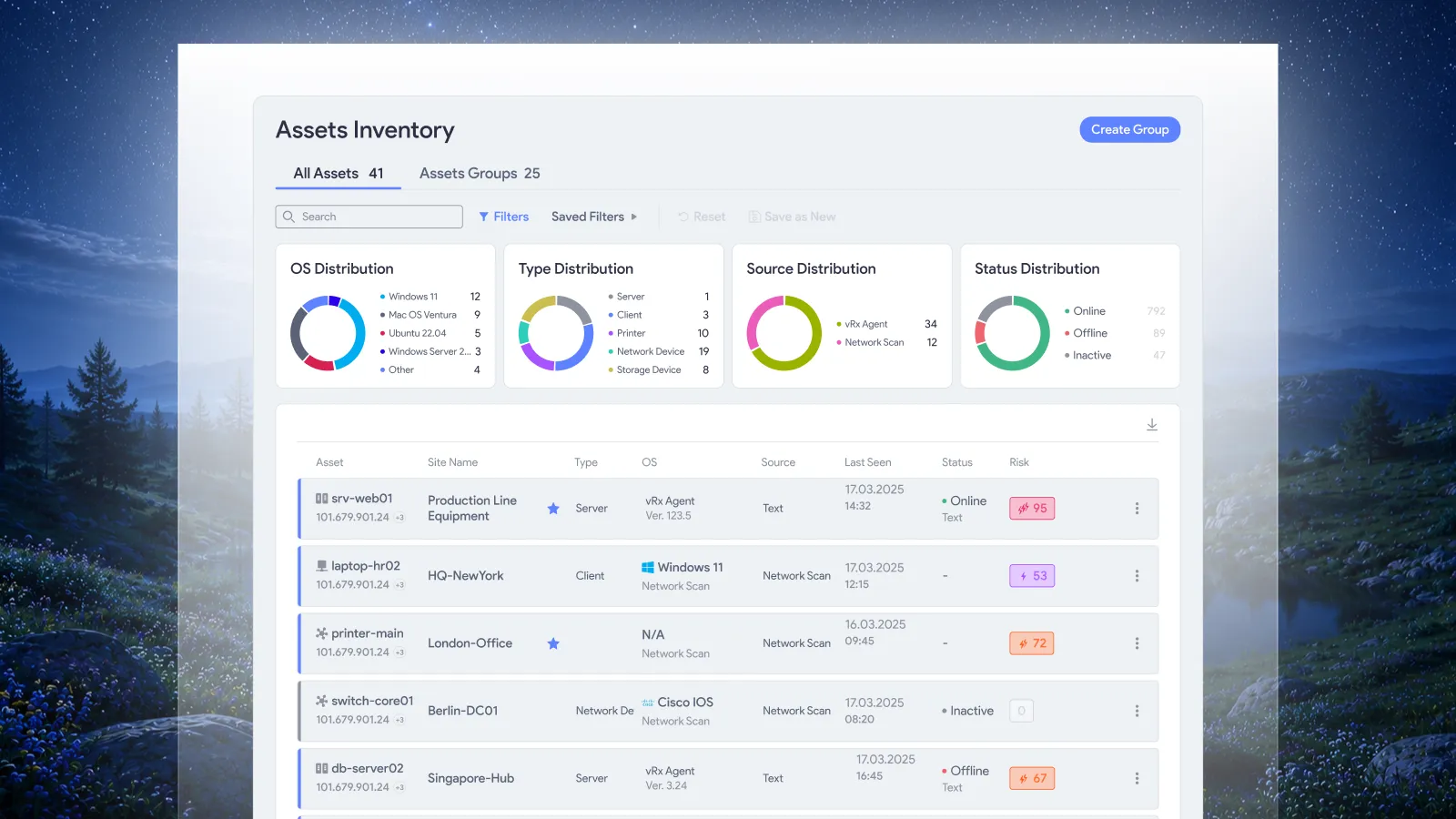
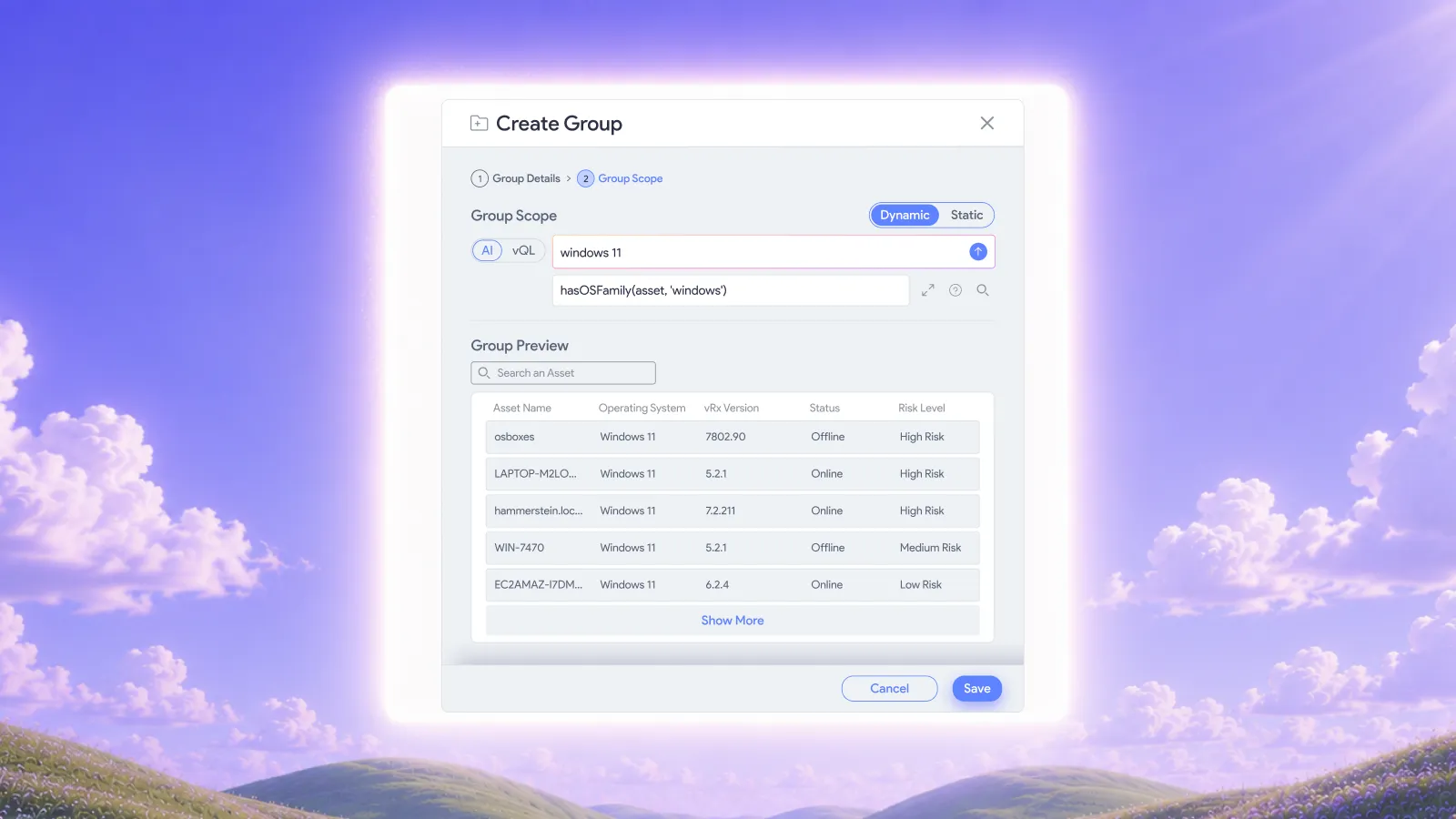
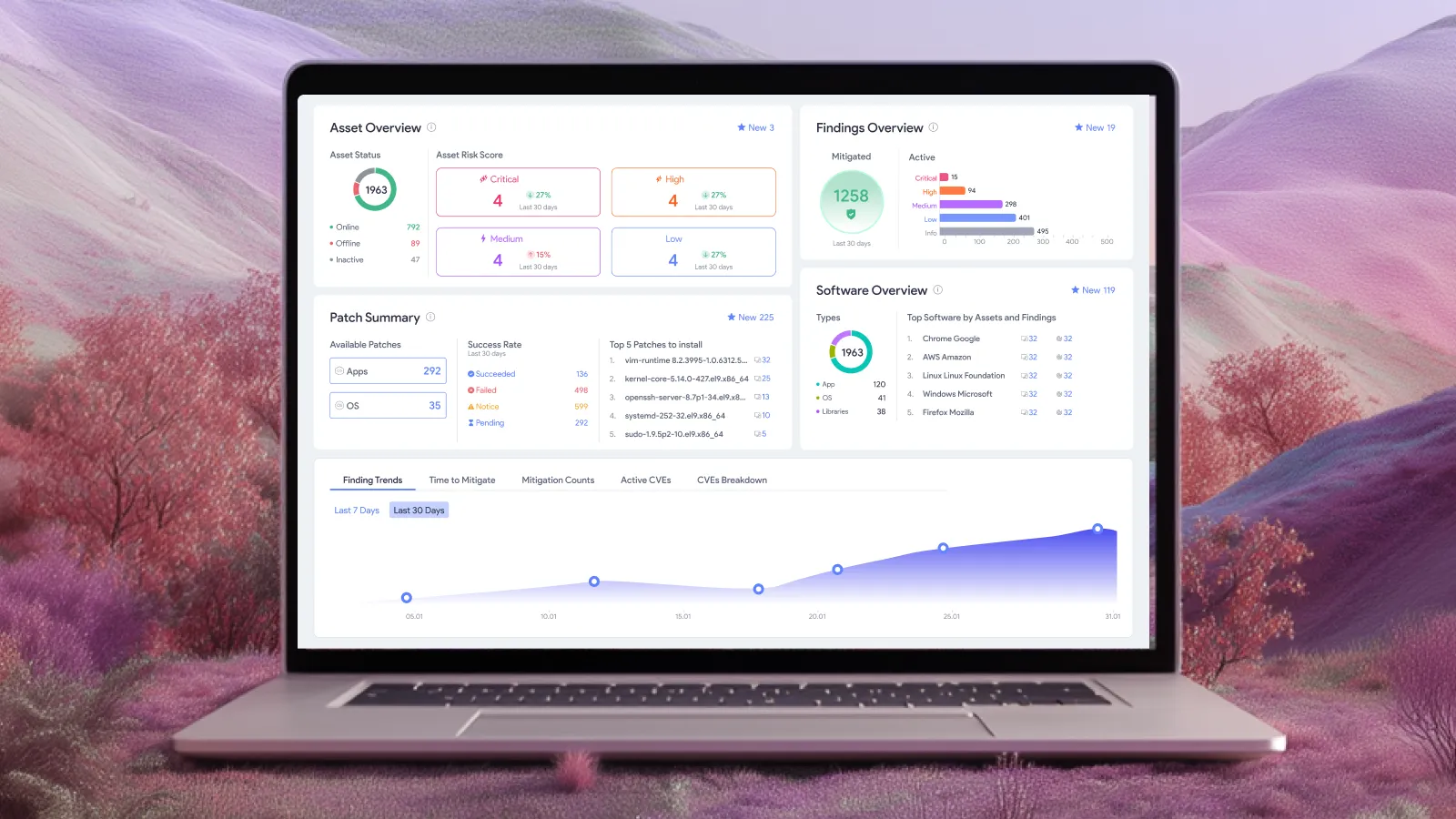
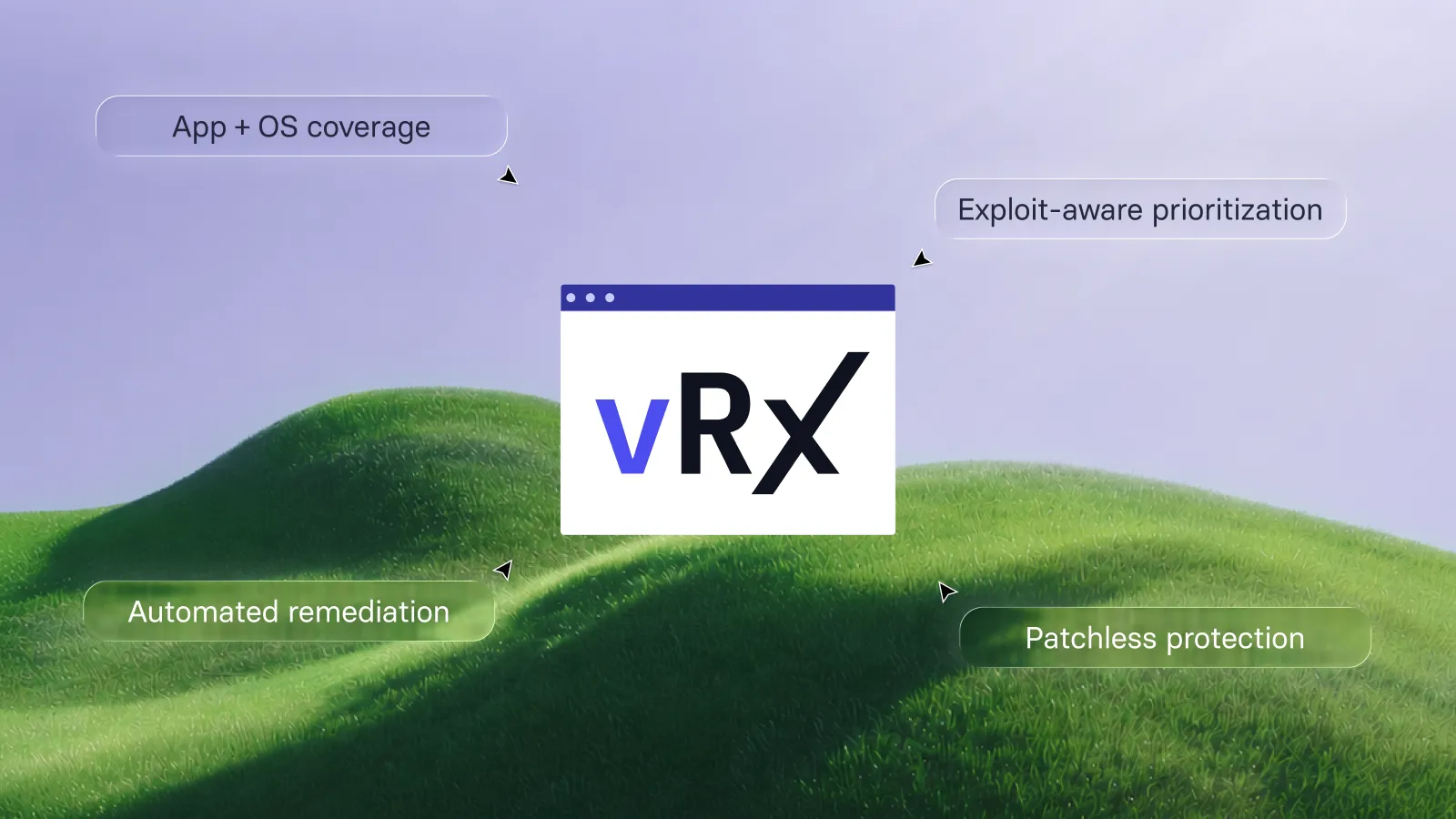
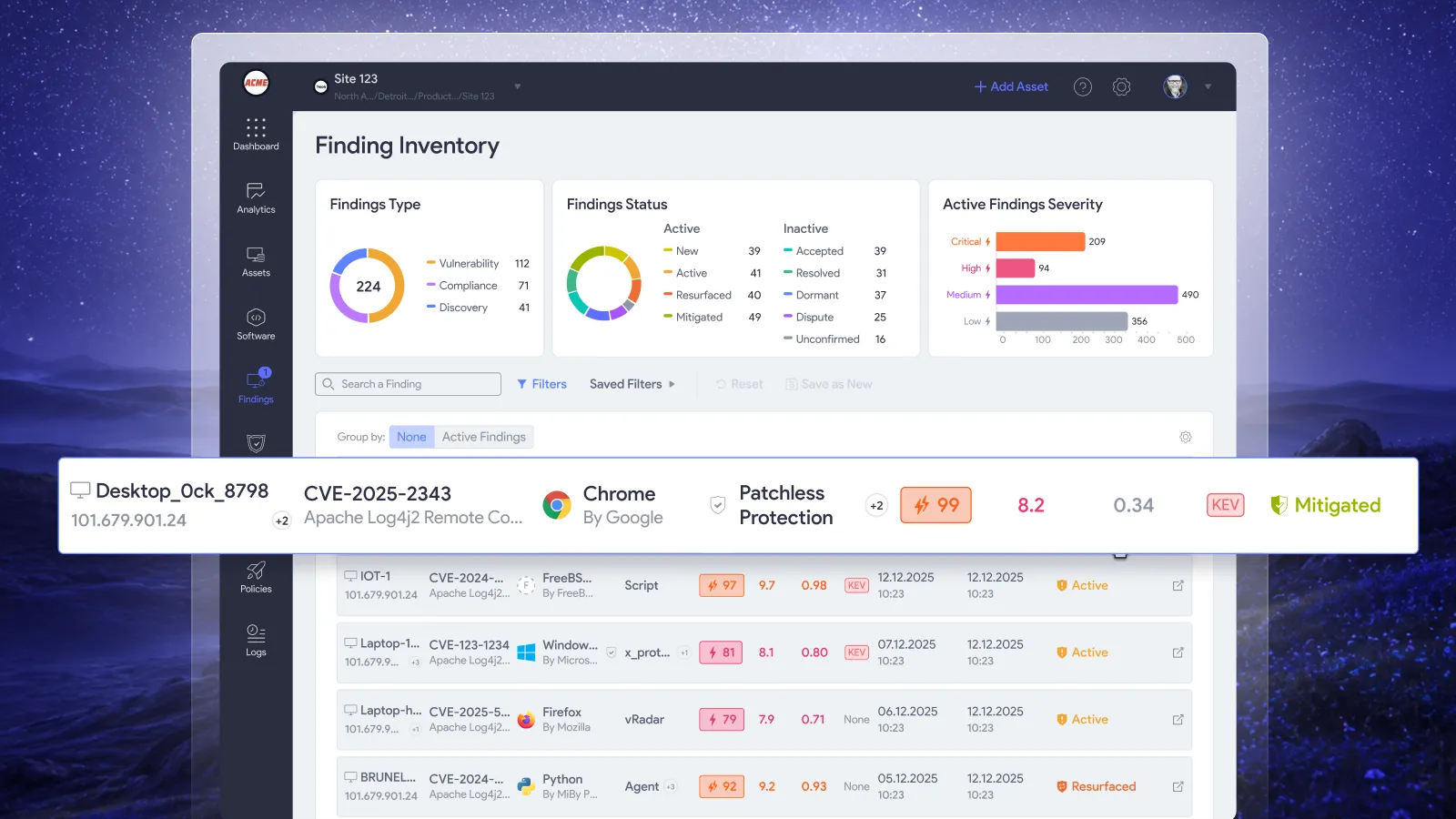
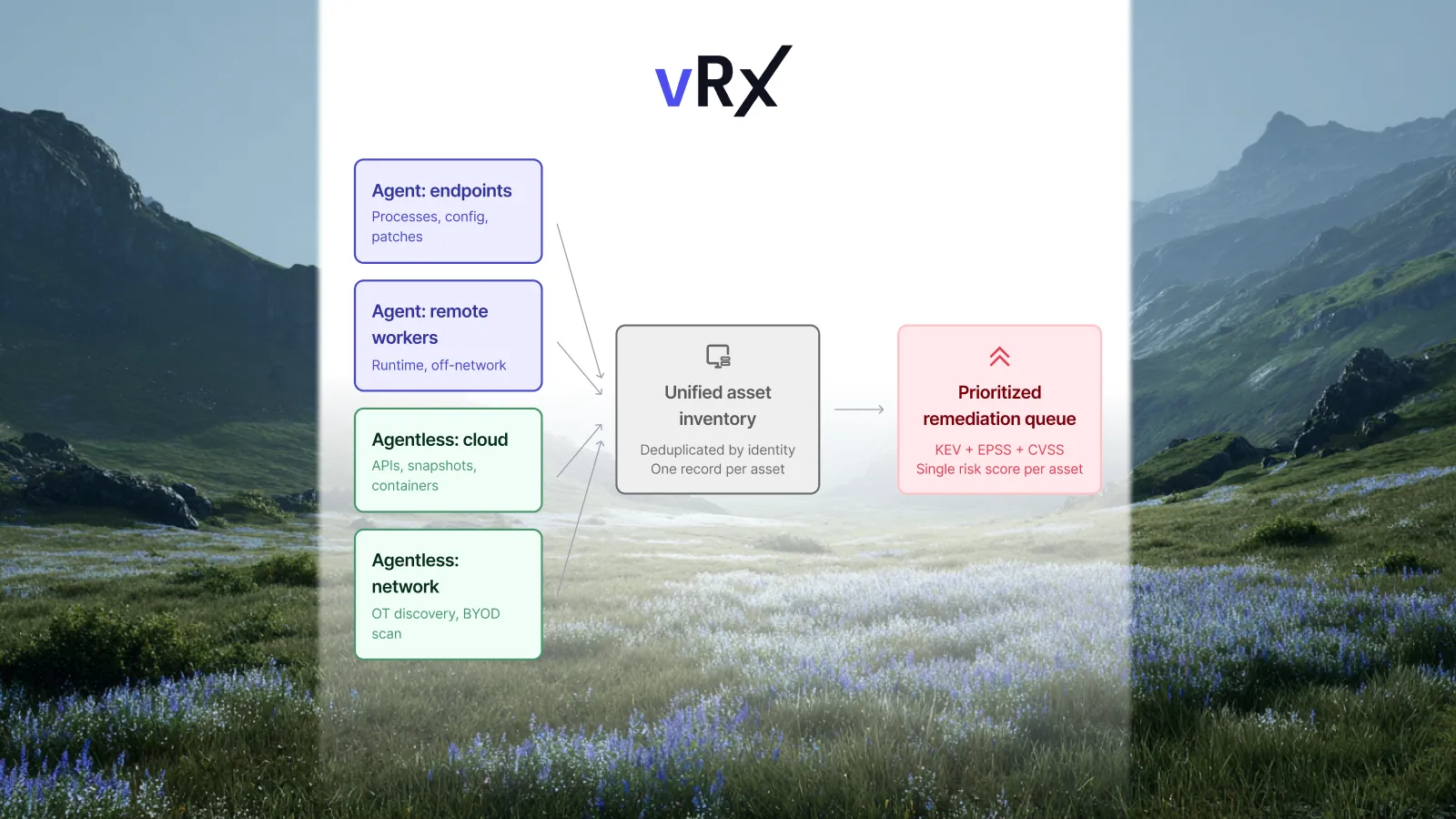
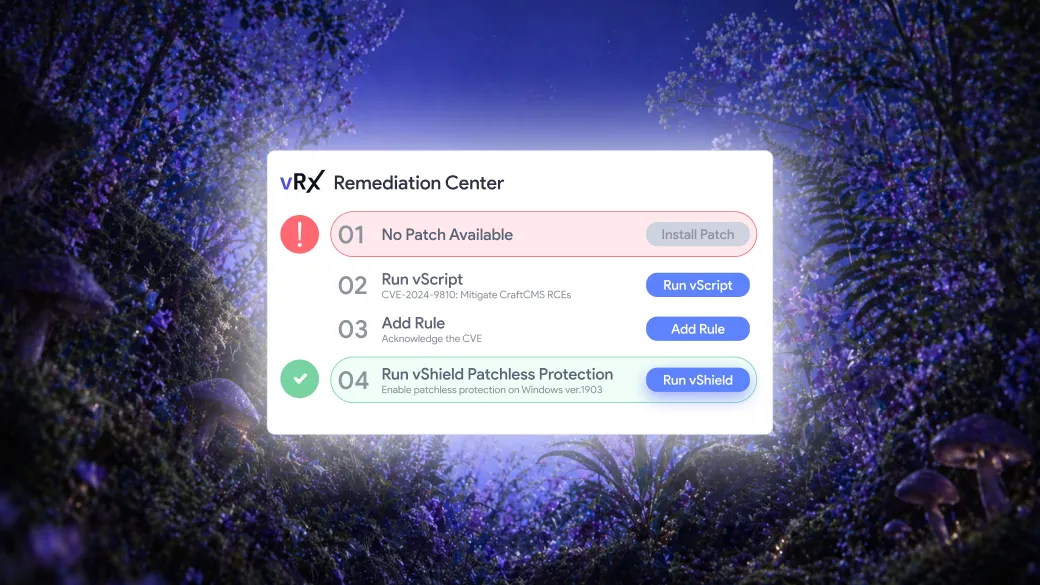
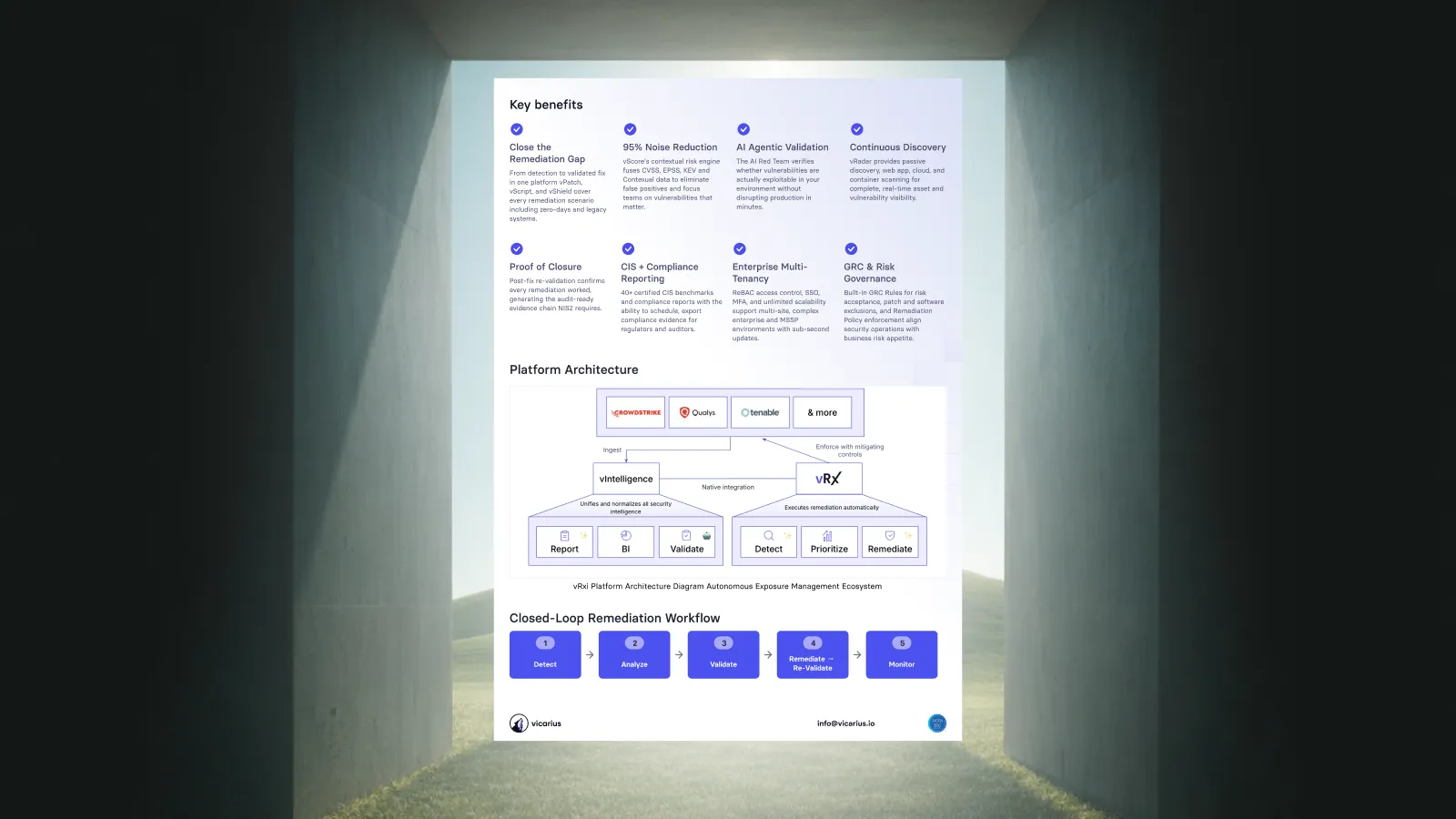
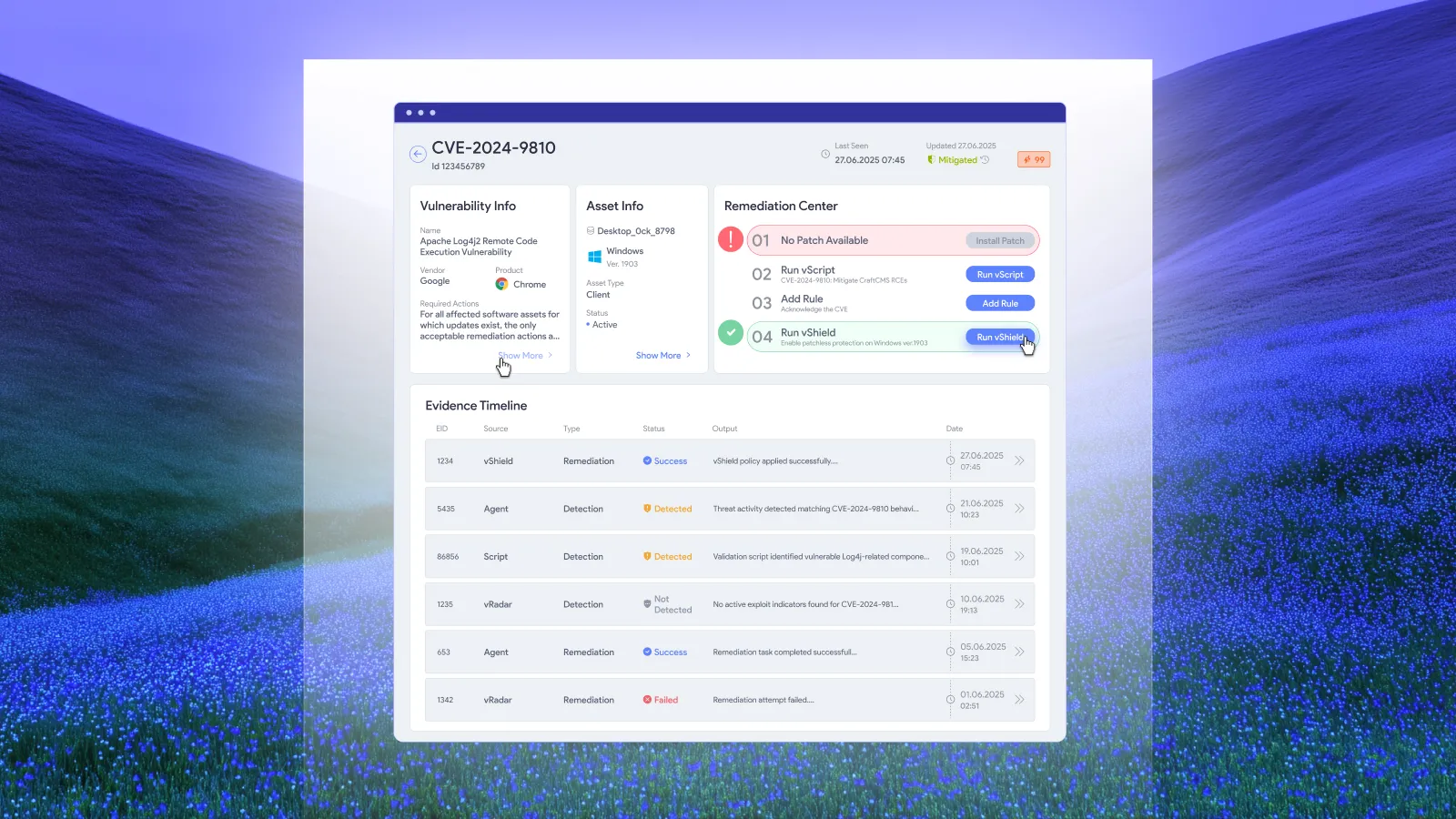
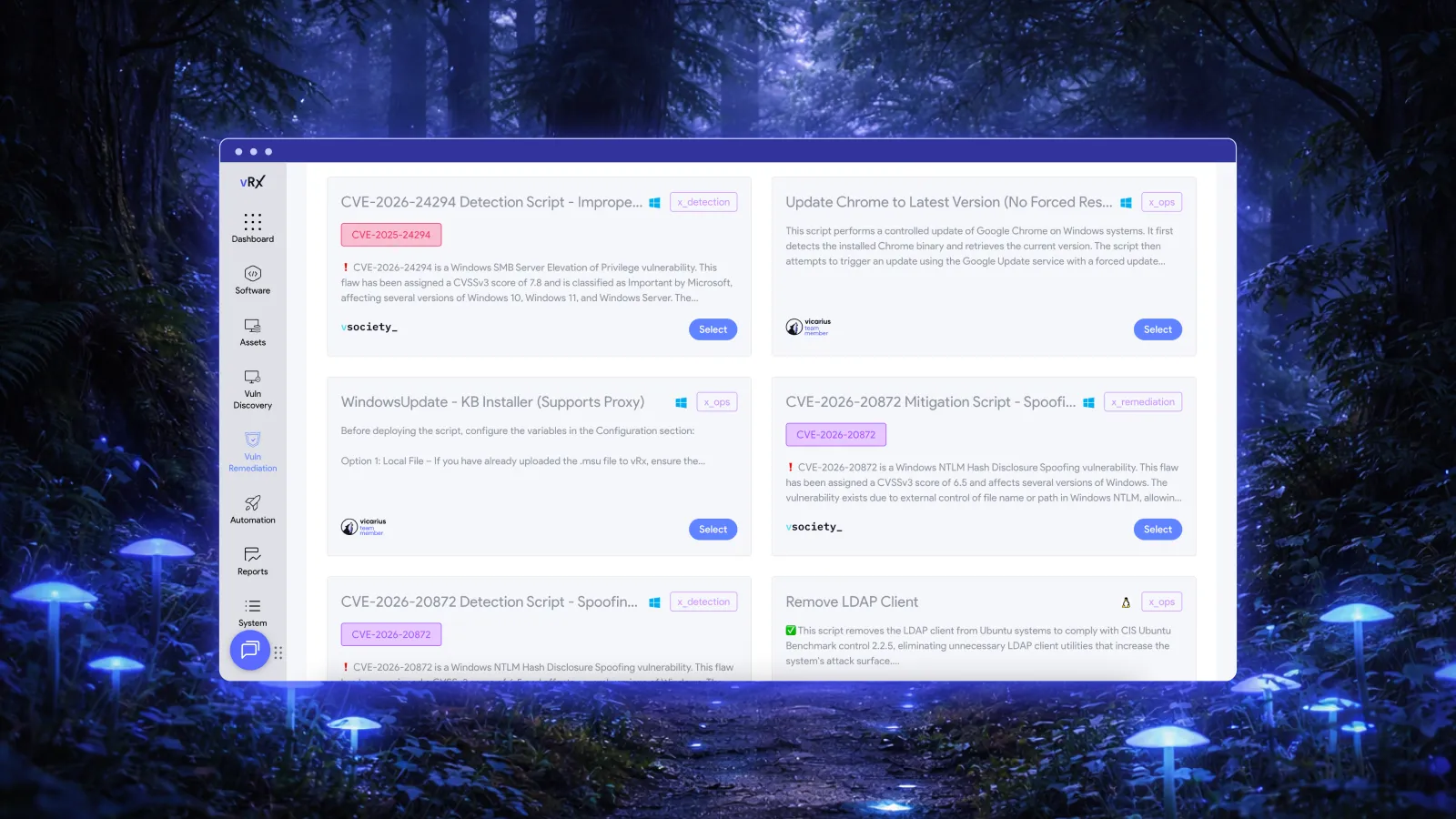
Vicarius approaches vulnerability remediation through multiple methods in vRx. Teams can use patching, scripting, and patchless protection according to the exposure and the system's constraints. That gives the team a choice of response methods rather than one action to use in every situation. Source: Vicarius automated vulnerability remediation.
The methods serve different purposes:
• vPatch supports application and operating-system patching, with control over deployment timing and grouping. This gives teams a way to organize the rollout around their environment. Vicarius patch management.
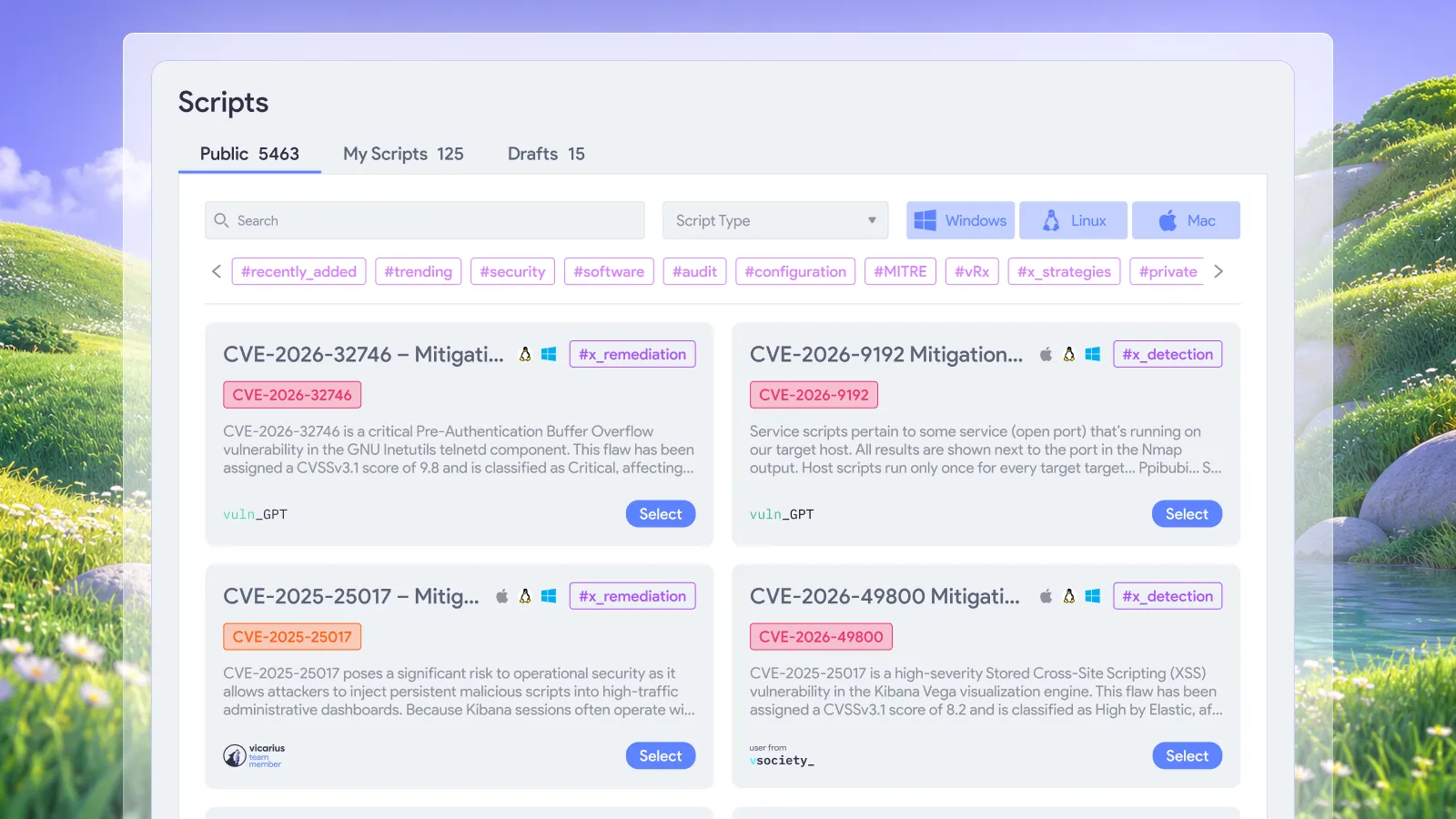
• vScript supports custom, community, and AI-generated scripts for detection, remediation, and operational tasks. Its documented uses include configuration changes and hardening, with execution records for follow-up. Vicarius scripting.
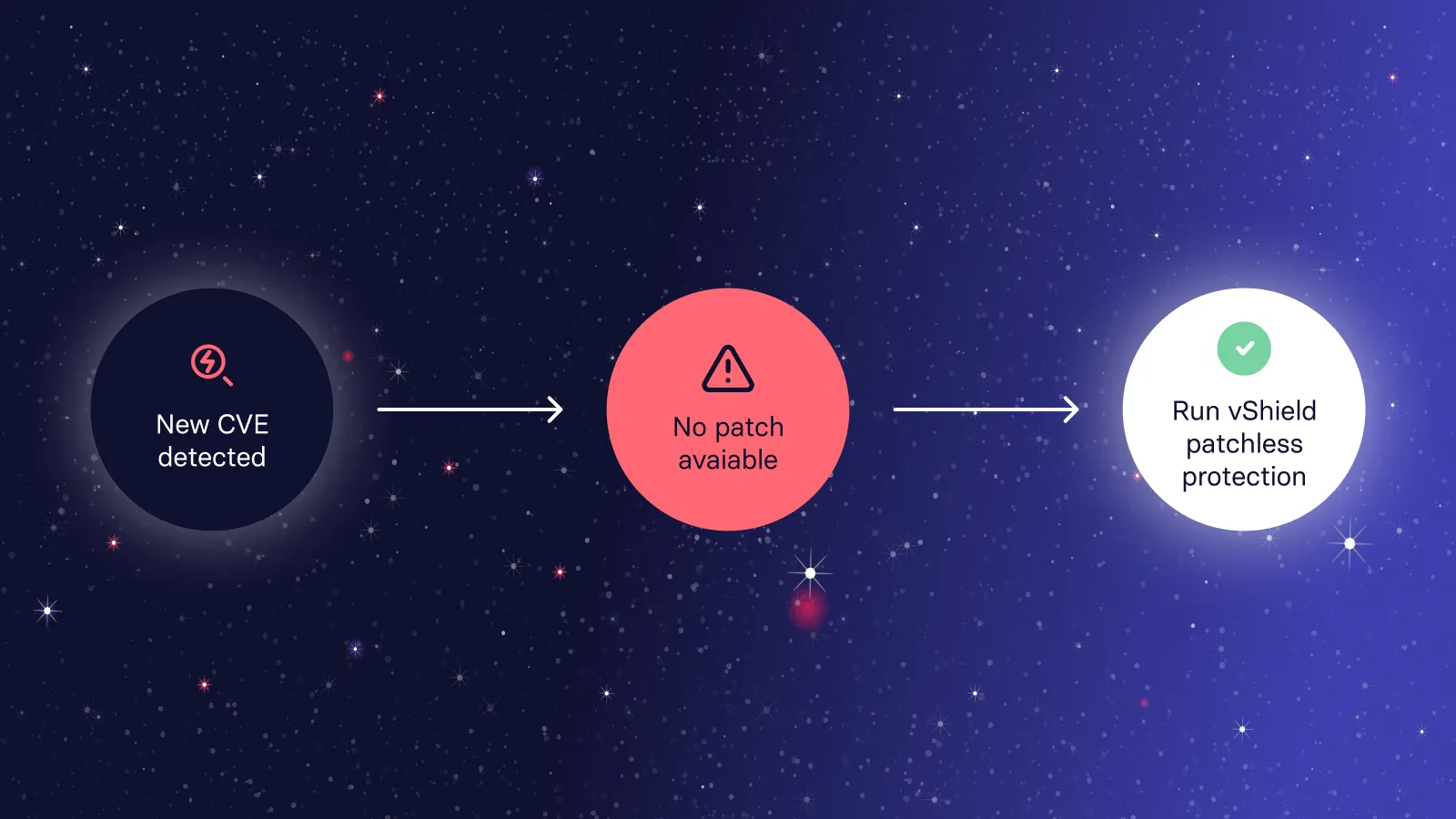
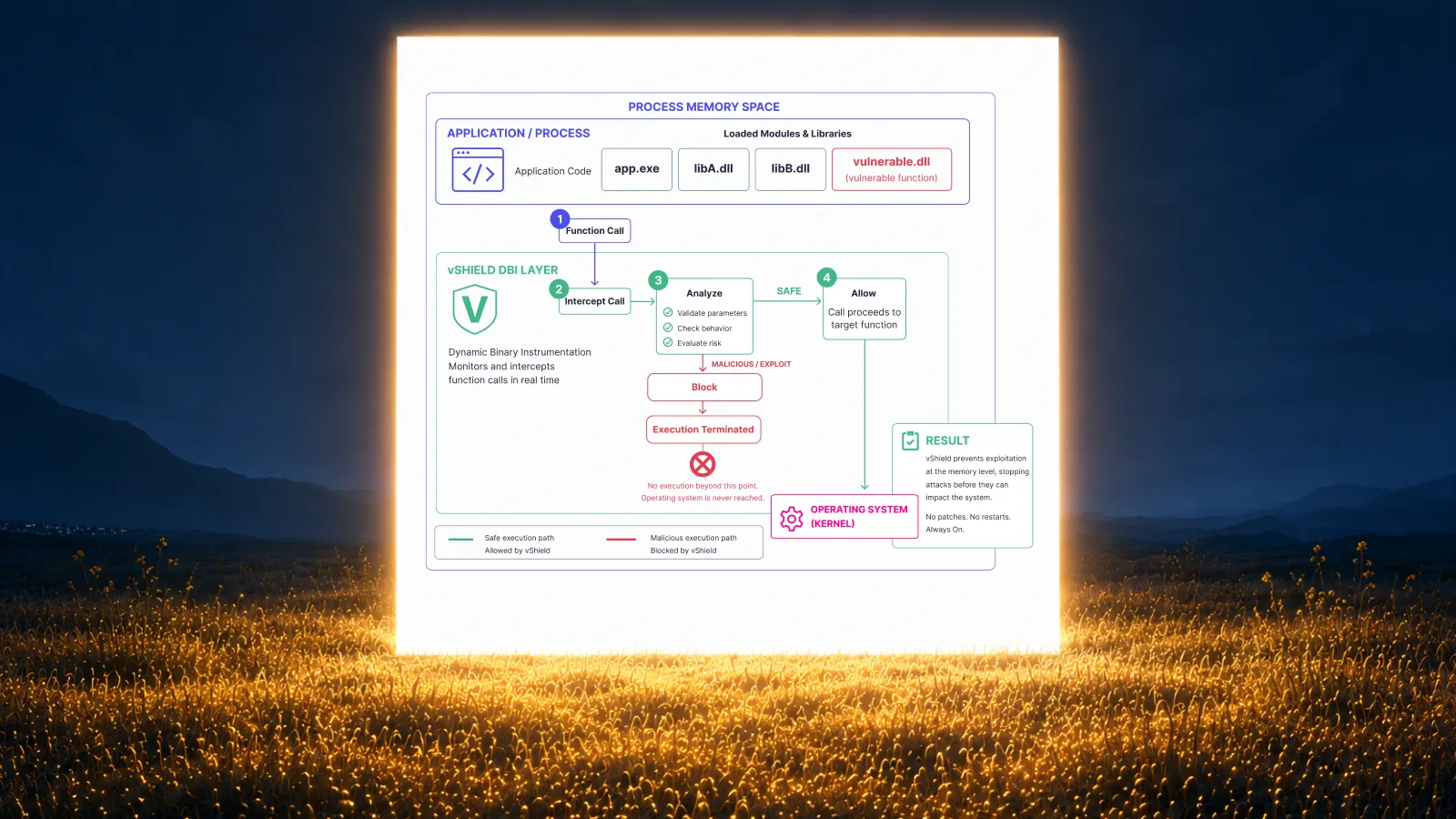
• vShield provides memory-level patchless protection alongside the patch cycle. It offers a protection approach for applicable exposures while teams manage the underlying remediation work. Vicarius patchless protection.
Choose and validate the method for the specific asset and vulnerability. Product-level descriptions explain the available approaches; CVE-specific response decisions require evidence of applicability.
For a Chrome response, that means organizing the vendor update, addressing deployment and relaunch constraints, and validating any additional measures against the actual exposure. Having options should make the next action clearer.
For the wider application estate, the Vicarius third-party patch-management guide explains how to organize an ongoing program across applications.
Questions security teams should settle now
Does AI-assisted discovery change remediation priority?
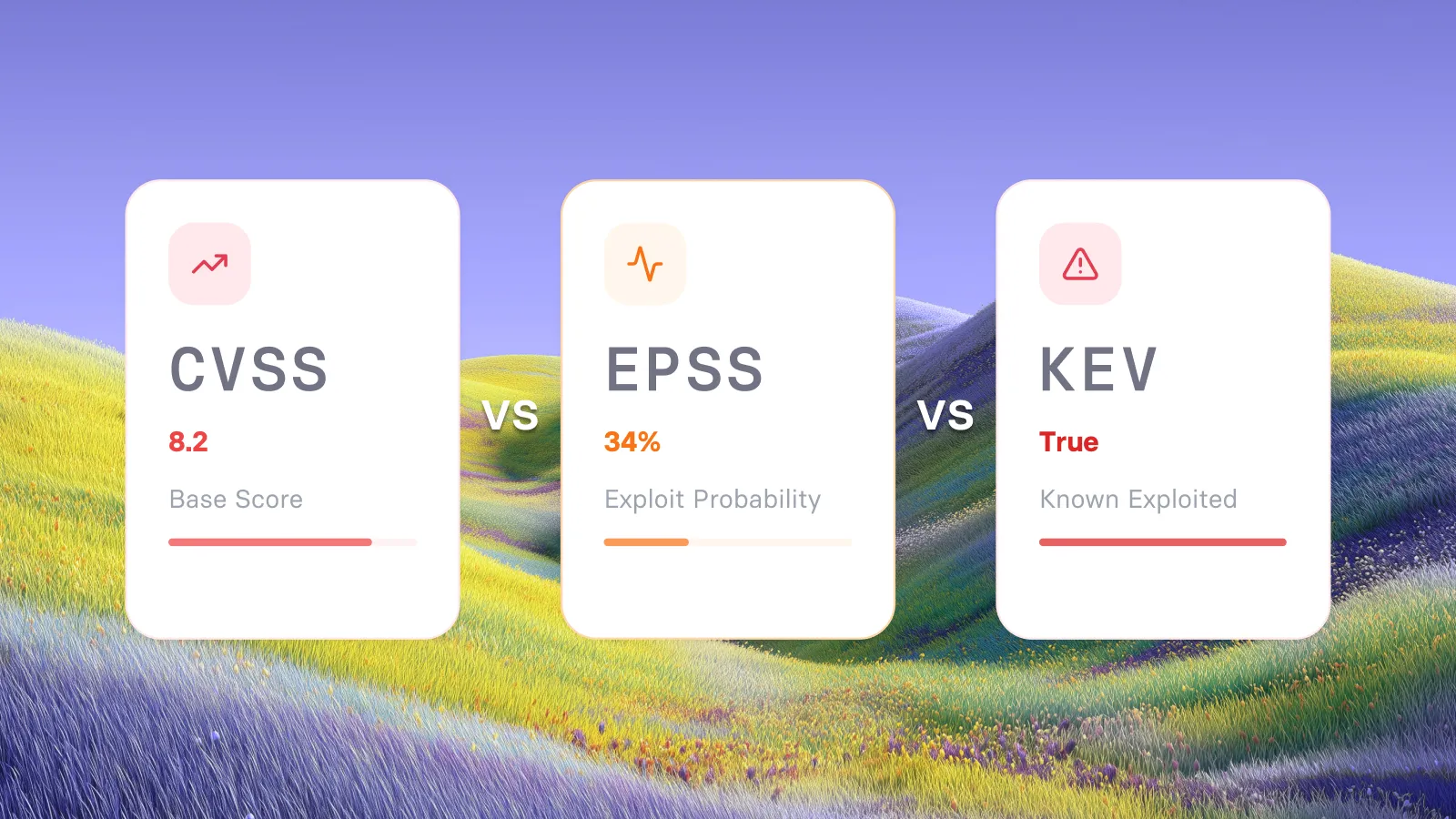
It can make a finding newsworthy, but priority should follow the vulnerability and the affected environment. Evaluate severity, exploitation evidence, asset exposure, and business impact. The fact that an AI assistant contributed to research is not a substitute for those inputs.
Is a temporary mitigation the same as fixing the vulnerability?
No. A temporary mitigation reduces a defined exposure under specific conditions. A vendor patch addresses the software defect. Track the resulting states separately so that a temporary control does not conceal unfinished work.
What should the response owner report?
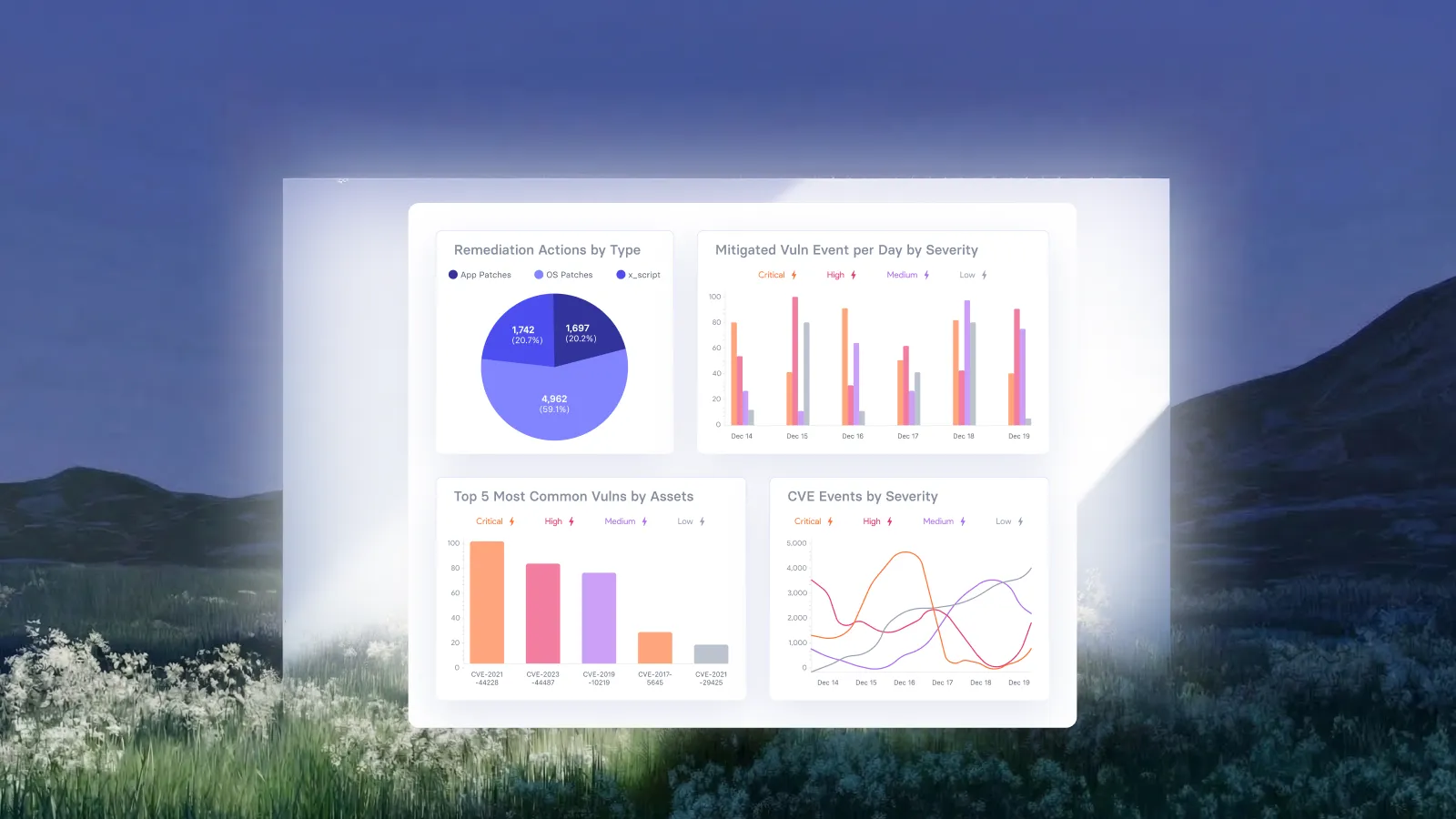
Report which affected groups have completed their action, which remain unresolved, and why. Where a temporary measure is in place, include the evidence supporting it and the next review point. This gives security leadership a basis for a decision without requiring a review of every deployment log.
Put the options to work
For the next Chrome response, give every affected group a clear route: deploy the applicable fix, resolve a named blocker, or apply a justified temporary measure while the fix proceeds. Keep the evidence specific enough that another operator can understand the decision and continue the work.
That is the practical value of remediation options. Each affected group has an action its owner can carry out and a result the security team can assess.
Request a demo to explore vRx remediation options for your environment.







































.webp)














%20Signals%20a%20New%20Era%20of%20Supply%20Chain%20Risk.webp)