What is an application risk assessment?
An application risk assessment is a structured review of a software application that identifies its vulnerabilities, threats and weaknesses, estimates how likely each is to be exploited and how much damage it would cause, and ranks them so teams can fix the biggest risks first. It covers the application's code, third-party components, configuration, data and users.
A good application risk assessment answers three questions:
- What could go wrong? Known vulnerabilities, misconfigurations, risky dependencies and gaps in access controls.
- How likely is it? Whether a weakness is reachable, actively exploited (for example, listed in CISA's Known Exploited Vulnerabilities catalog) or likely to be exploited soon (EPSS score).
- How bad would it be? The impact on confidentiality, integrity and availability, on regulated data, and on the business processes the application supports.
Application risk scoring combines these into one number per finding or per application, usually risk = likelihood × impact. The score lets you compare risks across a whole portfolio of applications.
Download the free PDF checklist
The 7-step application risk assessment checklist
1. Identify the application's context
- Map the architecture: document APIs, databases, microservices, hosting and third-party services.
- Trace data flows: draw how data moves between the application and other systems, and mark the trust boundaries.
- Classify data and users: list user roles and access levels, and rate the data's sensitivity by its impact on confidentiality, integrity and availability (the CIA triad).
Done when: you have an up-to-date architecture diagram, a data-flow diagram and a data classification for the application.
2. Find known vulnerabilities
- Scan the application and its hosts: use a dynamic scanner such as ZAP for the web front end, and an infrastructure scanner or agent for the servers and endpoints it runs on.
- Check against vulnerability databases: match findings to CVE (Common Vulnerabilities and Exposures) records in the NVD.
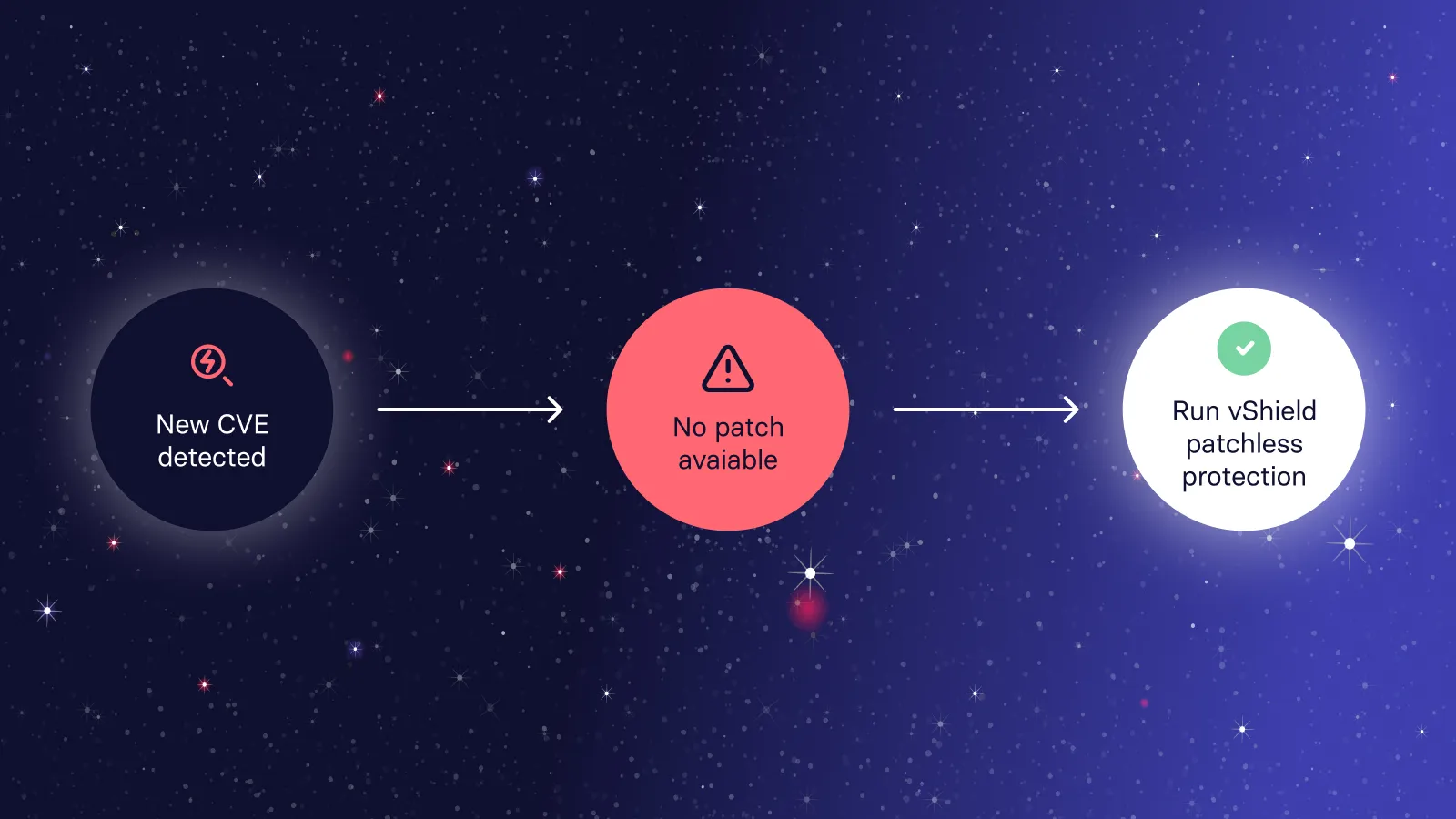
- Check patch status: confirm which OS and third-party patches are missing, and which vulnerabilities have no patch yet.
Done when: every known vulnerability in the application and its hosts is listed with its CVE, and its patch status.
3. Score likelihood with threat intelligence
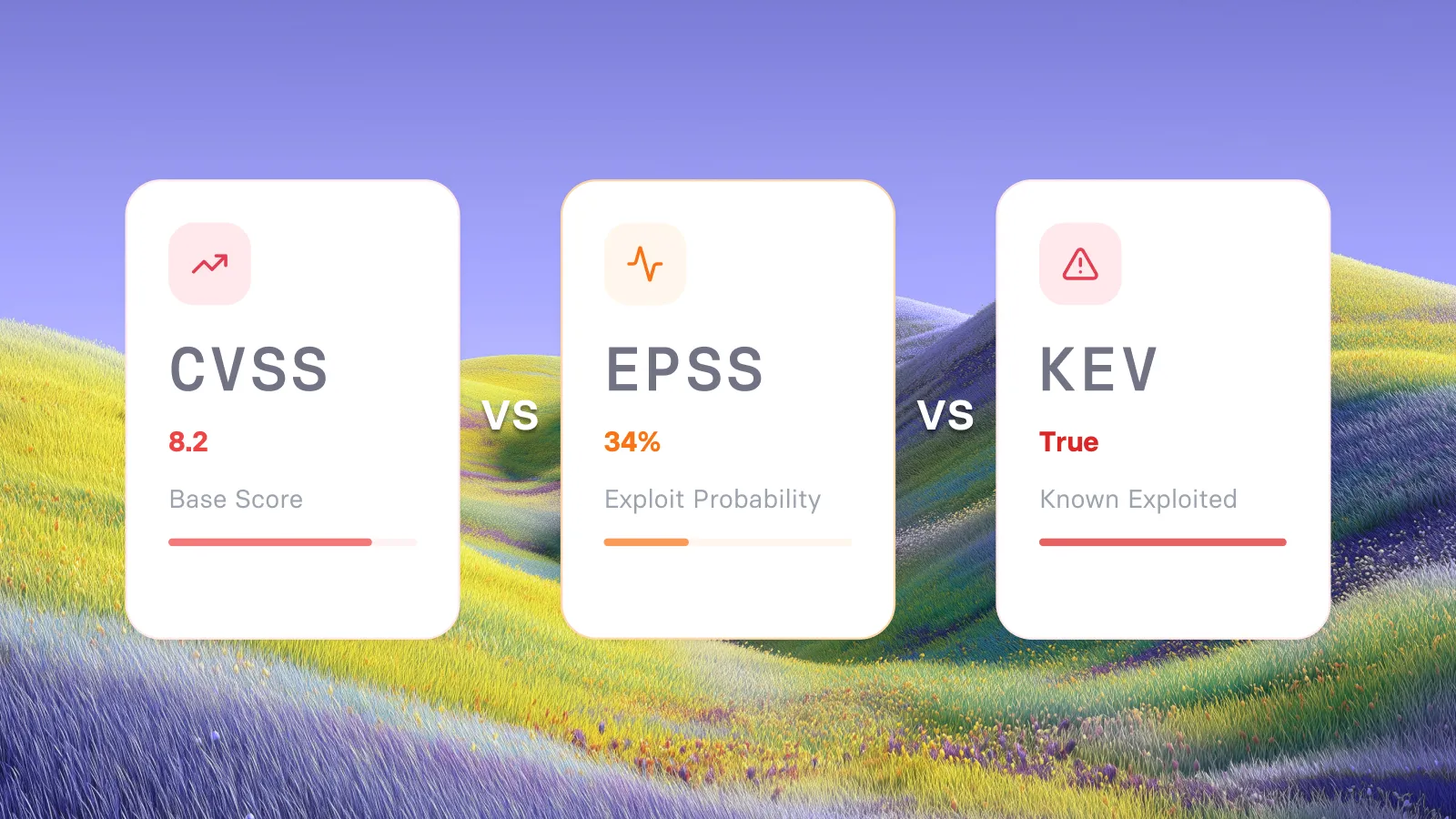
- Separate severity from likelihood: CVSS measures how severe a vulnerability is. For how likely it is to be exploited, add EPSS scores and check CISA's Known Exploited Vulnerabilities (KEV) catalog.
- Add threat context: use threat intelligence feeds to see which vulnerabilities are being exploited in the wild, and by whom.
- Check reachability: confirm whether a vulnerable component is actually exposed or reachable in your environment.
Done when: each finding has a likelihood rating based on exploit activity, not just its CVSS score.
4. Map compliance and regulatory requirements
- Map requirements: for example, PCI DSS for payment data, HIPAA for health data, GDPR for personal data.
- Evaluate controls: check existing controls against frameworks such as NIST CSF, ISO 27001 or CIS Benchmarks.
- Verify audit trails: make sure the application logs enough activity to support audits and investigations.
Done when: you know which requirements apply, and which controls are missing.
5. Review history and configuration drift
- Review past incidents: look at security incidents involving this application, or similar ones, to spot repeat weaknesses.
- Track trends: watch how many vulnerabilities appear and how long they take to fix over time.
- Detect configuration drift: compare current settings against your secure baseline.
Done when: recurring issues and drift from the baseline are documented.
6. Test the code and its components
- Static and dynamic testing: use SAST to find flaws in source code, and DAST to find flaws in the running application.
- Software composition analysis (SCA): use an SCA tool such as Snyk or OWASP Dependency-Check to find vulnerable or outdated open-source libraries, and keep a software bill of materials (SBOM).
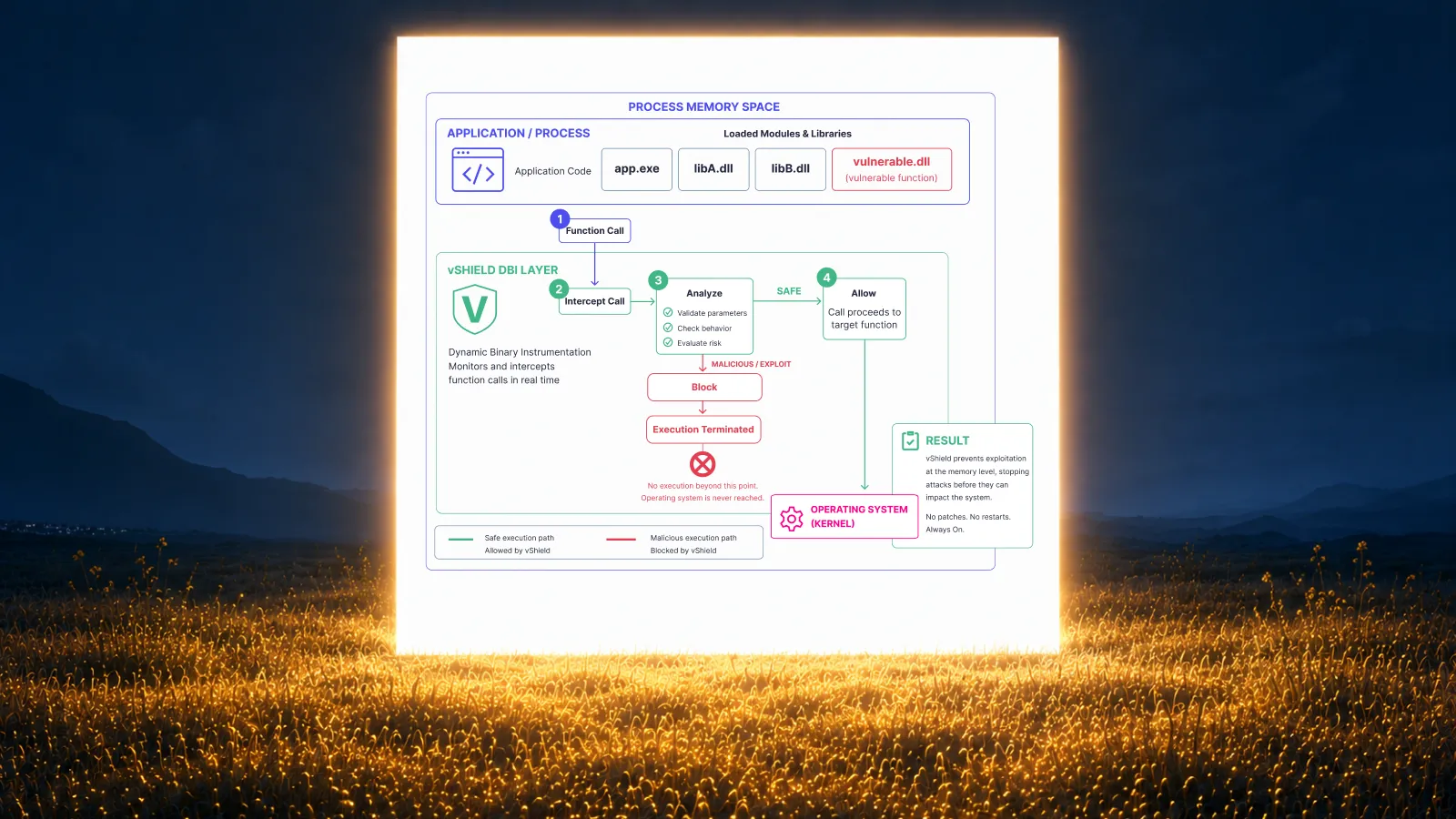
- Runtime protection: consider runtime application self-protection (RASP) or exploit-prevention tools for critical applications that can't be patched quickly.
Done when: code, dependencies and runtime have each been tested, and the findings are added to your list.
7. Agree on risk and remediation with stakeholders
- Run a cross-functional review: bring together security, IT operations, developers and the application owner.
- Score and rank: combine likelihood and impact into one risk score per finding, and agree on a fix-by date for each risk level.
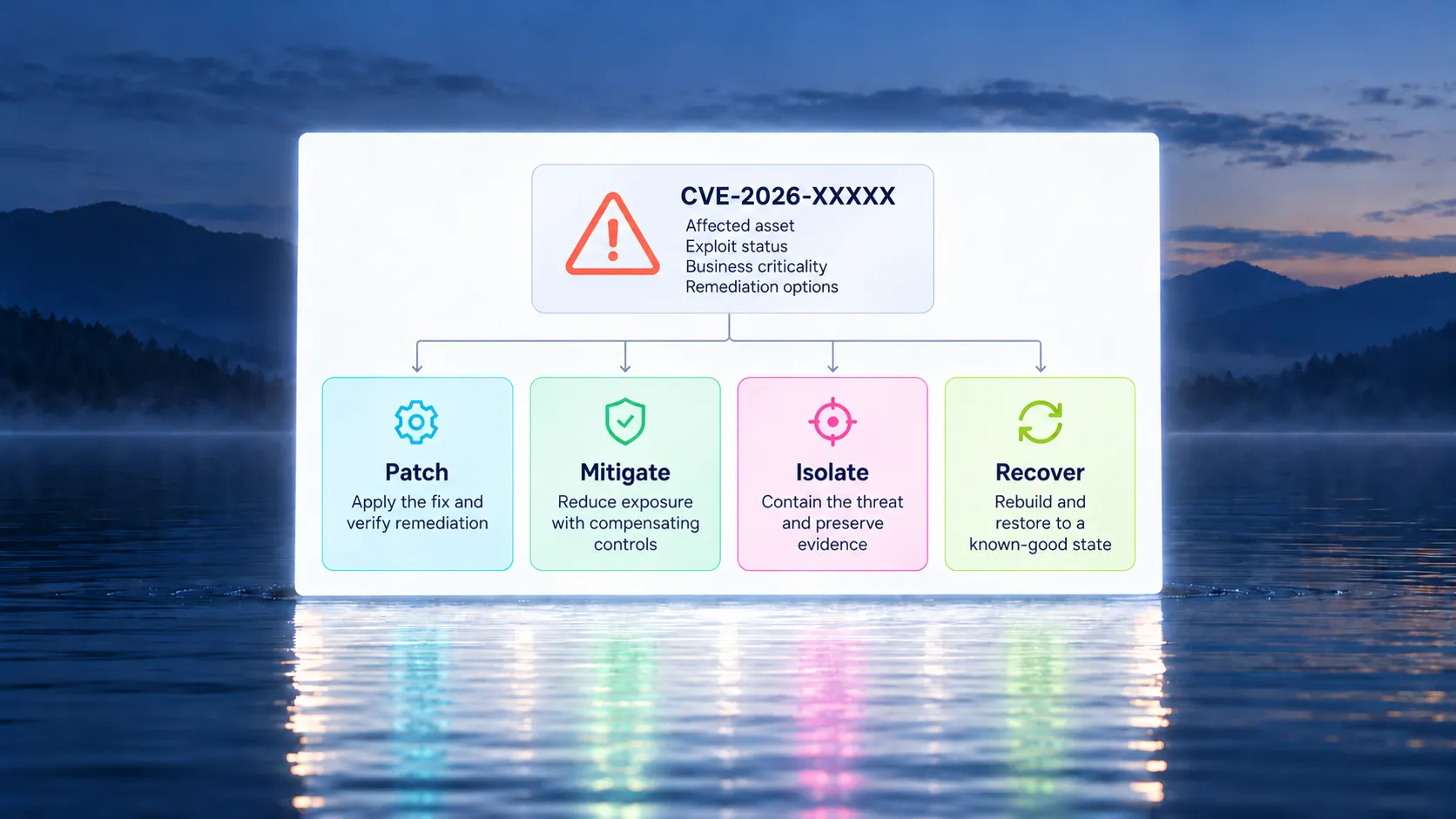
- Define remediation workflows: decide who fixes what, and how: patch, configuration change, compensating control, or accepted risk with sign-off.
Done when: every high and critical risk has an owner, a fix-by date and an agreed remediation method.
Action Items
- Continuous Risk Assessment: Schedule regular assessments to adapt to new vulnerabilities and emerging threats, using automated tools for efficiency.
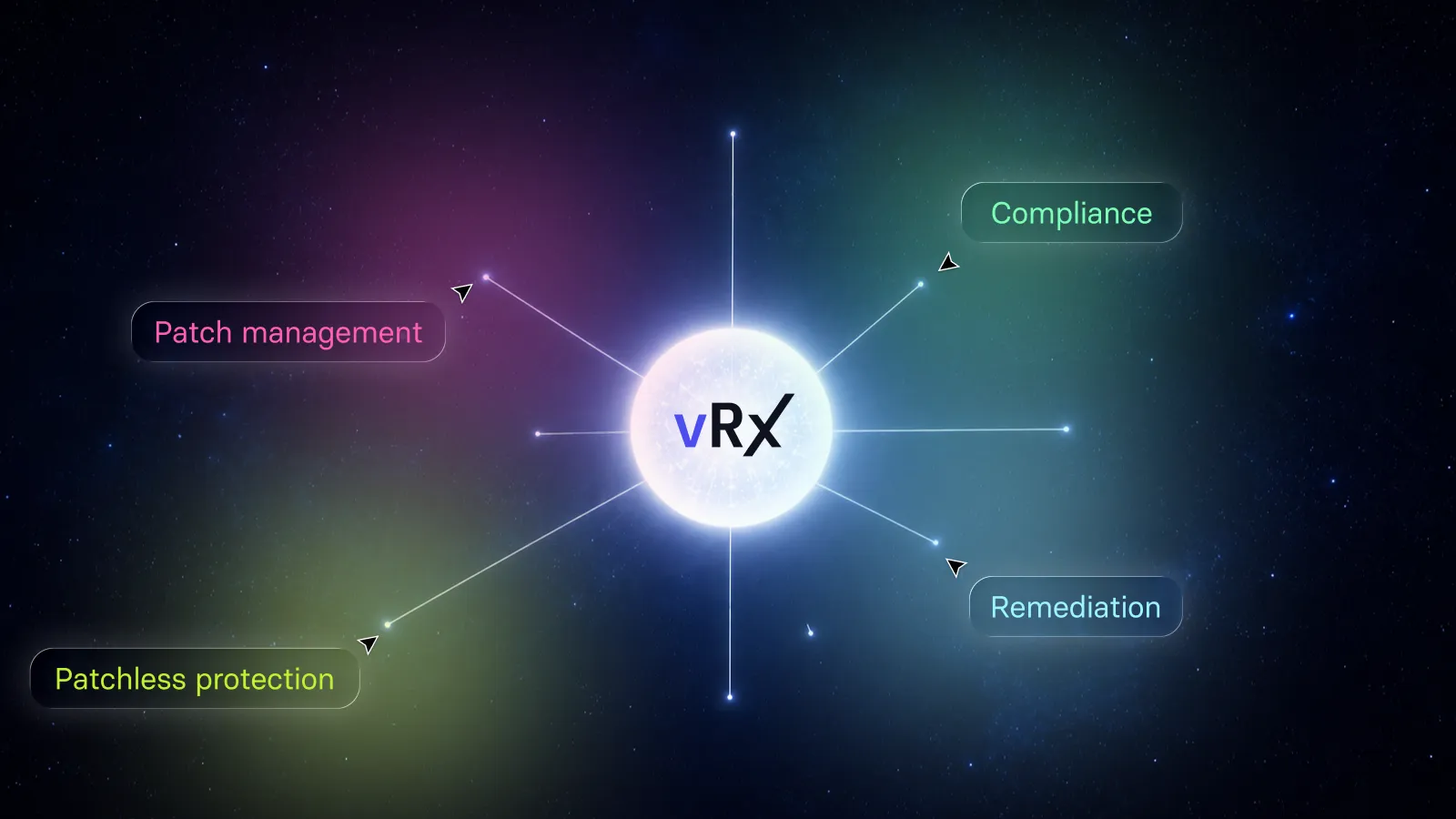
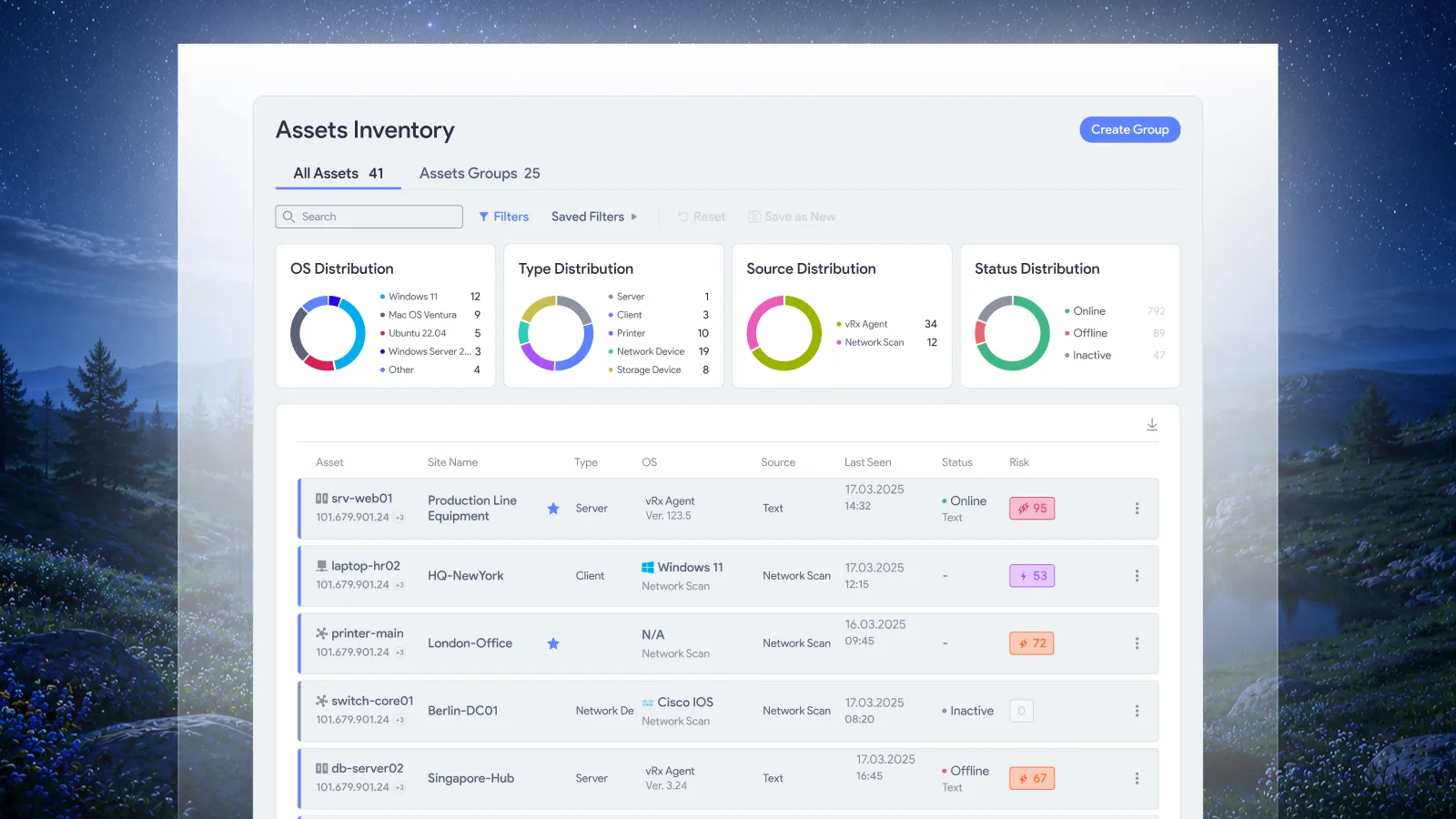
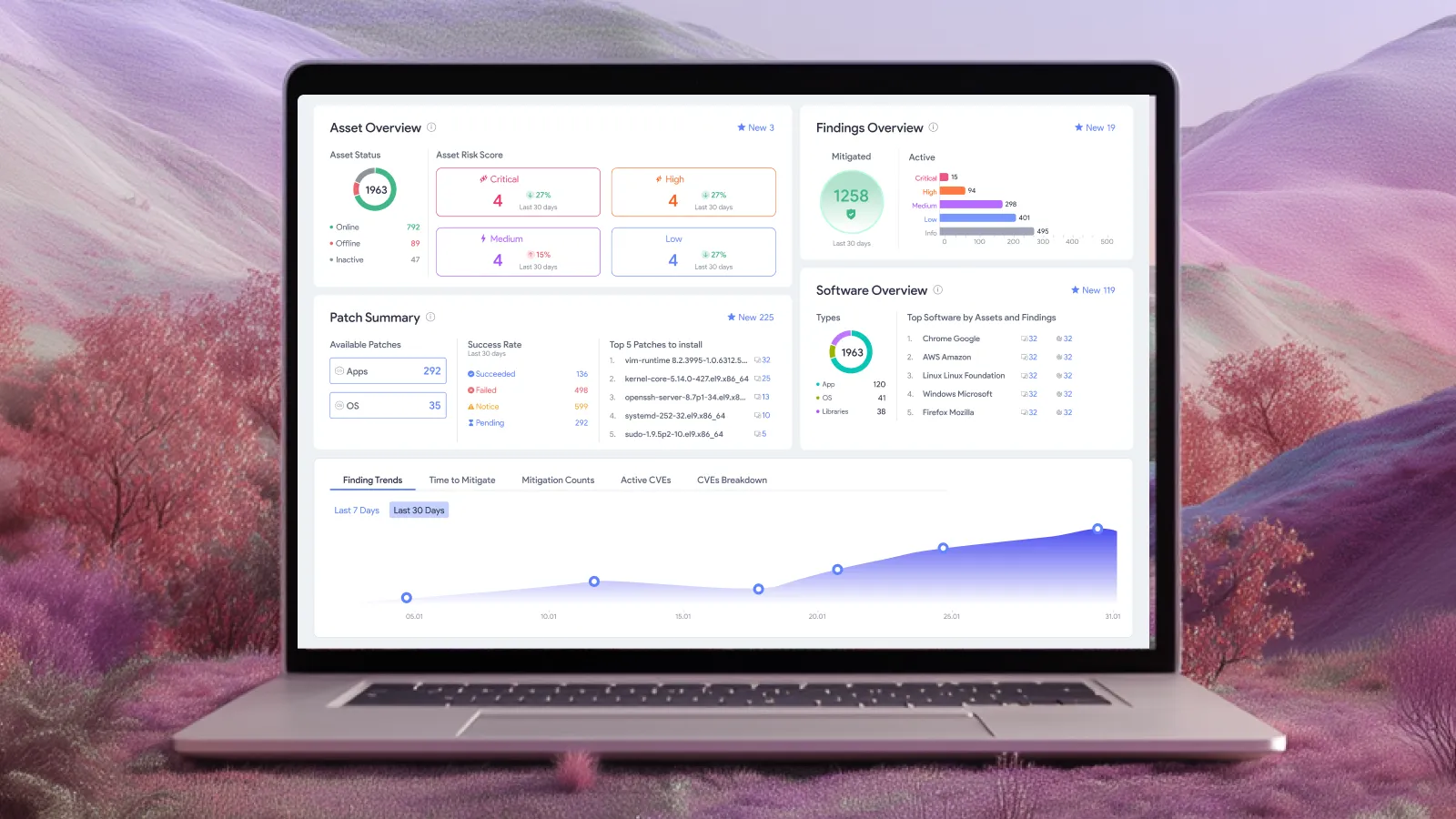
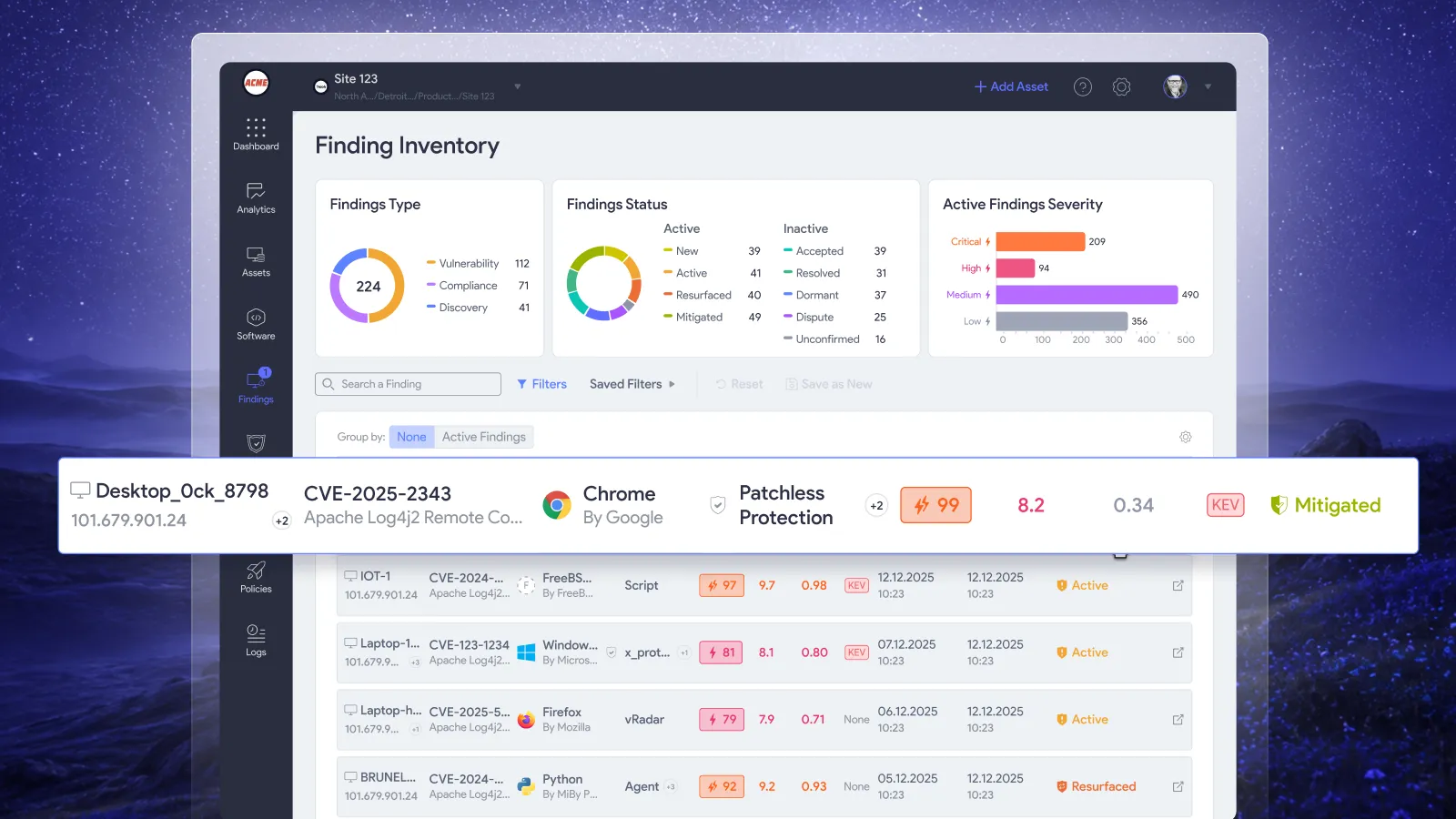
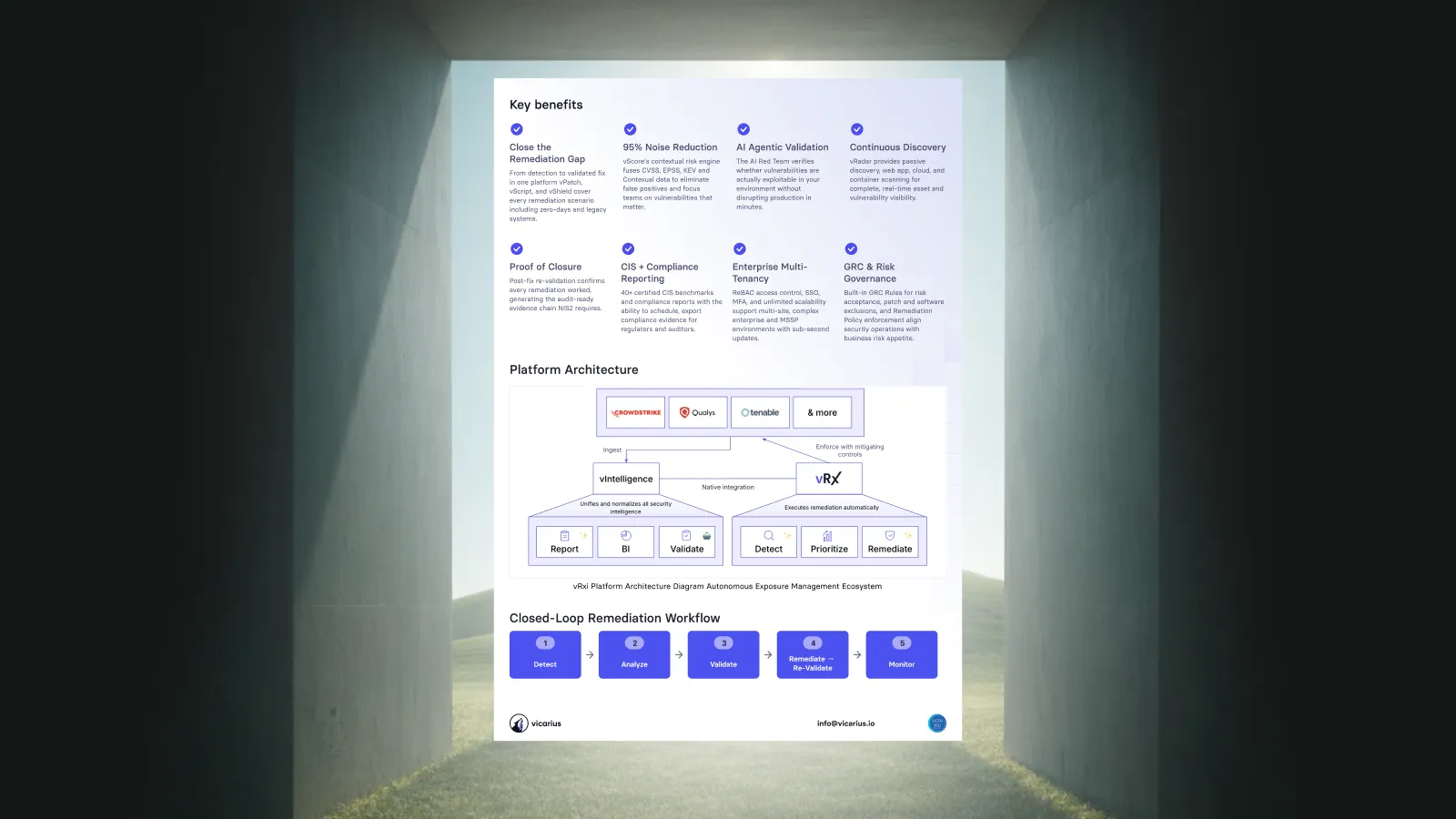
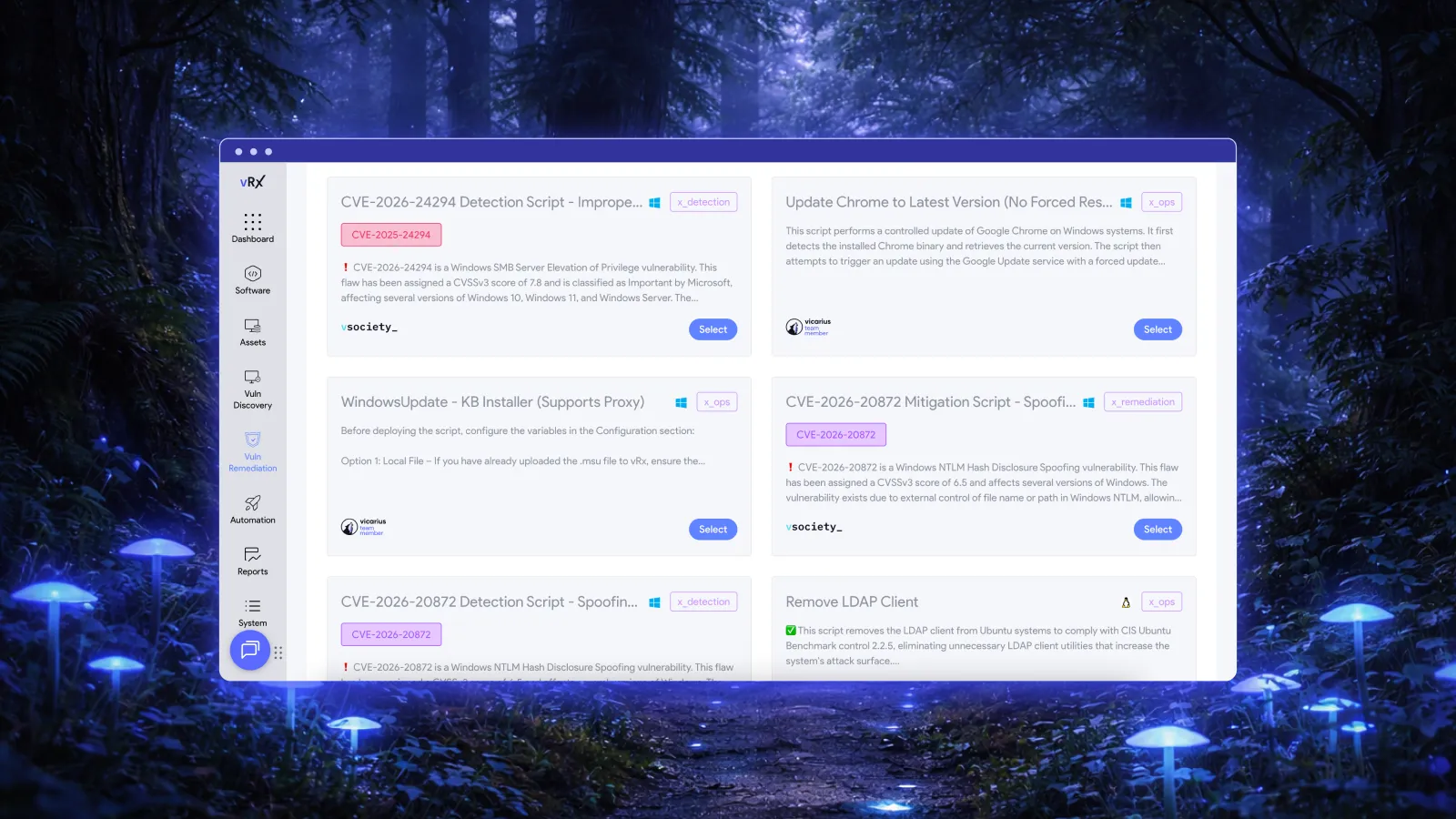
- Leverage vRx by Vicarius: Utilize vRx to consolidate application vulnerability assessments, providing real-time insights and actionable intelligence for remediation efforts.
- Comprehensive Reporting: Implement customizable reporting mechanisms through APIs to track progress and communicate findings effectively across the organization.
By rigorously following this checklist, organizations can significantly enhance their application risk assessment processes. Integrating automated tools like vRx by Vicarius not only consolidates assessments but also provides a proactive stance on vulnerability management, ensuring security posture remains robust against evolving threats.
What is an application risk assessment?
An application risk assessment is a structured review of a software application that identifies its vulnerabilities, threats and weaknesses, estimates how likely each is to be exploited and how much damage it would cause, and ranks them so the biggest risks are fixed first.
What is the difference between an application risk assessment and an application security risk assessment?
They're often used interchangeably. An application security risk assessment focuses on security weaknesses, such as vulnerabilities, misconfigurations and insecure code. A broader application risk assessment can also cover operational, compliance and business-continuity risks. The checklist above covers both.
What is application risk scoring?
Application risk scoring turns each finding into a number, usually likelihood × impact on a 1–5 scale for each. Likelihood draws on exploit data such as EPSS and CISA's Known Exploited Vulnerabilities catalog. Impact draws on data sensitivity, compliance exposure and business importance. Scores let you compare and rank risks across all your applications.
How often should you run an application risk assessment?
Run a full assessment at least once a year, and again after major releases, architecture changes or significant incidents. Between full reviews, continuous vulnerability scanning and patching keep the risk picture current.
What should an application risk assessment questionnaire include?
Ask about:
- the application's purpose and owner
- the data it handles and its sensitivity
- its users and access levels
- its architecture and integrations
- the third-party components it uses
- the compliance requirements that apply
- past incidents and current controls
The downloadable checklist turns these into a one-page worksheet.
Who should be involved in an application risk assessment?
The application owner, developers, security, and IT operations. Bring in compliance or legal when regulated data is involved. Remediation decisions work best when all of them agree on the score and the fix-by date.
Turn the assessment into action
An assessment only reduces risk once the fixes are deployed. Vicarius vRx helps close the loop:
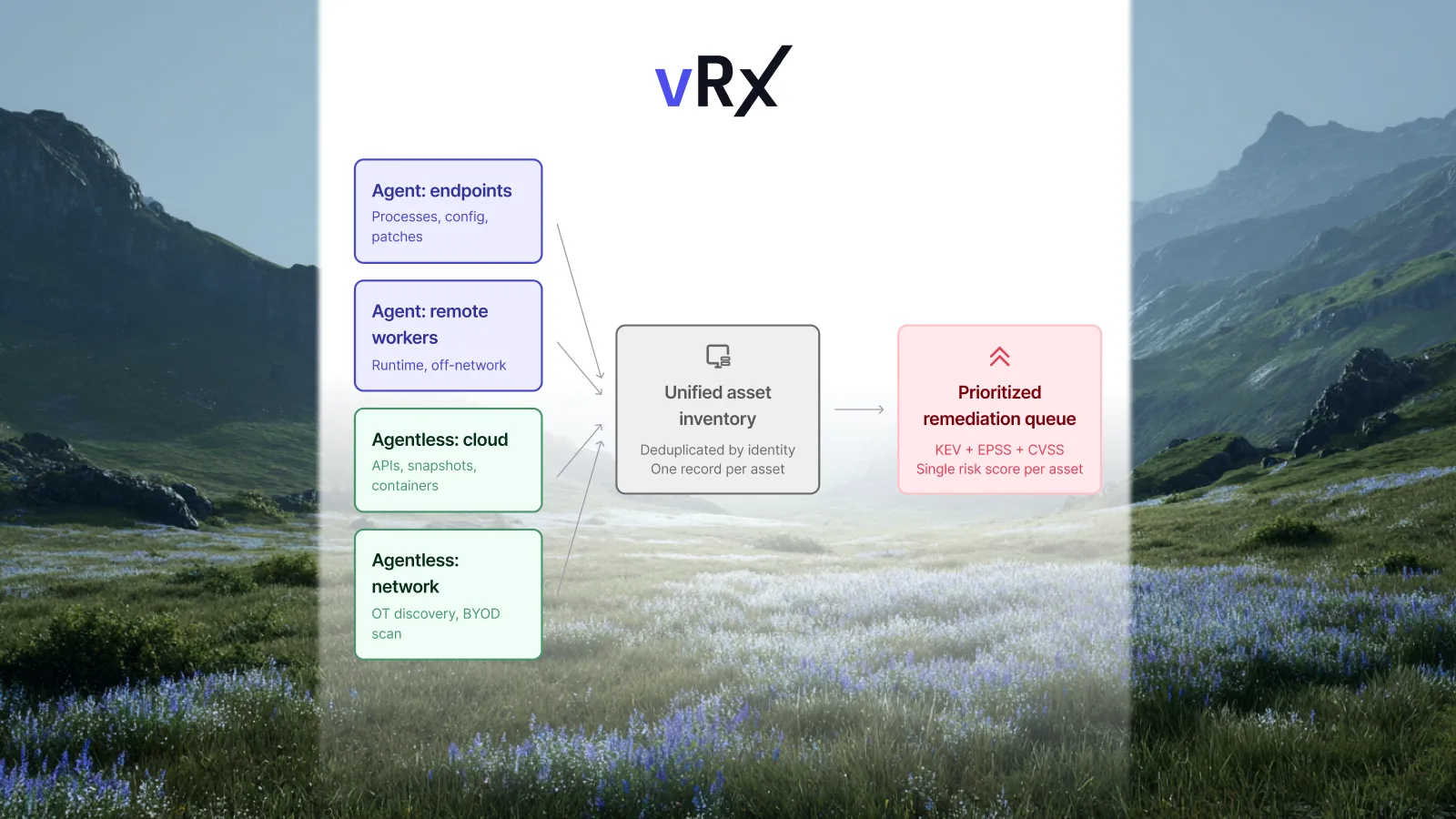
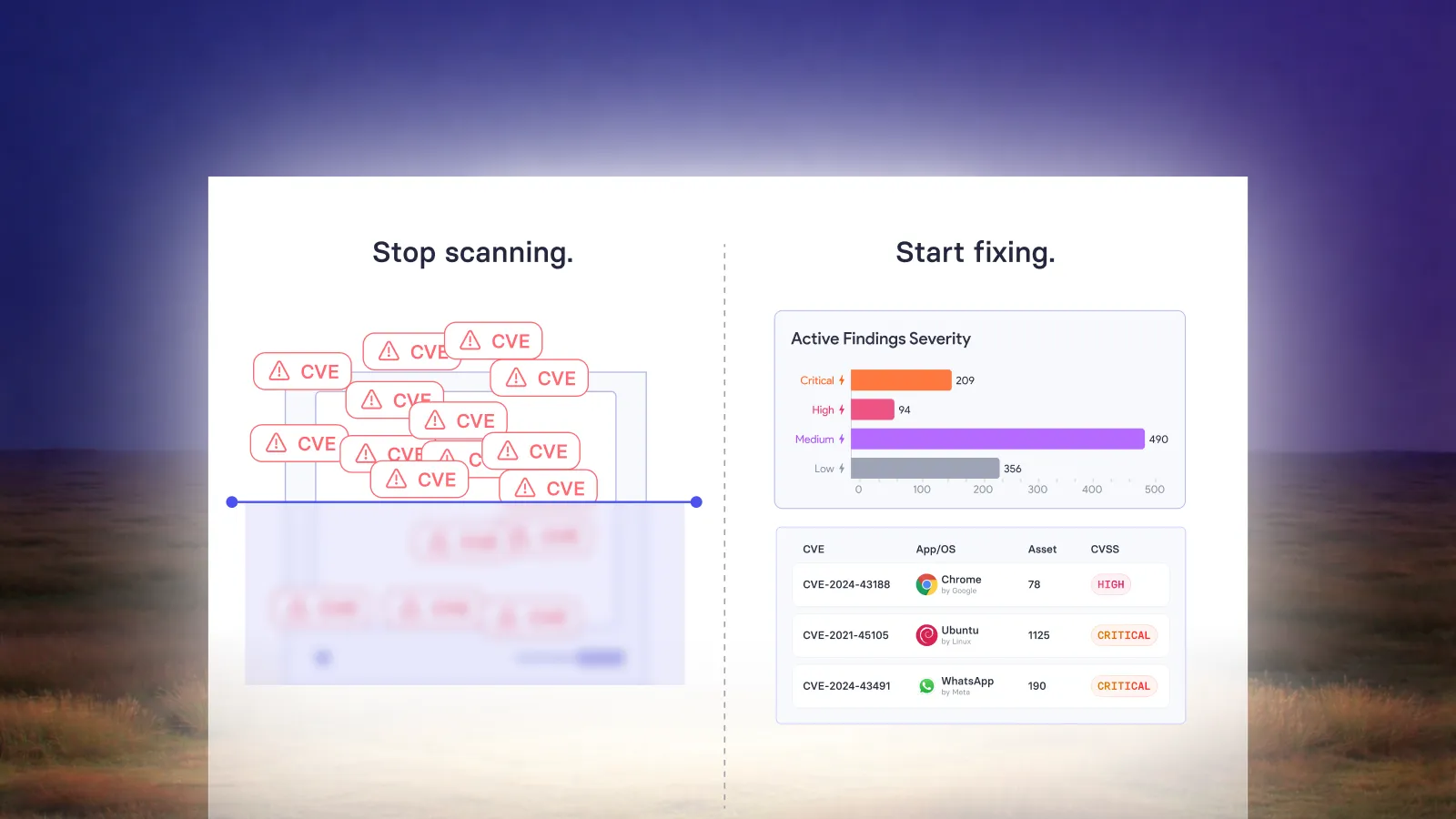
- It finds vulnerabilities across endpoints, servers and web applications.
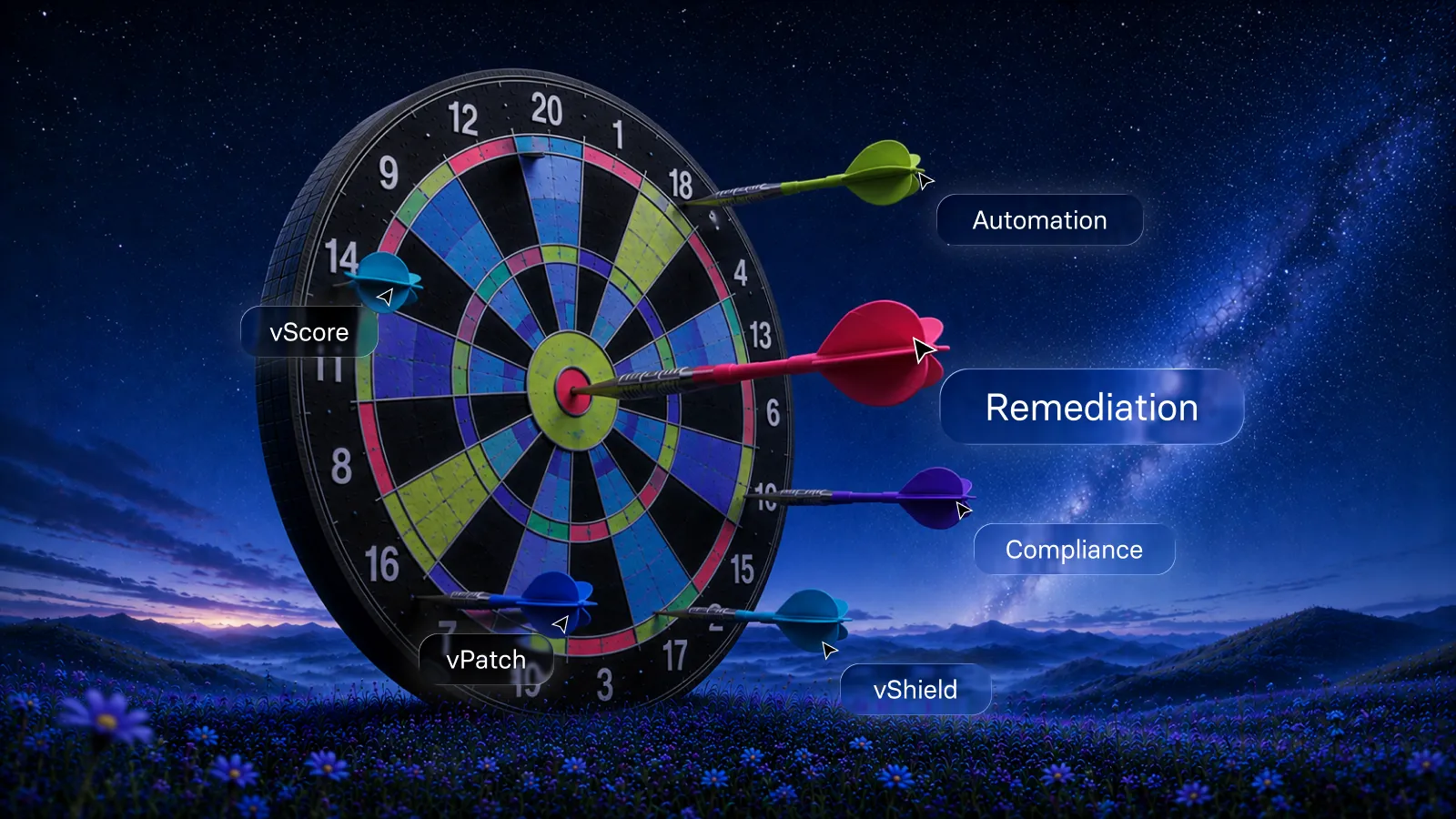
- It ranks them by real-world exploitability with vScore.
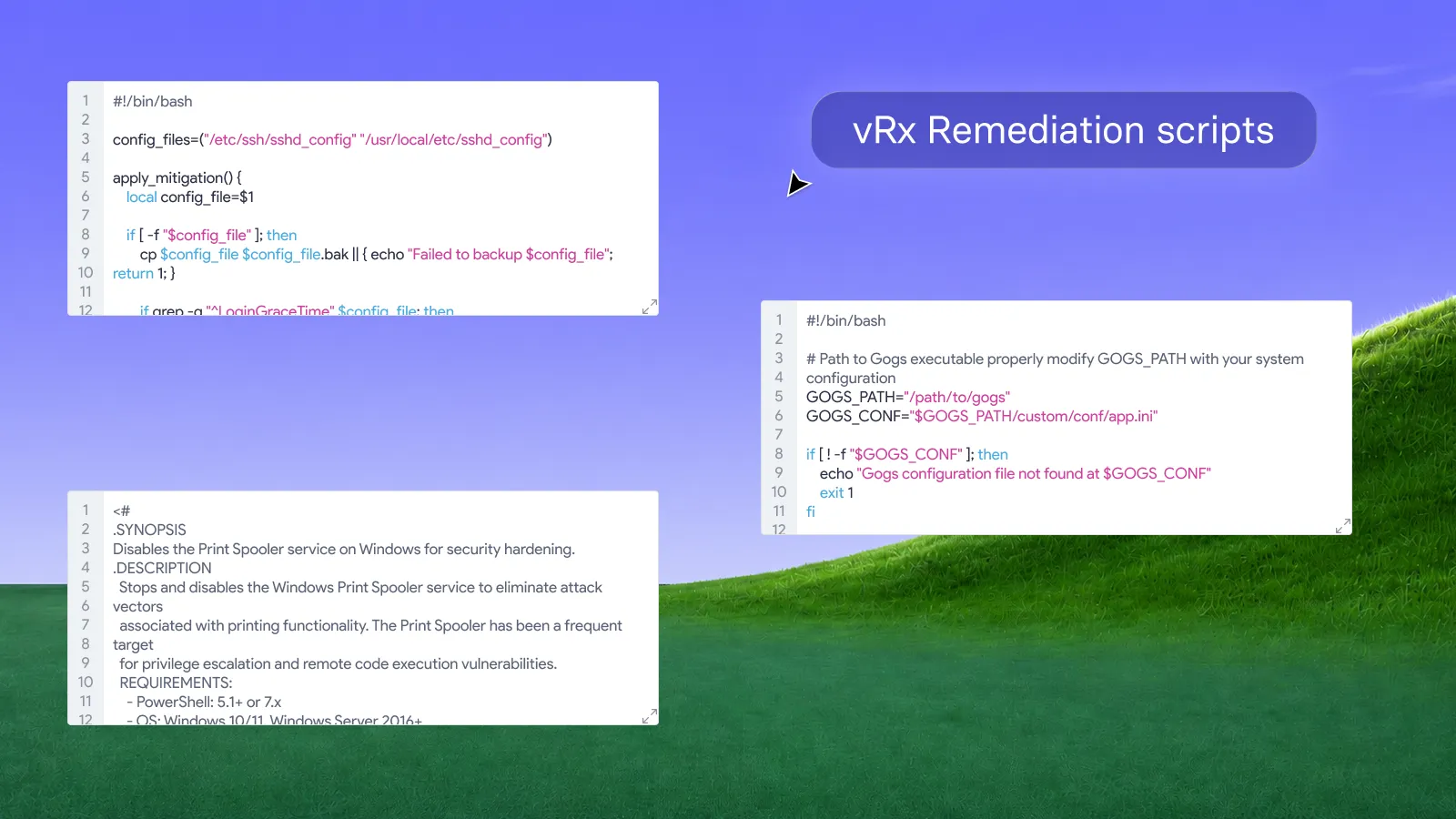
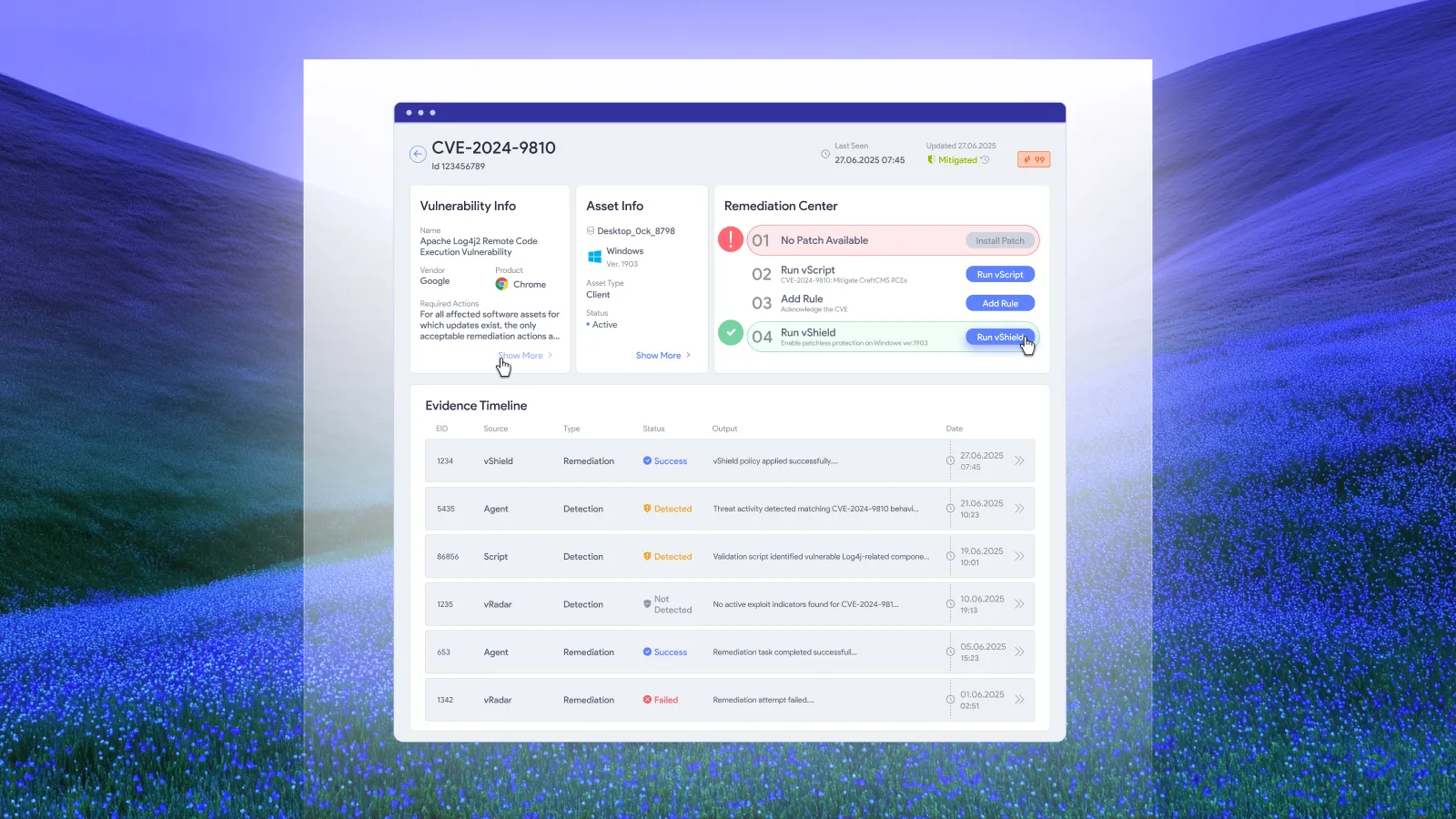
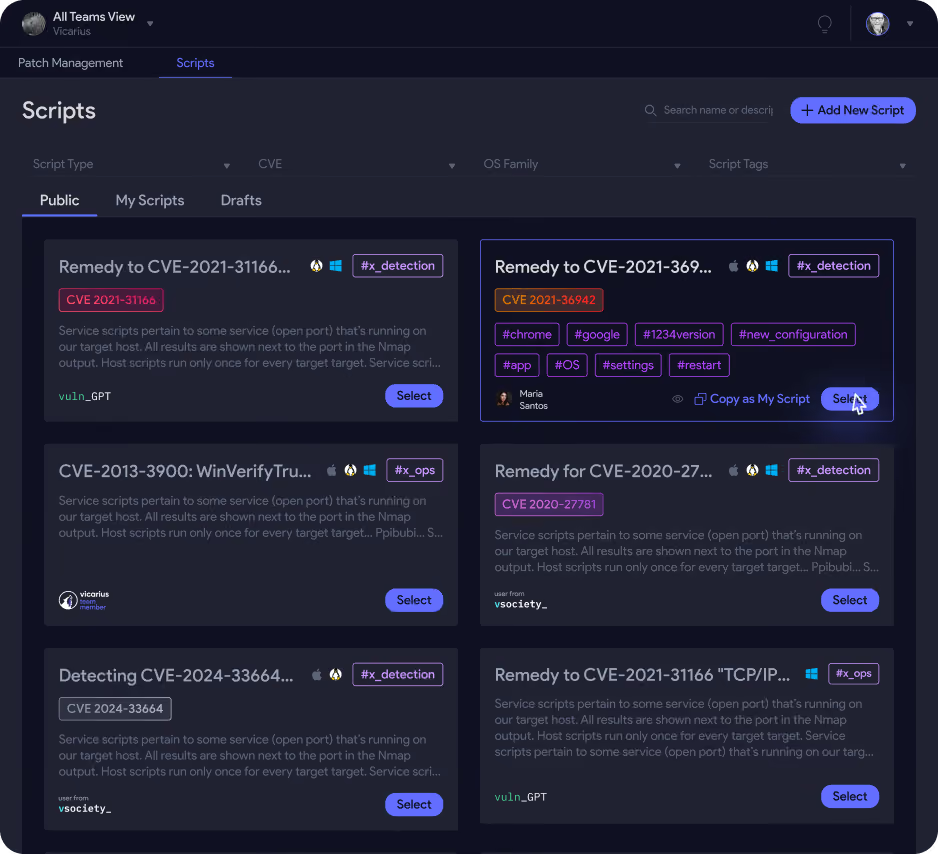
- It fixes them by patching, running scripts, or applying patchless protection when no patch exists.
Related resources: